Charging & Power: Match the Phone, Charger and Cable
An incompatible setup can reduce charging speed. Check phone input, selected-port PD/PPS profiles, cable capability and other occupied ports together.
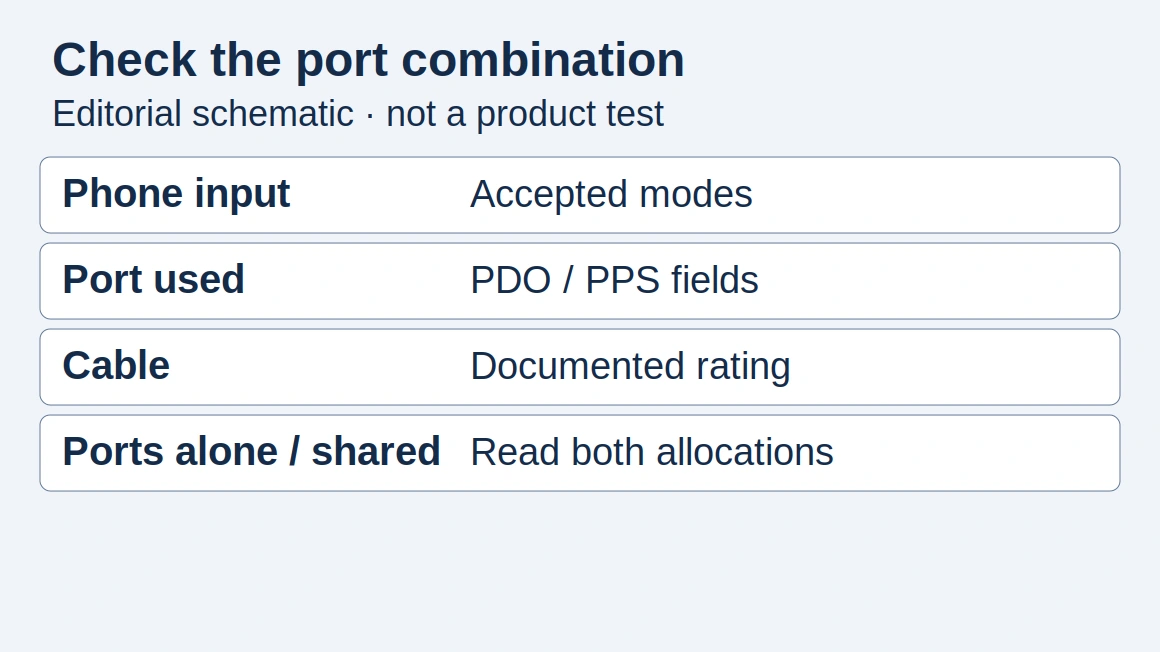
Check the complete setup
Scroll horizontally to see all columns if needed.
| Input | Evidence to record |
|---|---|
| Phone input | Exact model and accepted charging modes |
| Selected port | Fixed PD power profiles (PDOs) and PPS range, if needed |
| Cable | Documented power capability for this connection |
| Other occupied ports | Manufacturer’s allocation for the connected combination |
Start with the charging mode
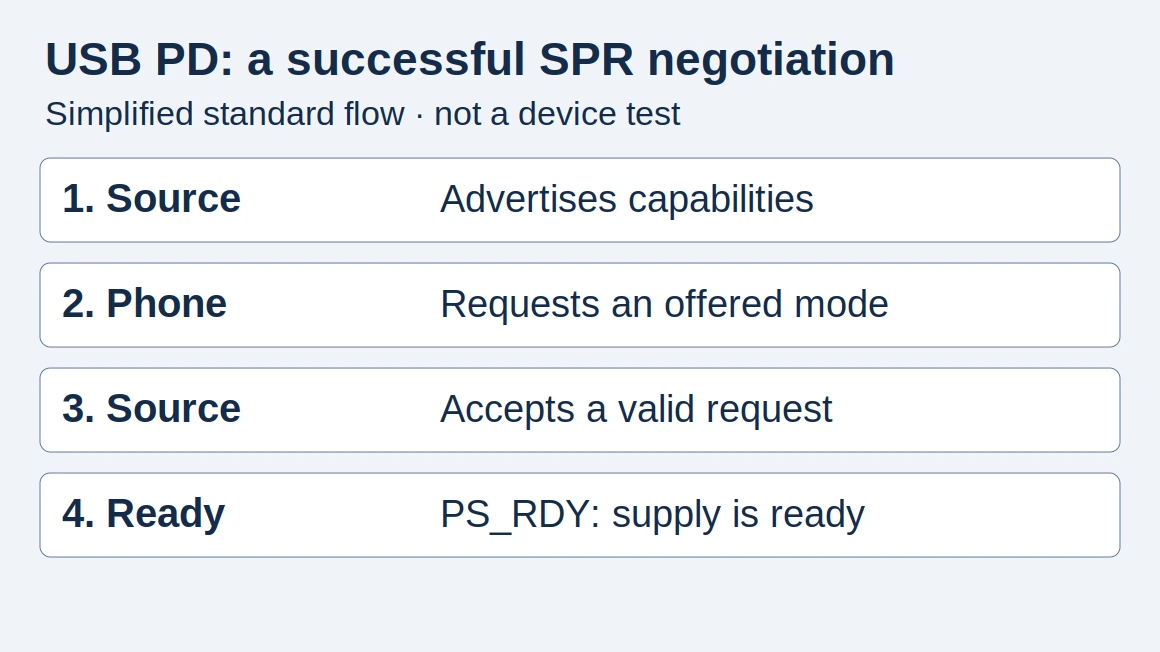
A larger power rating is not a promise that your phone will charge faster. The specification you need is the mode your handset accepts and whether the selected port and cable can provide it. Our USB Power Delivery explainer introduces the negotiation involved.
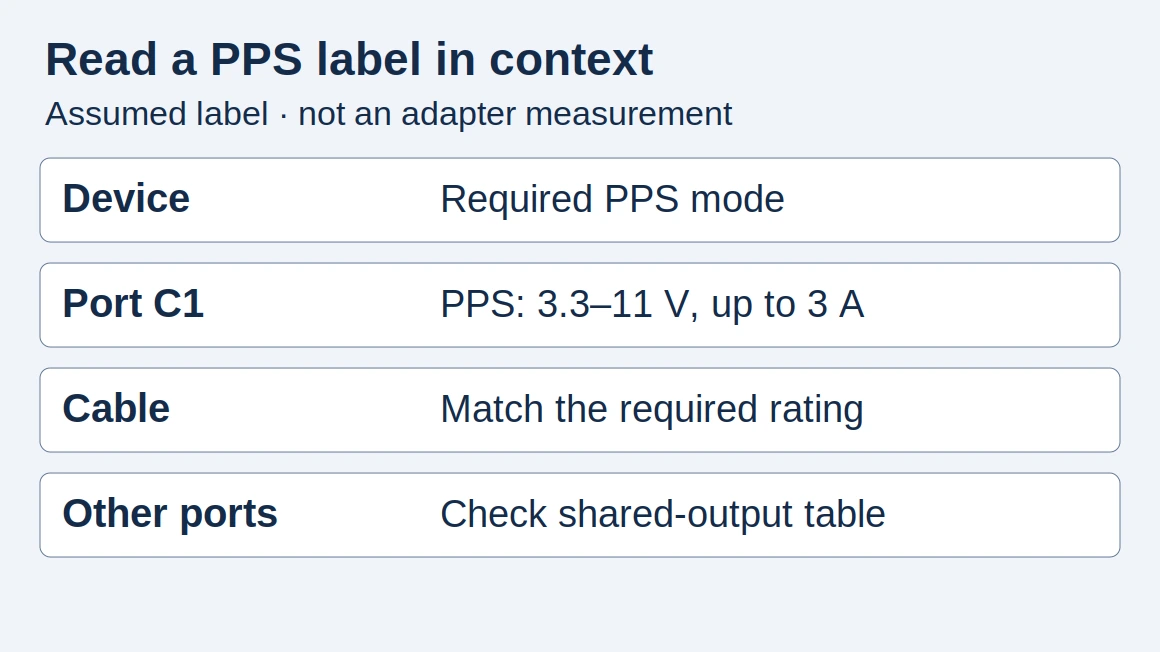
Some setups use Programmable Power Supply. Check explicit PPS support instead of assuming that all USB-C adapters offer it.
Use the PPS compatibility matrix and pairing record to compare documented Samsung and Pixel charging arrangements with the selected port’s voltage/current ranges and cable capability.
Choose the right reading path
Scroll horizontally to see all columns if needed.
| Question | Start here |
|---|---|
| What does PD mean? | USB Power Delivery |
| Does my phone need PPS? | PPS charging |
| What changes with GaN? | GaN chargers |
| How much portable energy do I need? | Power banks |
| Does this phone or laptop charger need a plug adapter or a voltage converter? | Travel adapter or voltage converter check |
| Can a 12V or 24V car socket run a laptop and phone USB-C charger? | USB-C laptop car charger input and shared-output check |
| What does an unloaded charger draw while it stays in the wall? | Standby power worksheet |
For a higher-power laptop setup, use the USB PD 3.1 EPR voltage and cable guide to check the required port profile, EPR cable and device input together.
For a magnetic desk setup, use the Qi2 wireless charger Magnetic Power Profile guide to verify the profile, phone pairing and charging-time record.
For portable magnetic charging, use the MagSafe power bank usable-capacity and heat-loss guide to separate stored Wh from delivered energy and phone battery gain.
Read multiport specifications carefully
Write down the output for the port you will actually use. Then check the manufacturer’s allocation table for simultaneous use. Treat a total output rating and a single-port output rating as separate fields in your comparison. For connection changes, use the multiport power-sharing matrix and charging-pause check to match the occupied ports and record whether charging resumes.
A useful desk test is to connect your normal set of devices, note the charging indication and watch what happens when another device is connected. This is a basic functional observation, not an electrical safety or certification test. To check a charger’s certification claims, use the guide to UL, CE and FCC charger marks, which matches each mark to the record you can verify for your exact model.
For a seller’s “V-0 casing” claim, use the UL 94 V-0 material-claim record to match the resin grade, applicable thickness and material evidence to the charger model, then check the finished product’s safety record separately.
Record a reproducible comparison
Copy this record for each run; these are proposed fields, not measured results.
Scroll horizontally to see all columns if needed.
| Comparison field | Your entry |
|---|---|
| Phone / software / accepted mode | ___ |
| Adapter model / selected port / PDOs / PPS | ___ |
| Cable / other occupied ports / allocation | ___ |
| Starting battery / screen activity / ambient conditions | ___ |
| Elapsed time / ending battery / evidence file | ___ |
Use a documented test or attributed manufacturer claim for model-specific speeds. Return to phone accessories when choosing the rest of the kit.
Explore this topic
- 100W USB-C Shared Power: What the Other Ports Still Hold
Calculate how a 100 W USB-C shared gang reserves power from PDO maximums, including the 7.5 W hold on each other port.
- MagSafe Power Bank: Real Usable Capacity and Heat Loss
Separate a MagSafe power bank’s nominal stored Wh from delivered energy, phone battery gain and heat loss, with a calculation and comparison ledger.
- Qi2 Wireless Charger: Magnetic Power Profile Guide
Check a Qi2 wireless charger by its Magnetic Power Profile, certification, phone pairing and power supply, then record charging time and thermal pauses.
- USB-C Car Chargers for Laptops: Check Input Voltage and Shared Output
Match a USB-C car charger for a laptop to your vehicle socket rating, 12V or 24V input conditions, buck-boost port profiles, shared output, and 5A cable.
- USB-C Charger Ripple Reports: Which Measurements Can You Compare?
Audit USB-C charger ripple reports with a blank checklist for output mode, load, probe setup, bandwidth and units before comparing their numbers.
- UL 94 V-0 Rating: What It Means for Charger Casings
Understand UL 94 V-0 versus V-1 and V-2, then match a charger casing claim to its resin grade, thickness, material record and separate product safety evidence.
- Phone Charger Standby Power: Read Measurements and Estimate Energy
Record one charger's no-load input watts, then estimate annual energy from your hours and tariff. Published averages stay labeled, and your cells stay blank.
- Can You Charge a Pass-Through Power Bank Safely?
With one outlet, check the exact power bank before it recharges and powers a phone. Dated maker documents show support, limits, and blank cells.
- Travel Adapter or Voltage Converter? Check Each Charger
Leaving the US, decide whether each phone or laptop charger needs a plug adapter or a voltage converter from its input label, the socket, and the USB-C port.
- UL, CE and FCC Charger Marks: What Each One Proves
UL, CE and FCC marks on a phone charger prove different things. Learn what each covers, which record to check for your exact model and what none of them proves.
- GaN vs Silicon Chargers: Efficiency, Heat and Potting
Understand GaN vs silicon charger losses, why compact adapters get hot, what thermal potting can tell you and which specifications and warning signs to check.
- Multiport Charger Power Sharing: Splits and Charging Pauses
Read four-port charger power splits and understand why adding a device can pause charging. Separate renegotiation, reduced output and persistent faults.
- PPS Compatibility Matrix: Match Phone, Port and Cable
Check Samsung and Pixel charging documentation, PPS voltage and current ranges, cable limits and the reasons a higher-rated charger can charge slowly.
- USB PD 3.1 EPR: What 140W and 240W Require
Understand USB PD EPR voltage levels, 240W cable requirements and backward compatibility before choosing a laptop charger.
- GaN Chargers: What the Technology Does and What to Check
Learn what GaN means in a charger, what it does not guarantee and which output, port-sharing and compatibility details to check.
- Power Banks: Capacity, Output and Compatibility
Compare power banks using capacity, usable energy, output profiles and device compatibility instead of headline numbers alone.
- USB-C Power Delivery Explained
Learn how USB Power Delivery differs from the USB-C connector, and which phone, charger and cable details to compare.
- What Is PPS Charging?
Understand PPS charging, how it relates to USB Power Delivery and why adapter wattage alone does not establish compatibility.
How this guide was prepared
Desk research using the linked primary sources, with AI assistance. Purchasing workflows and numerical examples are editorial illustrations, not product tests or supplier inspections.
Sources and further reading
- USB Charger (USB Power Delivery) — USB-IF. Accessed .
- Certified USB Fast Charger initiative — USB-IF. Accessed .
Found an error? See our corrections policy and research methodology.