GaN Chargers: What the Technology Does and What to Check
GaN does not by itself make a phone charge faster. Compare five finished-product checks: size, useful port output, PD/PPS support, port sharing and physical fit.
Compare finished products first
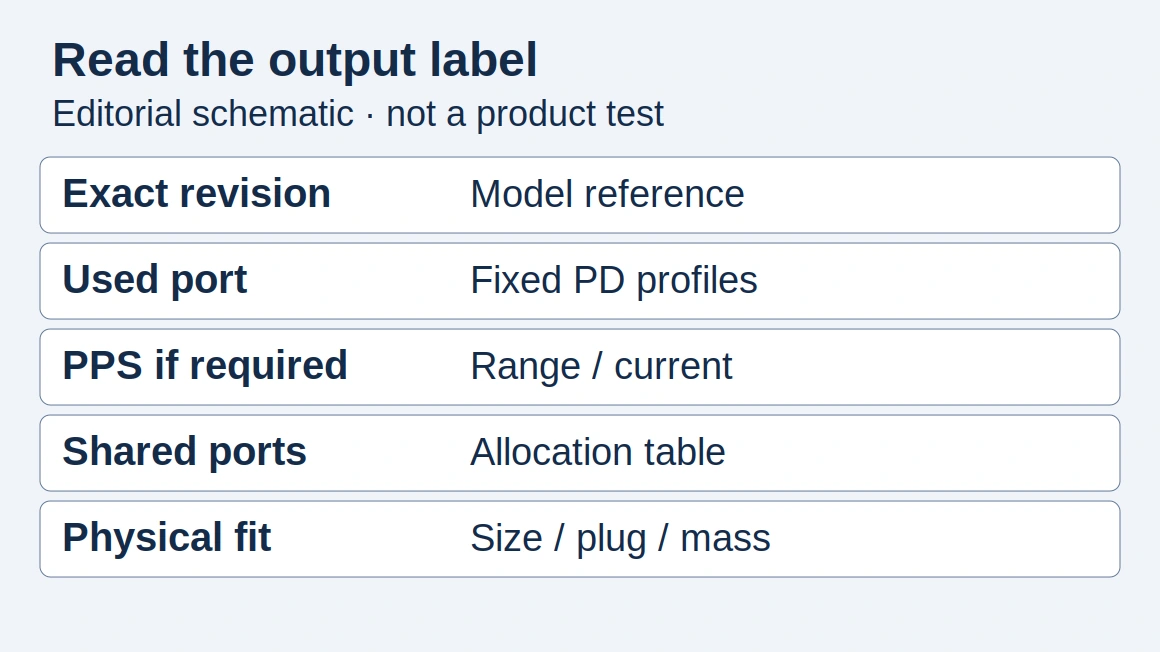
Copy the same fields for both models from their public specifications or output labels. The schematic locates fields; it is not a photographed label or our test result.
Scroll horizontally to see all columns if needed.
| Check | Model A + source | Model B + source |
|---|---|---|
| Size | Dimensions: ___ | Dimensions: ___ |
| Useful output | Used port / rating: ___ | Used port / rating: ___ |
| Charging support | Fixed PD / PPS: ___ | Fixed PD / PPS: ___ |
| Port sharing | Connected ports / allocation: ___ | Connected ports / allocation: ___ |
| Practical fit | Plug / mass / clearance: ___ | Plug / mass / clearance: ___ |
What changes inside the charger?
Texas Instruments describes GaN as a wide-bandgap semiconductor that enables fast switching and high power density. Those are component and design advantages. They do not constitute a review of every consumer adapter carrying a GaN label.
Treat the material choice and the finished product’s capabilities as separate questions. An adapter still needs an appropriate output stage, protection design, port allocation and documented operating limits.
For the difference between conversion losses and a warm case, see our guide to GaN charger heat and thermal design.
Do not rank products by the number printed next to “GaN generation.” Compare measurable product specifications and the manufacturer’s explanation of the feature.
Does GaN make my phone charge faster?
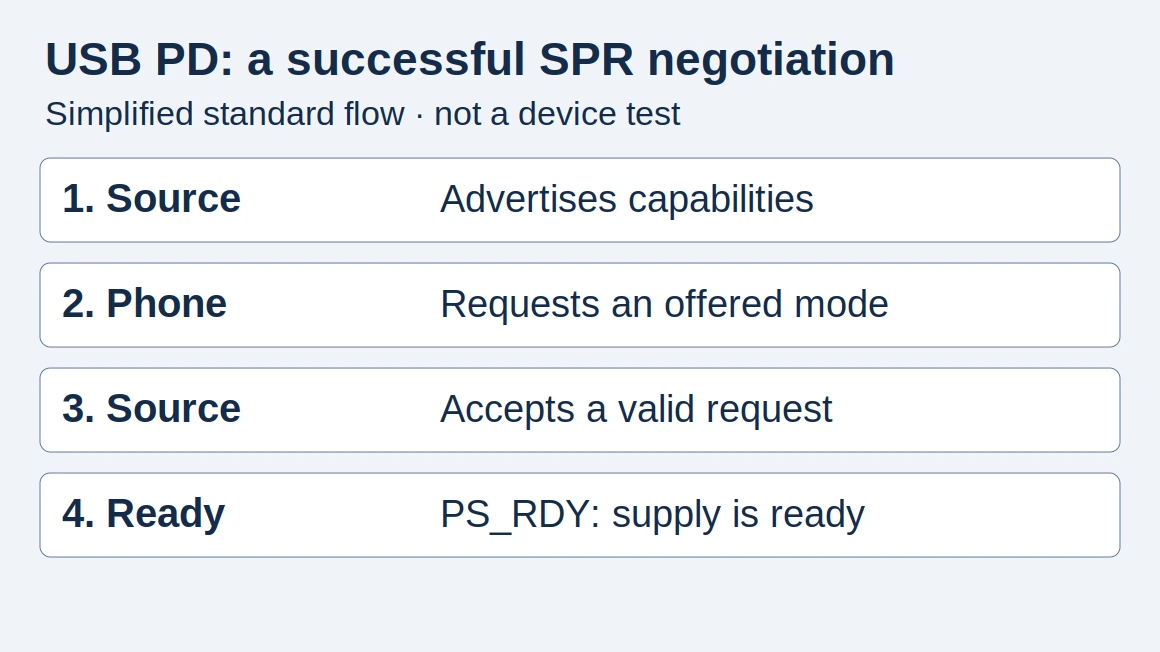
Not by itself. First match the phone’s charging requirements to the adapter’s output modes and cable. The USB PD guide explains this part of the selection.
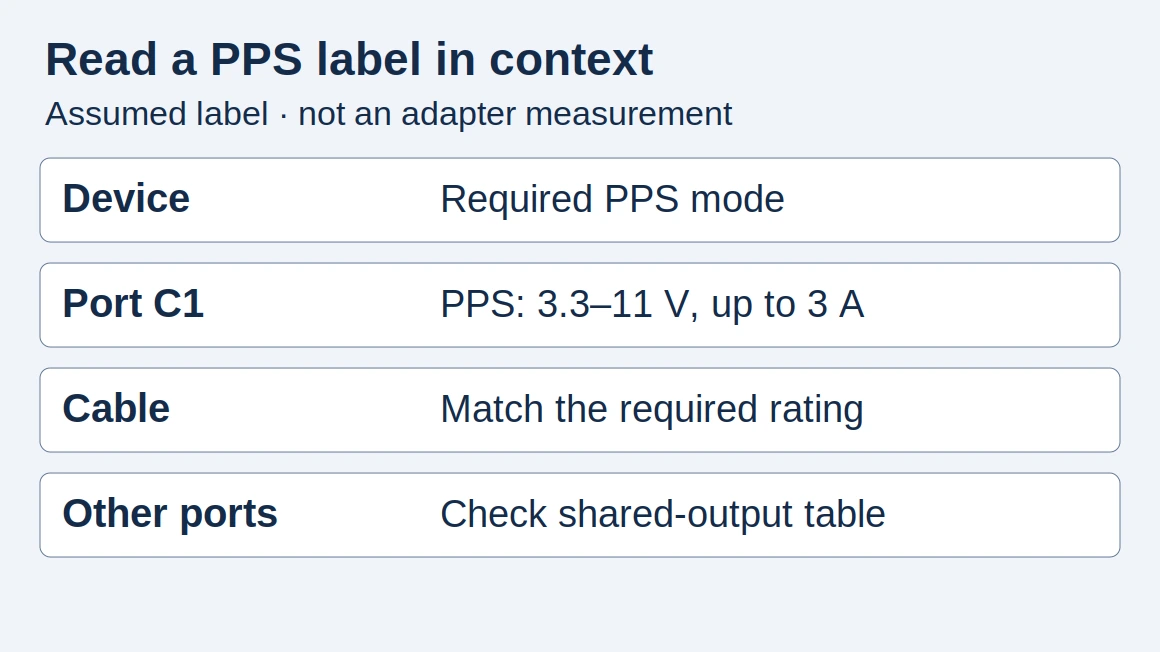
If the phone needs a particular programmable supply mode, use the PPS checklist to verify it. The material used in the adapter does not replace that compatibility check.
Buying several chargers
Order a sample of the exact model and revision quoted. Check the output label, package contents and operation with your team’s devices before accepting a substitution. If you compare temperatures or charging times, record the test conditions and avoid presenting an informal observation as certification.
When a supplier provides ripple or noise figures, use the USB-C charger ripple report checklist to compare the output mode, load, probe setup and bandwidth before ranking the numbers.
We have not performed thermal or electrical testing on named chargers for this guide. It provides a framework for evaluating specifications and planning a controlled comparison.
How this guide was prepared
Desk research using the linked primary sources, with AI assistance. Purchasing workflows and numerical examples are editorial illustrations, not product tests or supplier inspections.
Sources and further reading
- Gallium nitride technology — Texas Instruments. Accessed .
- USB Charger (USB Power Delivery) — USB-IF. Accessed .
Found an error? See our corrections policy and research methodology.