Smartphone Buying Guides: Model, Region and Device Status
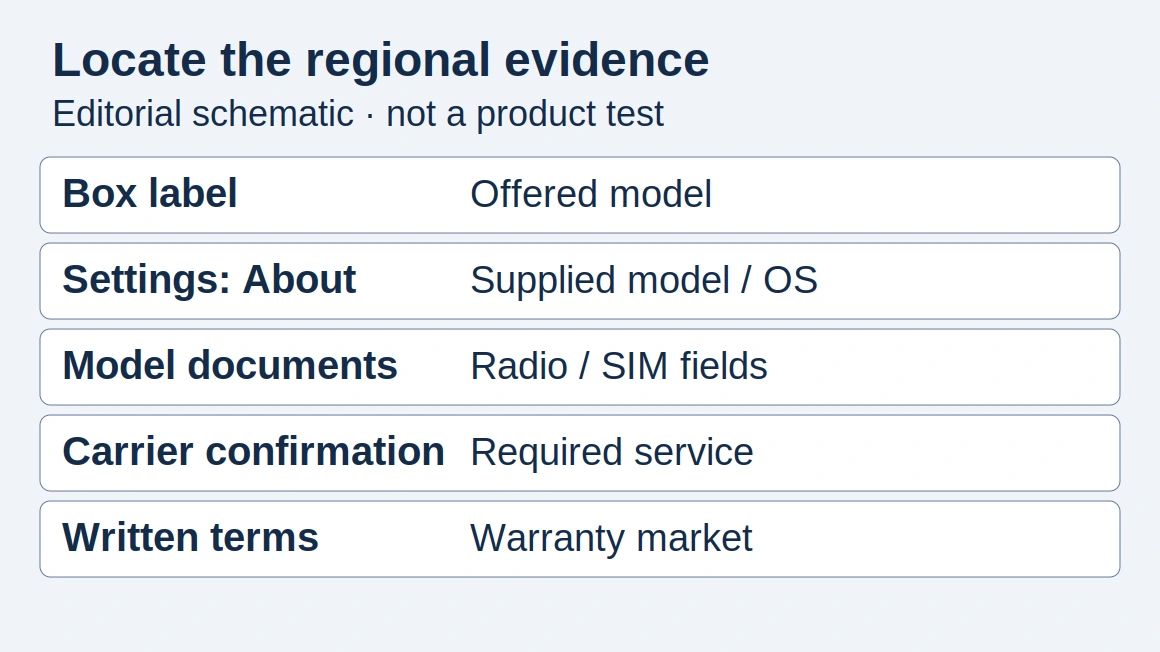
A family name can hide the wrong regional model or a restricted device. Record model, sales region, network support, carrier restriction and account status as separate checks.
Make an identity sheet
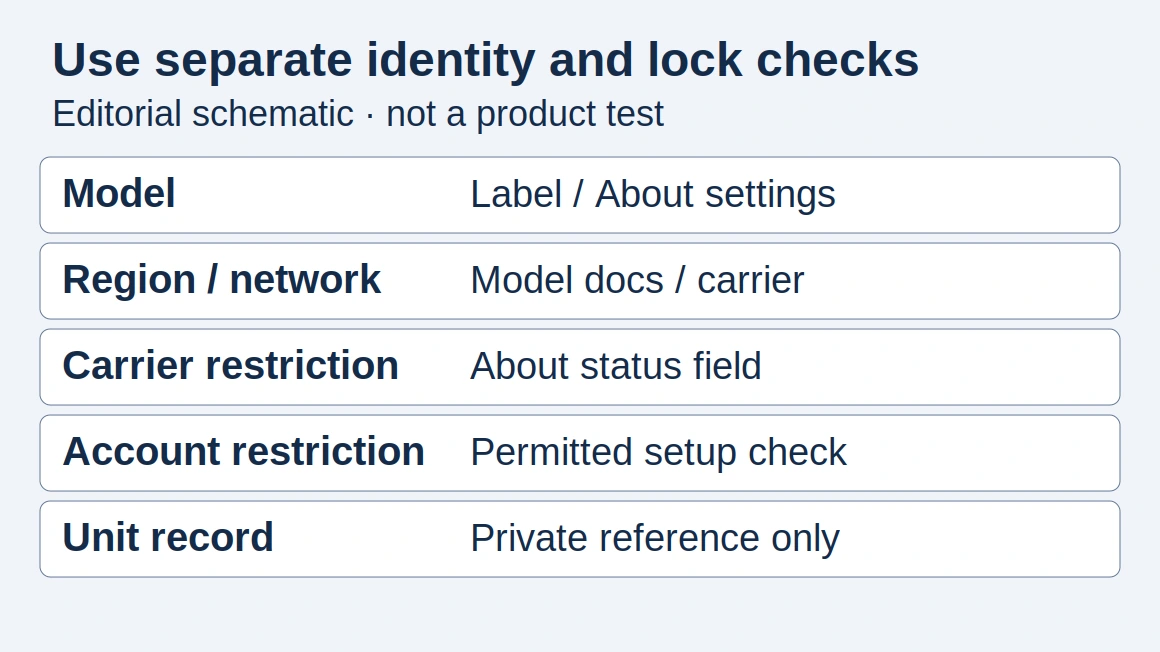
Copy this identity record before comparing prices. The schematic contains field names only; use a private device reference rather than publishing a complete IMEI.
Scroll horizontally to see all columns if needed.
| Check / evidence | Your entry |
|---|---|
| Model / box label + About settings | ___ |
| Sales region / exact-model documentation | ___ |
| Network / carrier confirmation for required services | ___ |
| Carrier restriction / manufacturer-specific status check | ___ |
| Account status / permitted setup check | ___ |
| Storage / color / condition / private unit reference | ___ |
The global-version guide explains why a regional label alone leaves important questions unanswered.
Separate three kinds of compatibility
- Physical and radio compatibility: model, SIM arrangement and published bands.
- Network compatibility: whether the intended carrier supports the model and required services.
- Access and ownership status: carrier restrictions, account locks and the seller’s authority to transfer the device.
A manufacturer’s public iPhone instructions locate the model number in Settings → General → About (tap the part number), and carrier status in the same About screen under Network Provider Lock. Its separate Activation Lock guidance uses device setup to check whether the previous owner’s account is still requested. These are distinct checks, illustrated with redacted fields rather than real device screenshots. Use the relevant manufacturer’s procedures for other handsets.
Keep identifiers in the receiving record
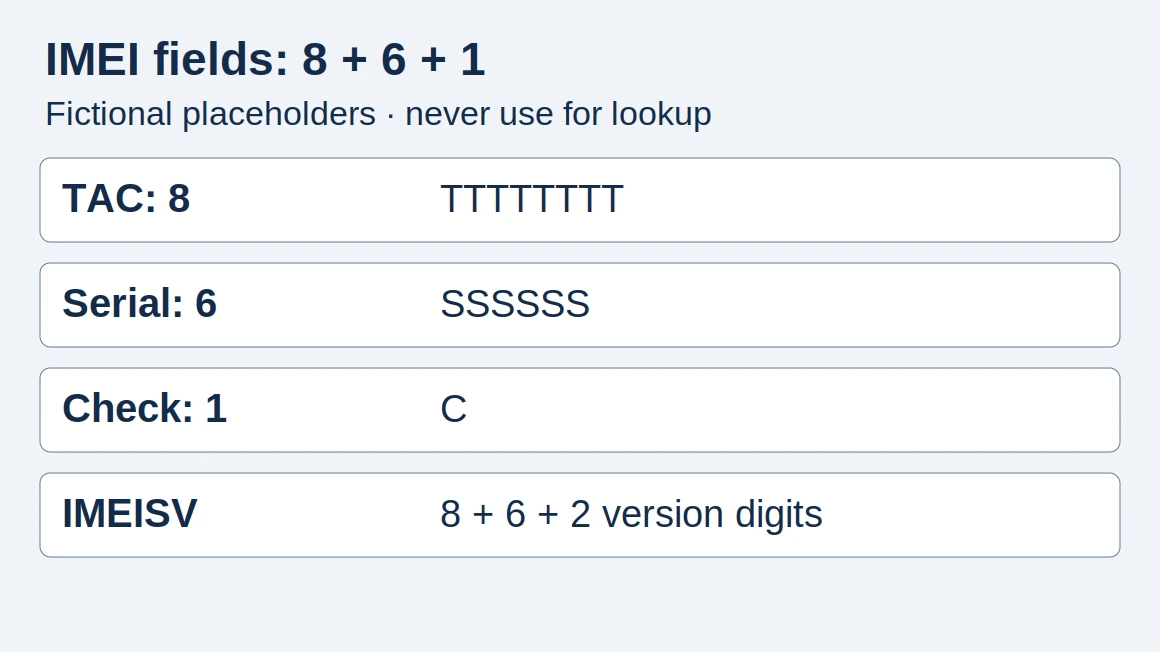
The IMEI explainer covers the identifier used in mobile networks. For an order, reconcile identifiers with the physical units and documentation. Do not post complete identifier lists in public articles or unprotected shared files.
Questions for a supplier
Scroll horizontally to see all columns if needed.
| Question | Why it belongs in writing |
|---|---|
| Which exact regional model? | Prevents a product-family name hiding a substitution |
| What does the condition term mean? | “New,” “sealed” and “not activated” need separate definitions |
| Is the unit carrier restricted? | Prevents confusion with account-related locks |
| Which warranty applies? | Establishes who handles a defect and where |
| What can be inspected? | Reconciles sealed packaging with functional testing |
When buying a batch
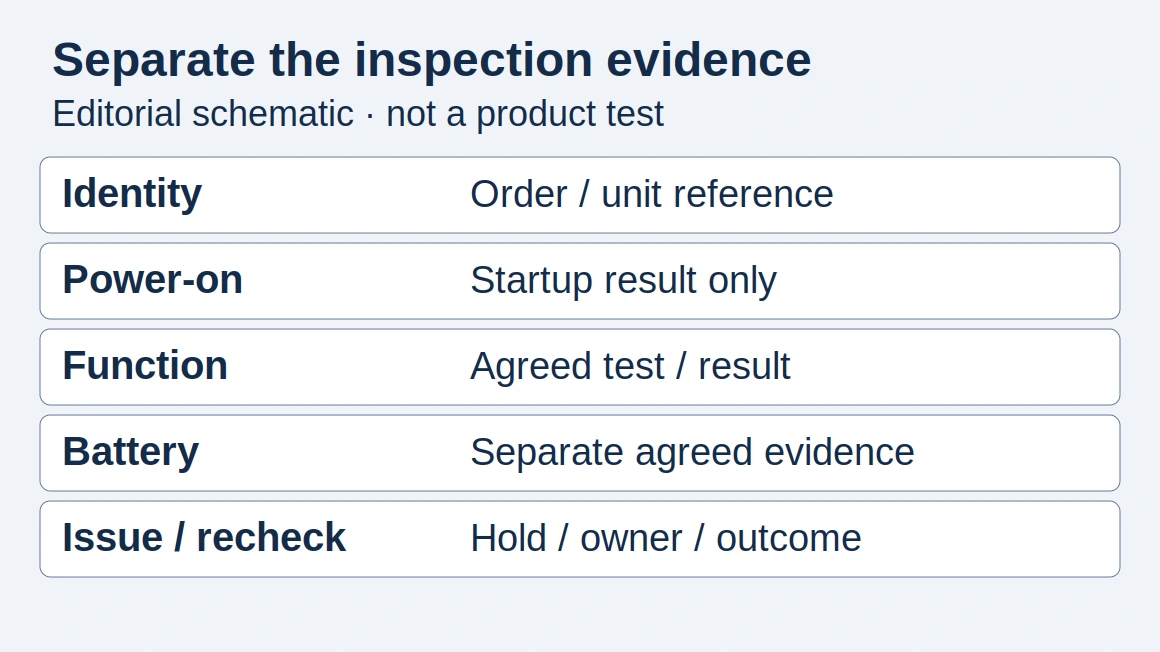
Use the mobile phone quality-control guide to turn those questions into an inspection record. Keep commercial acceptance criteria separate from technical observations: a device can pass a power-on check and still fail the written model or condition requirement.
Explore this topic
- Global-Version Phones: Verify the Exact Regional Model
Understand why a global-version label is not enough. Check model number, regional bands, software, carrier support and warranty terms.
- What Is an IMEI? A Practical Guide for Device Buyers
Understand what an IMEI identifies, what it cannot prove and how to handle device identifiers carefully when buying phones.
How this guide was prepared
Desk research using the linked primary sources, with AI assistance. Purchasing workflows and numerical examples are editorial illustrations, not product tests or supplier inspections.
Sources and further reading
- iPhone supported cellular networks — Apple. Accessed .
- Unlock your iPhone for another network — Apple. Accessed .
- Find the model number of your iPhone, iPad, or iPod touch — Apple. Accessed .
- Activation Lock for iPhone and iPad — Apple. Accessed .
Found an error? See our corrections policy and research methodology.