Phone Accessories: Build a Compatible Mobile Kit
A mismatched case can obstruct a connector or camera. Choose around the exact handset, then check fit and the required charging or data task with the case fitted.
Build the kit in layers
Scroll horizontally to see all columns if needed.
| Need | What to compare | Evidence to request |
|---|---|---|
| Charging at a desk | Protocol, output on one port, cable | Adapter output table and phone support page |
| Protection | Fit, grip, screen clearance | Exact supported model and material description |
| Travel | Weight, plug arrangement, capacity | Dimensions and product energy label |
| Driving | Mount attachment, sightline, case fit | Installation instructions for your vehicle |
| Audio | Connector, microphone support, software needs | Phone compatibility list |
This table is a selection framework, not a test result. We have not assessed individual cases, mounts or audio products.
Start with the handset, not the accessory
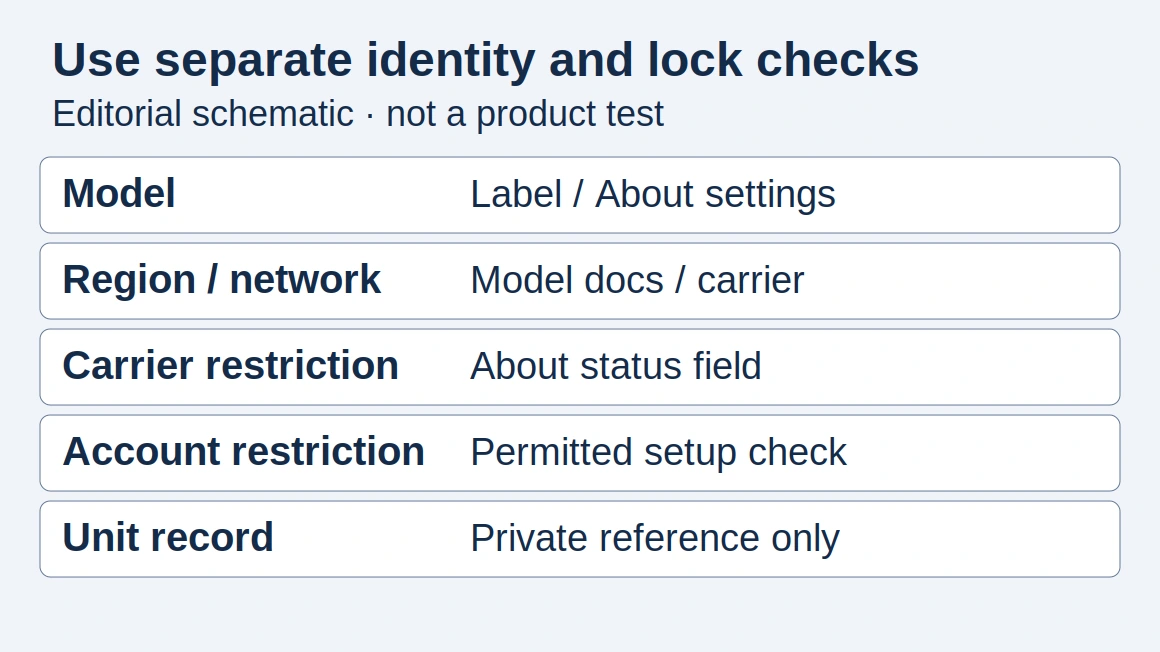
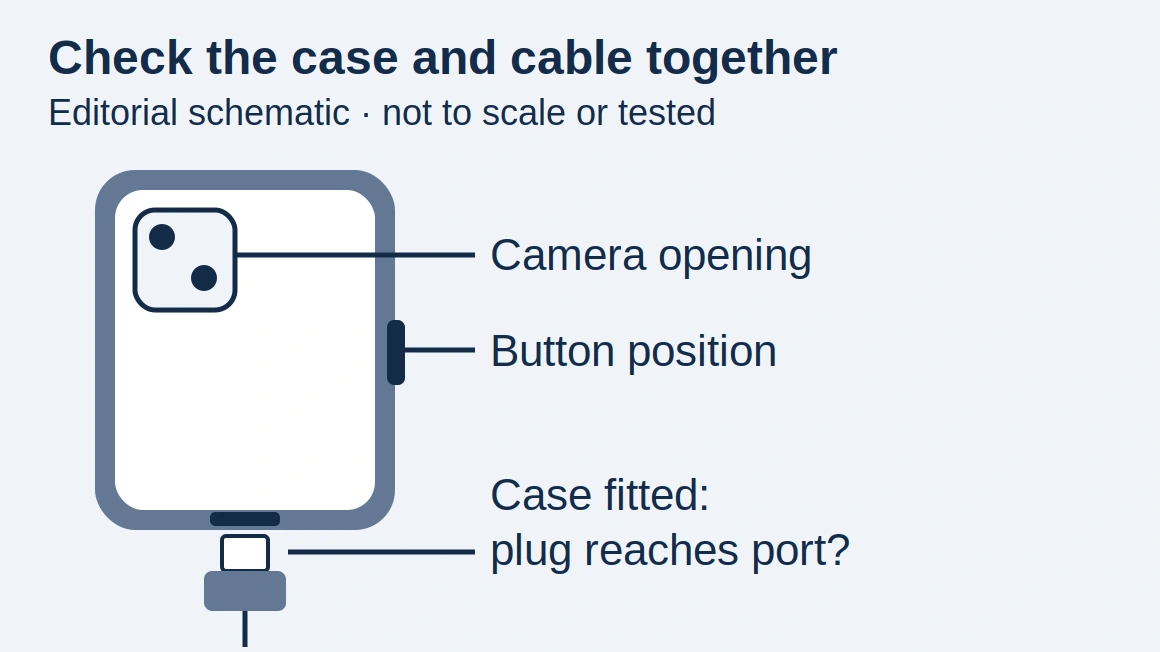
Record the exact model and regional variant before buying. A case sold for a product family may not fit every member of that family. Check dimensions, camera cutouts, button positions and whether a screen protector is designed for the same display shape.
For a business purchase, put this model information on the purchase specification. A photograph of a similar phone is not a substitute for a model number.
Separate the connector from its capabilities
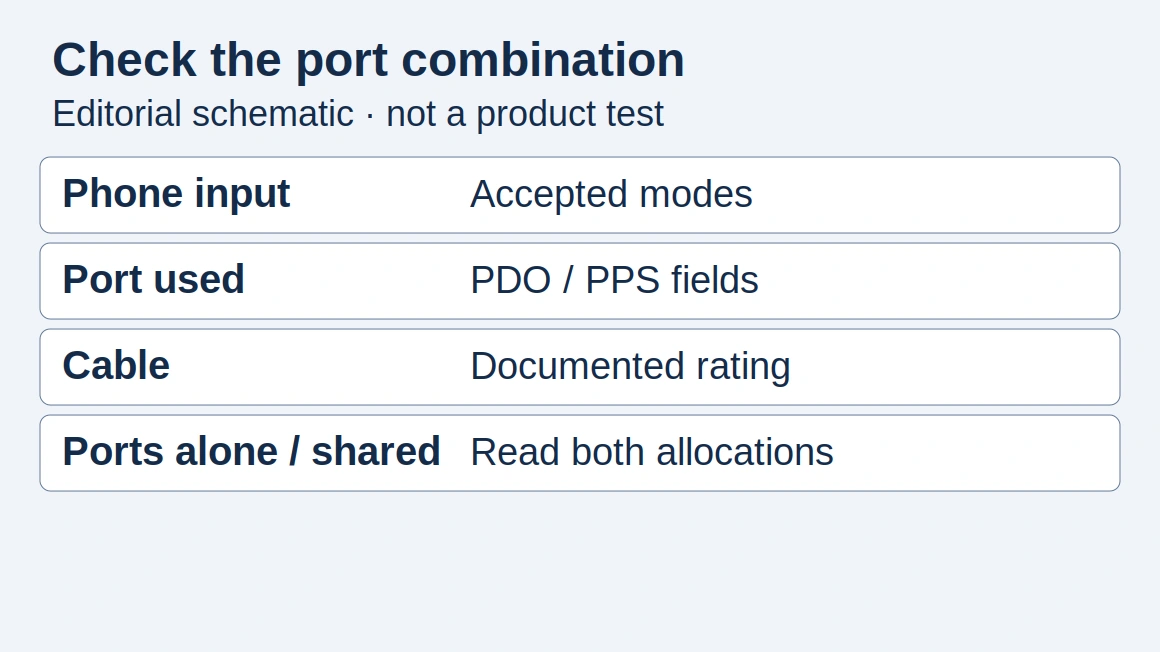
USB-C describes a connector system; the port shape alone does not tell you everything about charging or data functions. Start with our charging guide to compare the charger, cable and phone as a complete setup.
Buying for a team
Copy one row per handset × case × cable combination before standardizing a kit; this is an editorial record, not a tested compatibility list.
Scroll horizontally to see all columns if needed.
| Field | Your entry |
|---|---|
| Handset model / region | ___ |
| Case model / camera and button cutouts | ___ |
| Cable / connector clearance with case fitted | ___ |
| Intended charging mode / data task | ___ |
| Test conditions / result / evidence / unresolved issue | ___ |
Check the plug with the case fitted, then test the required charging or data task. Record failures as well as successes.
For device selection and regional differences, use the smartphone guide.
Charging & Power — Check phone, port and cable together before choosing the charging part of the kit.
Explore this topic
- Charging & Power: Match the Phone, Charger and Cable
Understand USB-C PD, PPS, GaN chargers and power banks. Check the phone, adapter and cable as one charging setup.
How this guide was prepared
Desk research using the linked primary sources, with AI assistance. Purchasing workflows and numerical examples are editorial illustrations, not product tests or supplier inspections.
Sources and further reading
- USB Charger (USB Power Delivery) — USB-IF. Accessed .
Found an error? See our corrections policy and research methodology.