USB-C Power Delivery Explained
USB Power Delivery, or USB PD, is a power-negotiation standard. A compatible power source and device agree on an available operating mode; the connector shape and the adapter's headline wattage alone do not establish the result.
What happens when you connect a phone?
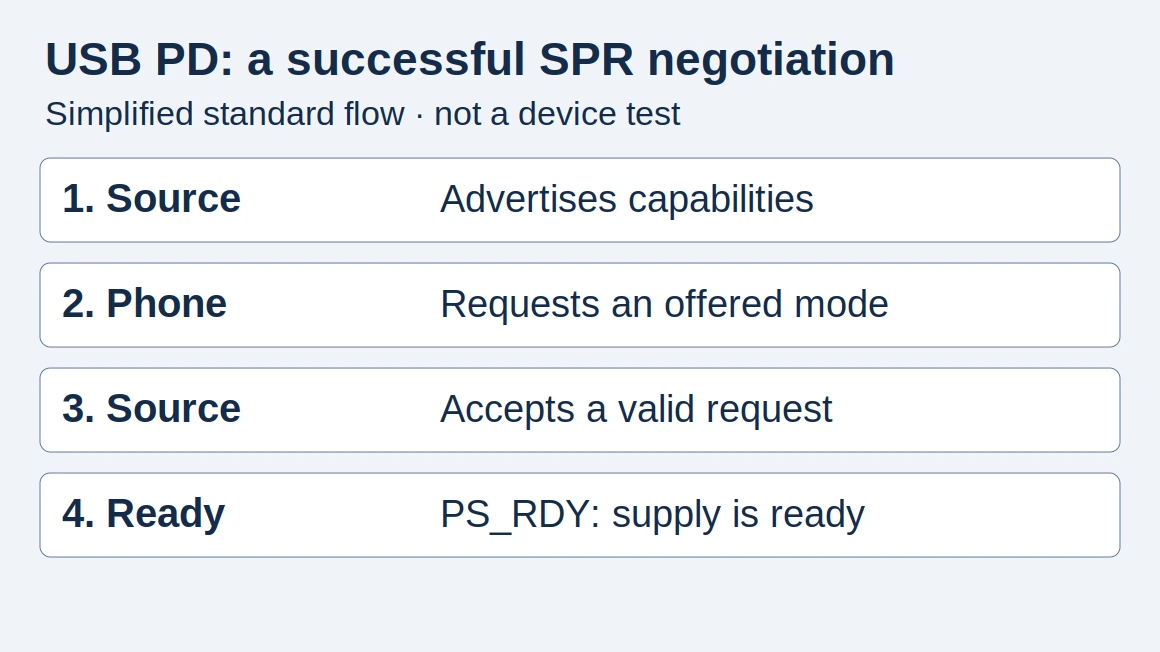
In a successful Standard Power Range (SPR) negotiation: Source_Capabilities → phone Request → source Accept → PS_RDY (power supply ready). This is the simplified flow in USB-IF’s PD R3.2 V1.2, §7.9.1–7.9.2 and §6.3.6; a request can also receive Reject or Wait. The diagram omits those branches.
The source, device and cable all constrain the result. The adapter’s label lists available options, not a command to push maximum power into every phone. Takeaway: Match the offered mode to the device’s requirements.
Read the output label
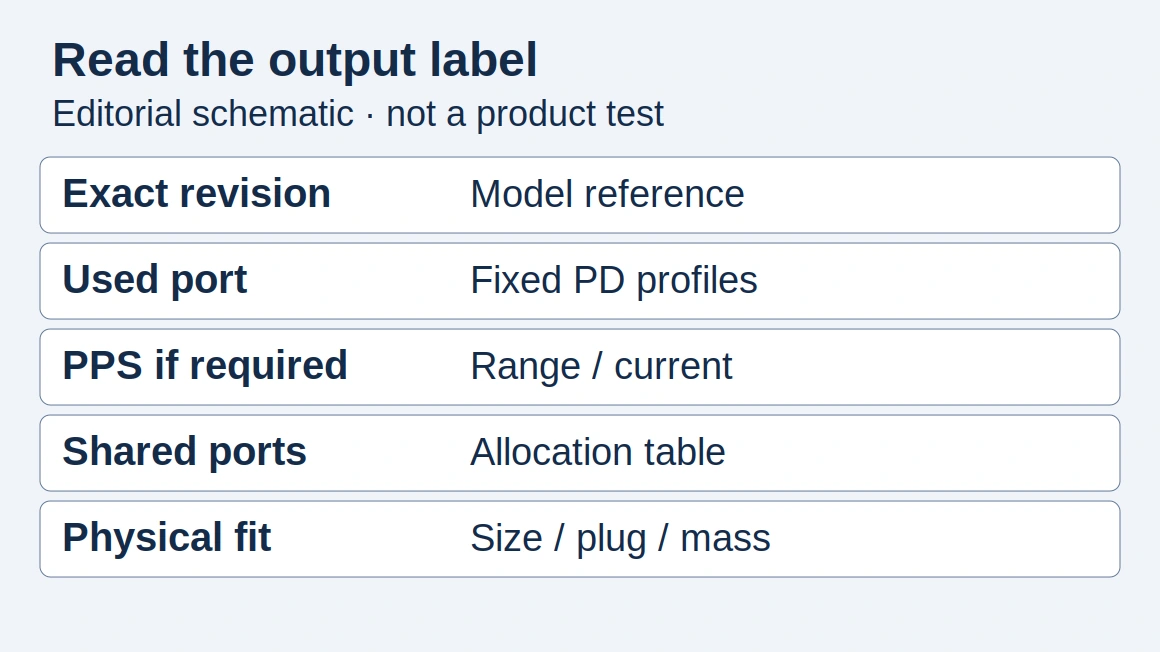
An adapter can list several voltage/current combinations. Assumed example, not a tested device: 9 V × 3 A = 27 W describes an output profile, not measured battery power or charging time.
Scroll horizontally to see all columns if needed.
| Label information | Why to record it |
|---|---|
| Fixed output profiles | Compare with the phone’s documented requirements |
| PPS range, if present | Check a separately supported charging feature |
| Selected port | Different ports may have different capabilities |
| Shared output table | See what changes when another device is attached. The 100 W shared-gang calculation applies USB-IF’s 7.5 W hold to a 100 W total. |
For SPR, USB-IF’s Tables 3.1–3.2 distinguish cable current capability; currents above 3 A require the appropriate 5 A cable capability. Check the cable documentation rather than inferring its rating from the connector. Takeaway: The listed port and cable are part of the specification.
PD and PPS are related, but not interchangeable labels
PPS is Programmable Power Supply: PD R3.2 V1.2 §3.2.5.2 describes its supported voltage/current ranges. USB-IF’s Fast Charger announcement separately identifies the need for PPS-capable devices and chargers. Takeaway: Do not infer PPS from a generic PD label; use the PPS guide when the phone calls for it.
Build a purchase specification
Copy this hypothetical matching record and replace every assumption with dated manufacturer documentation:
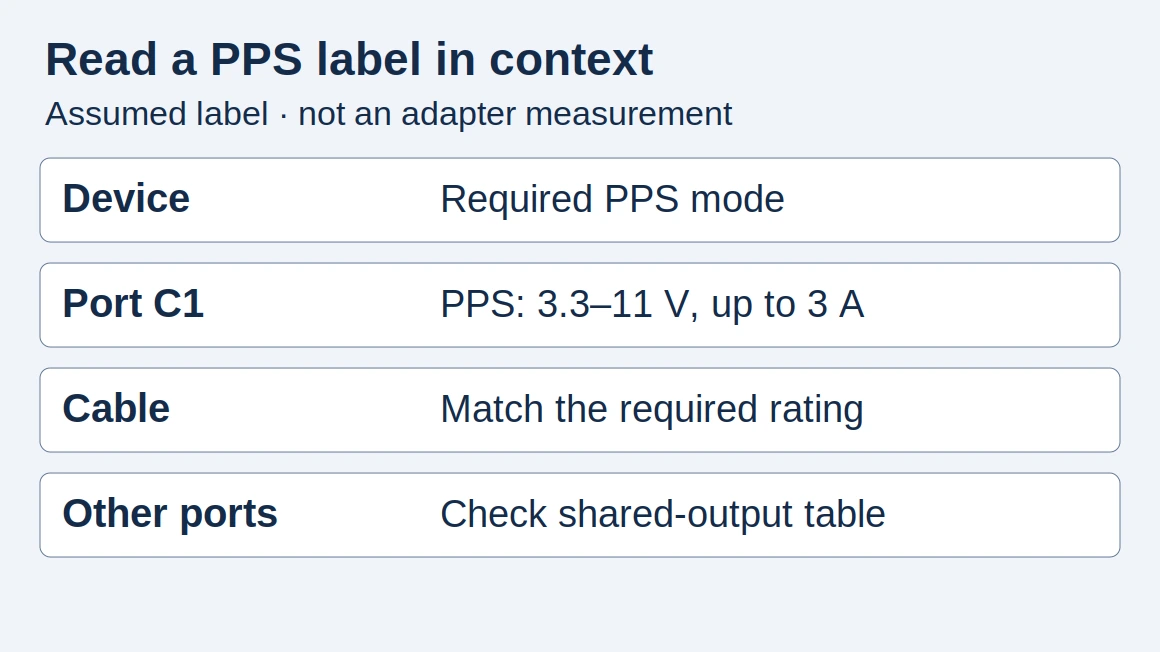
Source/port: assumed C1 offers fixed 9 V, up to 3 A.
Phone: assumed to request 9 V, 3 A in this setup.
Cable: assumed documented for at least 3 A at this voltage.
Other ports: assumed unused; PPS: not assumed.
Paper match: 27 W profile; measured input/time: unknown.
Actual model/revision, source URL/date and open mismatch: ___
Common mistake: Treating this paper match as proof that a real phone charges at 27 W. Takeaway: Missing output-profile evidence leaves the comparison incomplete.
What this guide does not establish
We have not tested a particular charger. The example calculations are illustrations, and USB PD support is not a substitute for checking product provenance or applicable safety documentation. Return to Charging & Power for the complete selection path.
How this guide was prepared
Desk research using the linked primary sources, with AI assistance. Purchasing workflows and numerical examples are editorial illustrations, not product tests or supplier inspections.
Sources and further reading
Found an error? See our corrections policy and research methodology.