What Is PPS Charging?
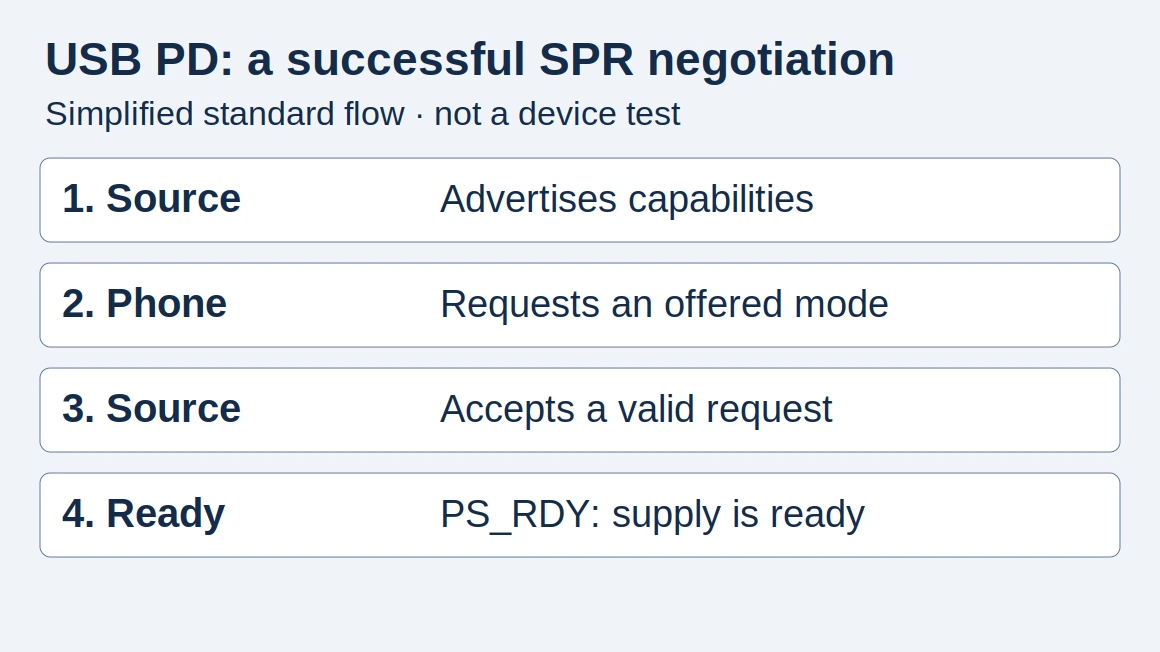
Buying an unmatched PPS setup can mean slower charging and replacing the adapter or cable. PPS is Programmable Power Supply, a USB PD feature: check the phone's requirements → selected port's PPS range → cable → output with other ports occupied.
Check the complete setup
Scroll horizontally to see all columns if needed.
| Check | Question to answer |
|---|---|
| Phone documentation | Does this exact model call for PPS? |
| Adapter output | Is PPS explicitly listed on the selected port? |
| Cable | Is it suitable for the documented setup? |
| Concurrent use | What happens when the other ports are occupied? |
This is a purchasing checklist, not certification. Takeaway: Resolve all four fields before treating two adapters as substitutes.
Why check PPS separately?
USB-IF identifies PPS support as part of its Certified USB Fast Charger initiative. A generic “fast charger” label is less specific. Takeaway: Ask for the actual output label and phone requirements, not just the marketing name.
Read the range and compare two adapters
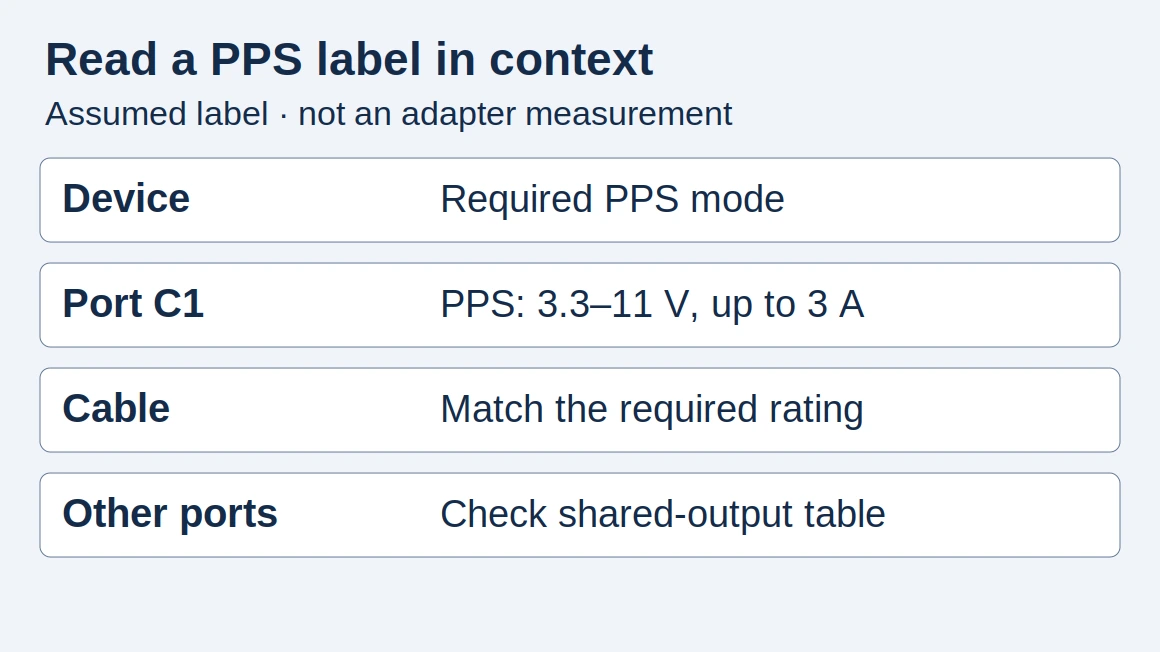
Assumed label, not a real model or protocol test: C1 PPS: 3.3–11 V, up to 3 A. The endpoints describe the stated voltage range; the amperes describe its current limit. USB PD R3.2 V1.2 §6.4.1.3.8 defines separate minimum-voltage, maximum-voltage and maximum-current fields. A range on paper does not establish the phone’s requested operating point.
Copy the same fields for both candidates:
Phone/model and required mode/source: ___
Adapter A/model/port: ___; fixed profiles/PPS range/current: ___
Adapter B/model/port: ___; fixed profiles/PPS range/current: ___
A/B cable rating/source: ___; other occupied ports/output table: ___
Documentation URL/version/date for each: ___
Unknown field/source to consult: ___; purchase decision: ___
Common mistake: Filling an unknown PPS range from the headline wattage. Takeaway: Leave unknown values visible and obtain the manufacturer’s port documentation.
Why the wattage alone is insufficient
Two adapters with the same headline rating can advertise different output modes. A comparison that records only watts loses the information needed to match the phone. See USB PD explained for the underlying distinction between the available supply and the negotiated operating point.
A repeatable check at home or work
Use the manufacturer’s recommended arrangement first. Record the phone, cable, adapter, port and starting charge level. Compare the charging indication and elapsed time under similar conditions. If behavior differs, change one component at a time so you can identify which substitution matters.
A phone’s on-screen charging label is an observation, not a protocol trace. Takeaway: Keep document matching separate from measurements made with suitable equipment and a documented method.
Does a power bank offer PPS?
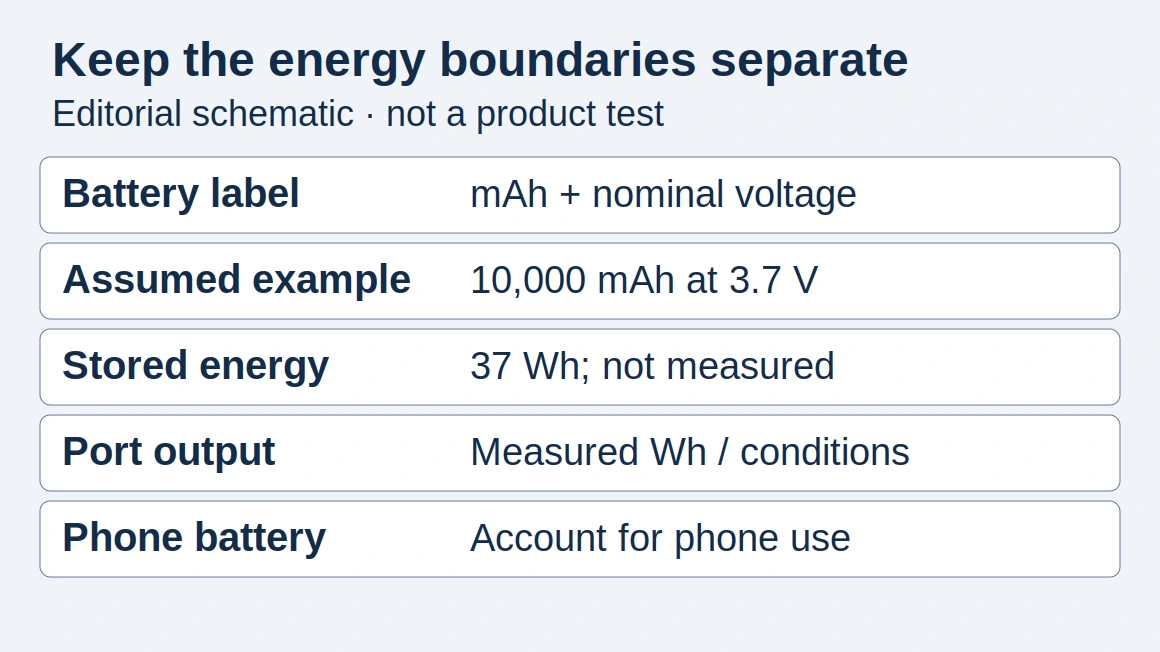
Do not assume so. Treat portable power sources the same way: inspect the port specifications and supported modes. Our power bank guide adds capacity and recharge considerations.
How this guide was prepared
Desk research using the linked primary sources, with AI assistance. Purchasing workflows and numerical examples are editorial illustrations, not product tests or supplier inspections.
Sources and further reading
- Certified USB Fast Charger initiative — USB-IF. Accessed .
- USB PD R3.2 V1.2: §3.2.5.2 PPS; §6.4.1.3.8 PPS Source APDO voltage/current fields — USB-IF. Accessed .
Found an error? See our corrections policy and research methodology.