GaN vs Silicon Chargers: Efficiency, Heat and Potting
GaN can reduce transistor losses, yet a compact charger can still have a warm case. Compare whole-adapter evidence, heat-removal paths and documented operating conditions.
Judging a charger by case warmth alone can waste a replacement purchase or cause you to overlook a fault. GaN can reduce transistor losses, but a compact adapter can still feel warm because heat removal depends on the whole design. This comparison uses public documents rather than our own tests and gives you a specification worksheet and practical next checks.
A GaN charger can be electrically efficient without having the coolest case. Electrical efficiency describes how much input power becomes useful output; thermal design describes how the remaining heat travels through components, interfaces and the enclosure into surrounding air. Compare GaN and silicon adapters at the same documented load and operating conditions before choosing a winner. A generation label, a potting-compound claim or a warm surface does not supply that evidence. This guide separates the mechanisms and shows which missing specifications to record; the wider Charging & Power guides cover compatibility and charging setups.
Scroll horizontally to see all columns if needed.
| Input or item | Typical value or source | Why it matters |
|---|---|---|
| Adapter identity | Exact model/revision and matching manual | A family name can cover different designs |
| Conversion efficiency | Finished-product report at a stated load and voltage | A component advantage is not a measured adapter result |
| Sustained output | Documented mode, port arrangement and operating conditions | Headline wattage alone does not define the comparison |
| Thermal surroundings | Ambient conditions, placement and ventilation instructions | Heat removal changes with the surroundings |
| Potting or interface material | Identified material data plus assembly evidence | Conductivity describes one part of the path |
| Abnormal behavior | Maker’s damage, shutdown and service guidance | A touch impression cannot certify safe operation |
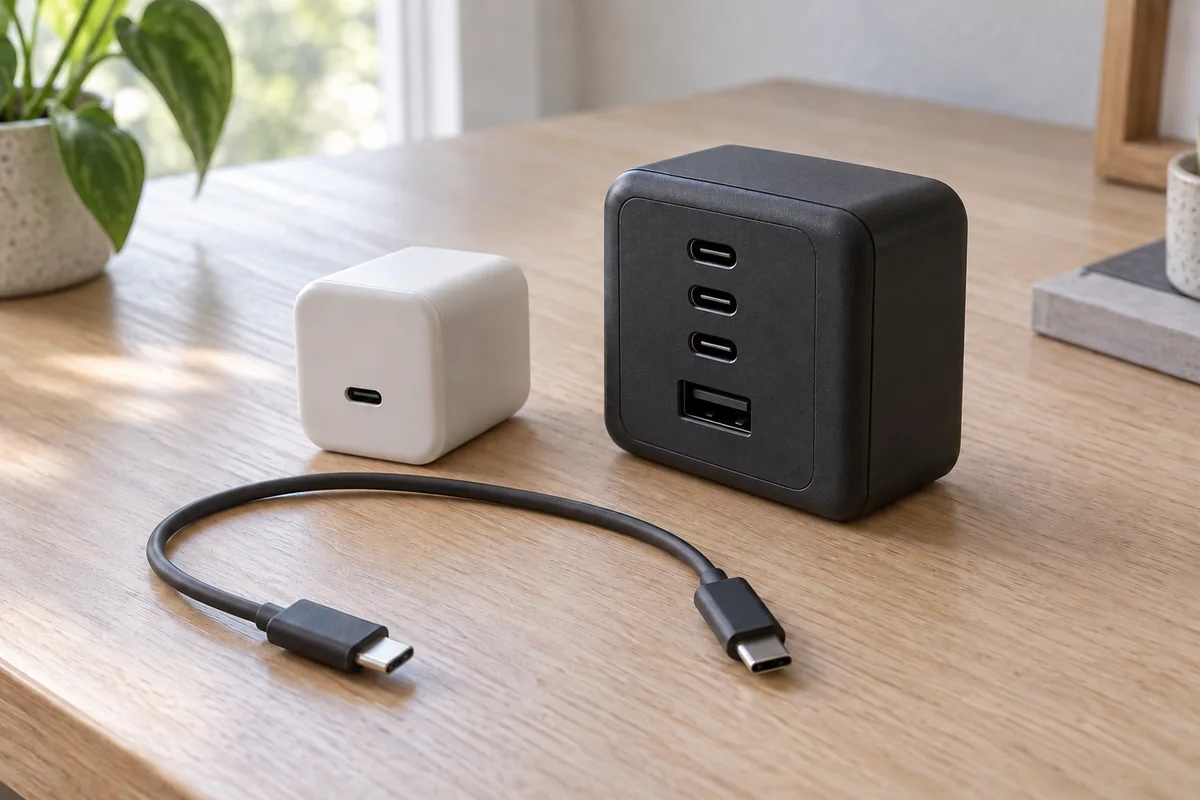
The cover shows an example of a small white single-port USB-C charger and a larger charcoal multiport charger with visible USB-C and USB-A ports beside a disconnected USB-C cable. Appearance alone cannot identify their semiconductor material or compare their losses.
What can GaN change compared with silicon?
GaN gives designers opportunities to reduce transistor losses and build smaller converters. It does not determine the finished adapter’s temperature or charging behavior on its own. Compare the same product-level evidence for both materials, then decide whether the compactness, documented output and operating conditions suit your use.
GaN means gallium nitride; silicon is the semiconductor material used in many conventional power transistors. Texas Instruments’ August 2022 application brief explains why GaN switching characteristics can help reduce losses and enable smaller passive components. Those are opportunities available to a circuit designer, rather than a thermal verdict on every product carrying the label.
Scroll horizontally to see all columns if needed.
| Comparison factor | GaN design | Silicon design | Evidence needed for a purchase decision |
|---|---|---|---|
| Transistor losses | Can benefit from GaN switching characteristics | Depend on the selected devices and circuit | Relevant device data and converter design, then whole-adapter results |
| Magnetic-component size | Higher-frequency operation can enable smaller parts | Chosen frequency and topology set the size tradeoff | Actual adapter dimensions and documented output |
| Heat removal | Needs effective package, board, interface and enclosure design | Needs effective package, board, interface and enclosure design | Finished-product operating conditions and thermal report |
| Accessible case warmth | Cannot be inferred from the material name | Cannot be inferred from the material name | Comparable measurement location and conditions |
“GaN III” is not a comparison specification established by the sources reviewed here. UGREEN uses that wording on an official UK charging-station page, checked October 10, 2026. That establishes manufacturer terminology, without demonstrating a shared industry generation or equivalent US model.
Use the GaN charger specification guide for general selection. If you are assembling a complete setup, the GaN and USB Power Delivery buying guide covers the surrounding compatibility questions.
Takeaway: Compare finished-product evidence before interpreting a GaN generation name as a cooling advantage.
Where do charger losses come from?
A power transistor dissipates energy while conducting and during switching transitions. Other parts of the converter also contribute to its loss budget, so a better transistor does not establish whole-adapter efficiency. Keep the electrical input, useful output and component-level explanations separate when reading a charging claim.
Conduction loss is resistive loss when current flows through the on-state device. TI’s LMG3100 datasheet, March 2025 revision, section 8.2.2.5, models it using RMS current squared and on-resistance. RMS current is the effective current quantity used for this resistive-loss calculation. It is not interchangeable with the wattage printed on a charger case.
Switching loss includes energy dissipated as the device changes state. During a transition, current and voltage can overlap; the transition characteristics and circuit determine the energy involved. Gate-drive losses also appear in TI’s component accounting. Transformer or inductor losses must be assessed separately, rather than being erased by a better switch.

At a consistent input/output boundary, conversion efficiency is:
η = Pout / Pin
Ploss = Pin − Pout = Pout × (1/η − 1)
Here η is efficiency expressed as a fraction, Pin is input real power, and Pout is corresponding output power. The relationship follows the efficiency definition used in TI’s LM5155 datasheet, printed page 29, normalized here to input/output terms. This is algebra, with no assumed GaN or silicon percentage.
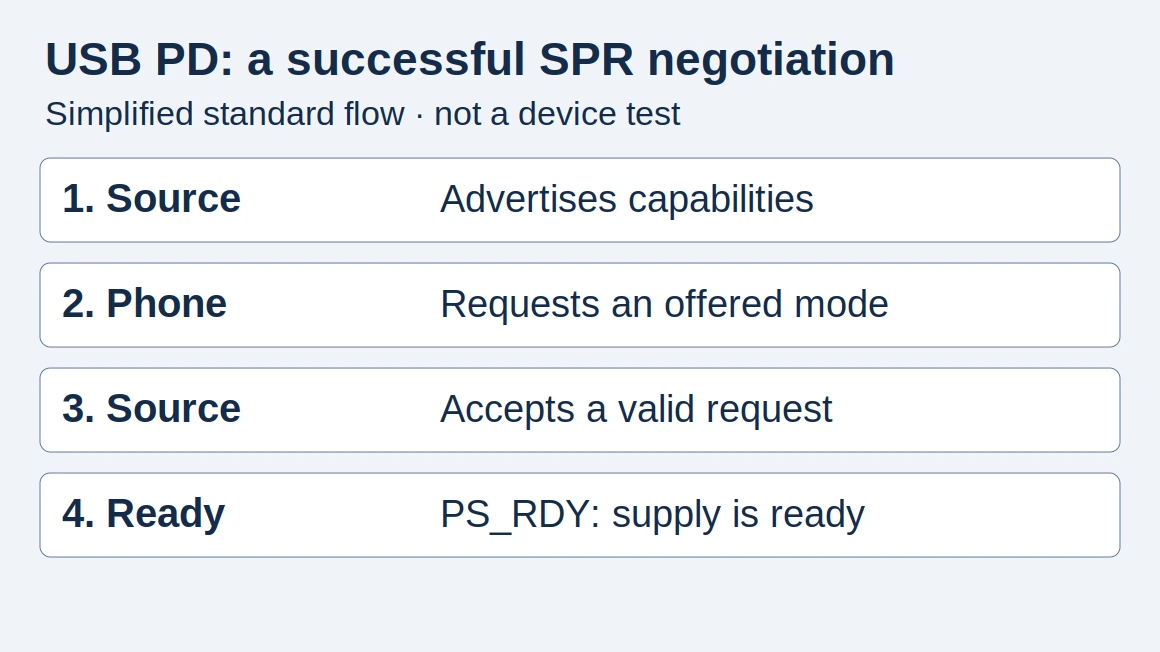
An output-only USB meter cannot supply the missing input quantity. Nor does a charger’s output rating establish what the connected device is drawing. The USB-C PD explanation covers offered and requested operating modes, which are separate from conversion efficiency.
Common mistake: Treating an efficiency percentage’s complement as a fraction of output power. It is a fraction of input power; use matching measurement boundaries before calculating losses.
Takeaway: Whole-adapter efficiency requires corresponding input and output data, not a semiconductor label or USB output reading alone.
Does higher switching frequency mean less heat?
Higher frequency does not automatically mean lower loss. Faster transitions can reduce energy lost during an individual switching event, while higher frequency means more events each second. A designer can use the resulting loss budget to reduce magnetic-component size, but must account for switching, drive and magnetic losses together.
Keep the two meanings of “faster” separate. Transition speed describes how quickly the switch changes state. Switching frequency describes how often the cycle repeats. In a simplified accounting, average switching loss follows energy per cycle multiplied by cycles per second. Holding that energy constant, increasing repetition increases this part of the loss.
TI’s application brief, sections “Switching Losses” and “Form Factor Reduction,” explains how reduced transition losses can make higher-frequency operation practical. The specific loss calculation still depends on topology, including whether the circuit uses soft switching to reduce voltage/current overlap.
Scroll horizontally to see all columns if needed.
| Change being discussed | What it can achieve | What remains to check |
|---|---|---|
| Shorter switching transition | Less overlap energy under suitable conditions | Circuit behavior and actual transition losses |
| More switching cycles per second | A different size/performance design point | Loss per cycle, drive loss and total converter loss |
| Smaller transformer or inductor | Less physical volume | Winding and core losses under the chosen operating conditions |
Magnetic parts introduce their own tradeoffs. TI’s LM5155 datasheet, August 2023 revision, printed page 29, separates inductor winding-resistance loss from core loss. Its model includes current ripple, switching frequency and core-dependent factors. It is a boost-converter example illustrating why size and loss must be considered separately, rather than a frequency prescription for USB adapters.
There is therefore no defensible shortcut from “higher frequency” to “lower inductor loss.” Changing frequency also changes ripple and the design choices available for the magnetic component. A small part can be a successful engineering tradeoff without being proof of lower total heat generation.
Takeaway: Faster transitions can help the loss budget; more cycles and smaller magnetics still require a complete loss calculation.
How does heat reach the case and air?
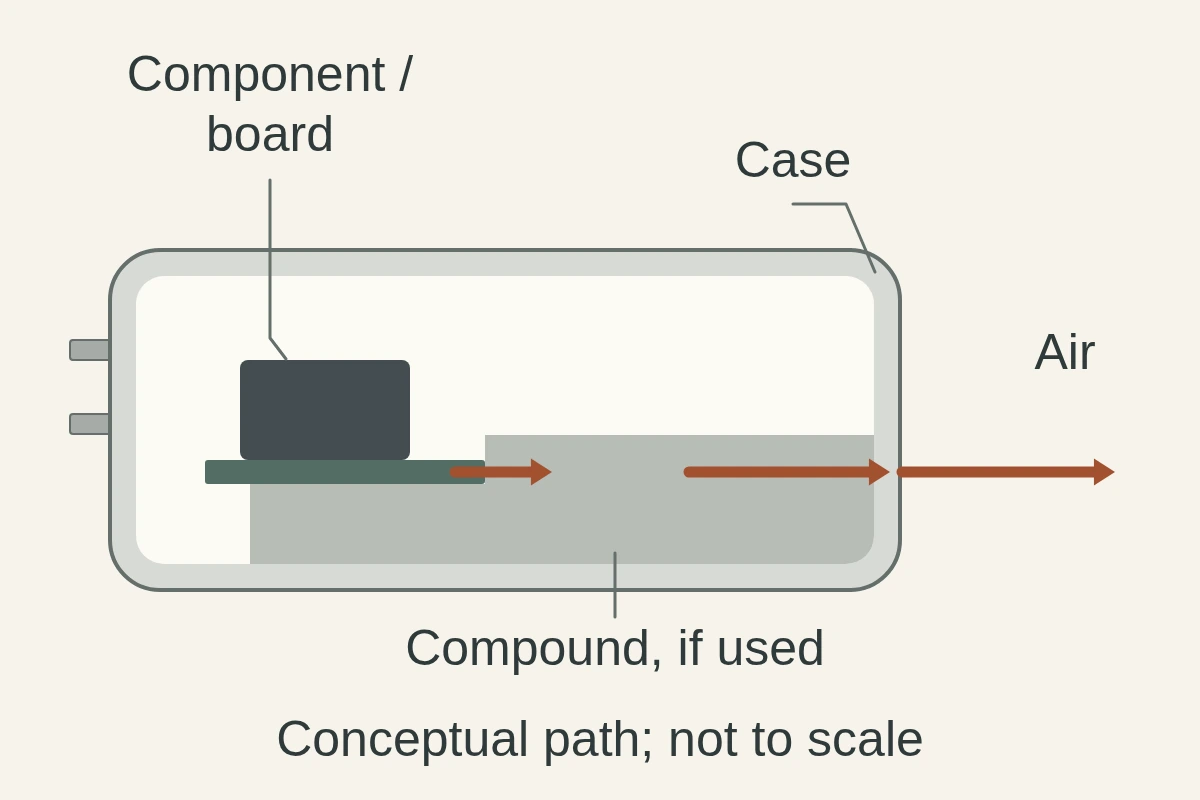
Heat must travel from dissipating components through the assembly and into the surrounding air. Both the amount of heat and resistance along that route affect temperature rise. A compact adapter can therefore have lower electrical losses yet a warmer surface; that is an engineering inference, not a measured product ranking.
TI’s thermal-design application report, August 2020 revision, printed page 2, models junction temperature using dissipated power, thermal resistance and ambient temperature. Its subsequent sections explain how package attachment, PCB copper and thermal interfaces affect the route. The report concerns an industrial GaN power stage; it supplies principles rather than a wall-adapter construction drawing.
For a compact charger, distinguish three locations: the semiconductor junction inside the device, the accessible outer case, and the surrounding air. They are different thermal points. A case observation does not measure the internal junction, and a junction limit in a chip datasheet is not a user-touch limit.
Compactness can change the geometry through which losses must escape. Likewise, a path that transfers heat toward the enclosure may make that enclosure feel warm while carrying heat away from an internal part. Surface warmth alone cannot tell you which mechanism dominates. The practical consequence is to require comparable conditions and measurement locations when someone claims a design is cooler.
Takeaway: Electrical losses and the full heat-removal path jointly determine temperatures; case warmth cannot identify either one by itself.
What does potting compound actually tell you?
Thermal potting is a material used around an assembly that can contribute to heat transfer and protection. Its conductivity describes the material, while the assembly’s geometry, contact and processing determine the result. An identified resin data sheet is useful evidence, but does not establish a consumer charger’s case temperature.
Dow’s TC-6011 technical data sheet describes a two-part silicone encapsulant for PCB assemblies and power supplies. Its ©2017 sheet, Form 11-3468-01 B, lists 1.00 W/m·K as a typical thermal conductivity, checked October 10, 2026. The sheet says typical properties are not specification limits and does not identify the measurement method or temperature for that entry. This is a material example, with no evidence that it is inside a particular USB charger.
Conductivity measures how readily a material conducts heat. It does not state the resistance of an installed layer or the complete assembly. TI’s thermal-interface discussion, section 2.3, shows why thickness and contact can change a thermal interface’s performance. Applying that principle to a potting claim requires knowing how the compound actually contacts the heat source and the rest of the thermal path.
Scroll horizontally to see all columns if needed.
| Evidence offered | What it describes | What it leaves unresolved |
|---|---|---|
| Material conductivity | A property of the identified compound | Installed thickness, contact and complete thermal path |
| Mixing and cure guidance | Conditions for producing the intended material | Whether the actual assembly met those conditions |
| Material flammability classification | A material result within its stated test scope | Finished-adapter certification and operating temperatures |
| A model-specific assembly report | Documented construction of that model | Performance outside the report’s conditions |
Dow also discusses mixing, entrapped air, de-airing and curing on printed page 2. Combining that with TI’s interface discussion supports the inference that a trade name alone cannot establish the quality of the installed thermal path. These are manufacturing considerations, not instructions to open or add material to a mains adapter.
Common mistake: Turning “thermally conductive potting” into a guarantee of a cool case, sustained output or longer product life. Each conclusion requires finished-product evidence beyond the compound sheet.
Takeaway: Ask what material and assembly are documented; a conductivity number alone cannot settle the cooling comparison.
Which specifications should you compare?
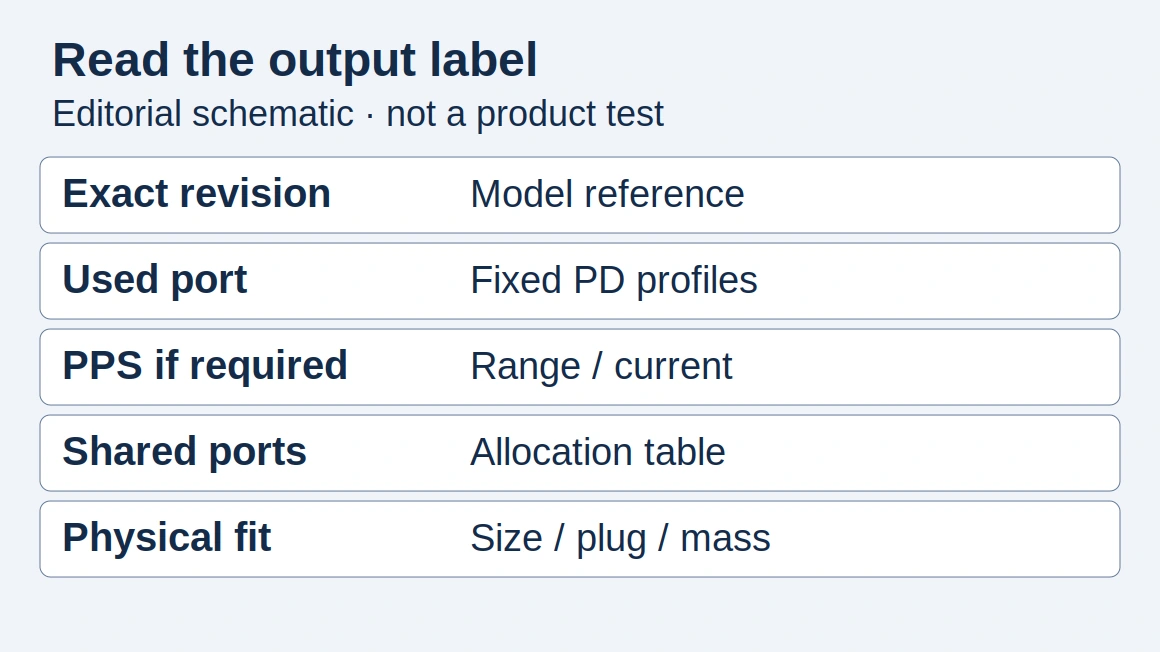
Compare exact models under matching documented operating conditions. Start with your intended load and output mode, then record the maker’s ambient limits, sustained-output information and any efficiency or thermal report. When a field is absent, write “not disclosed” rather than treating a material claim as the missing measurement.
The IEA 4E PECTA study summary, published March 18, 2024, discusses efficiency measurement at different loads and voltage modes. Only its summary was reviewed here, so it supplies comparison context rather than numerical results. Alongside TI’s loss and thermal models, it supports the following editorial worksheet.
Scroll horizontally to see all columns if needed.
| Comparison field | Adapter A + source | Adapter B + source |
|---|---|---|
| Exact model/revision and market | ___ | ___ |
| AC input used in the report | ___ | ___ |
| Output mode and actual load | ___ | ___ |
| Occupied ports and documented allocation | ___ | ___ |
| Sustained rating and any derating conditions | ___ | ___ |
| Ambient conditions and placement | ___ | ___ |
| Run duration and stable/transient condition | ___ | ___ |
| Efficiency method and input/output boundary | ___ | ___ |
| Thermal measurement location and method | ___ | ___ |
| Manual’s protection and support instructions | ___ | ___ |
Use the specification comparison guide to keep model identity, published claims and your unresolved fields separate. A measured efficiency advantage at one operating point does not establish the same advantage at every load. Likewise, a thermal result taken at a different case location is not directly comparable without explanation.
Choose according to the evidence you actually need. For a travel setup, the broader GaN and PD checklist covers useful size and compatibility checks. If compactness is the goal, verify the finished adapter’s dimensions and clearances. If documented sustained operation is the goal, look for that model’s conditions and report. Neither decision requires guessing an efficiency percentage from a generation name.
This worksheet is designed for reading reports or asking the maker for missing documentation. It is not a certification protocol or a suggestion to measure exposed mains circuitry.
Takeaway: Match the operating point and evidence before comparing results; leave unpublished values explicitly unknown.
What should you do when a charger gets hot?
Separate warmth with stable operation, persistent charging problems and visible damage. Follow the exact adapter’s placement and support instructions rather than applying a universal touch test. Manufacturer guidance can identify the next action, while surface feel alone cannot establish efficiency, internal temperature or whether a particular adapter is safe.
Apple’s adapter troubleshooting guidance, April 7, 2026, describes normal warmth, ventilation and avoiding insulating coverings. It also describes possible heat shutdown and cooling before handling. These are attributed instructions for Apple products; consult your own maker’s instructions for a different adapter.
Scroll horizontally to see all columns if needed.
| Observation | Practical next action | What the observation establishes |
|---|---|---|
| Warm case, stable charging, no damage | Follow the manual’s ventilation and placement guidance | An observation, not an efficiency or safety verdict |
| Repeated interruption or shutdown | Record the setup and follow the maker’s troubleshooting/service process | A problem to investigate, not a confirmed thermal cause |
| Case/cable/prong damage or concerning electrical symptoms | Stop using the affected accessory and obtain service guidance | Damage takes priority over material or wattage claims |
Apple’s damaged-accessory guidance, May 27, 2026, lists casing discoloration, worn cables, damaged prongs, popping sounds and sparks away from plug blades. It says not to touch or remove a damaged prong stuck in an outlet; follow its power-isolation and qualified-electrician instructions.
For an unresolved charging problem, record model, device, cable, occupied ports, battery state, placement and whether a connection changed. The multiport power-sharing guide addresses connection-triggered pauses. The PPS compatibility checklist addresses an unsupported charging mode. These checks help describe the problem to support without assigning a thermal cause from the charging icon.
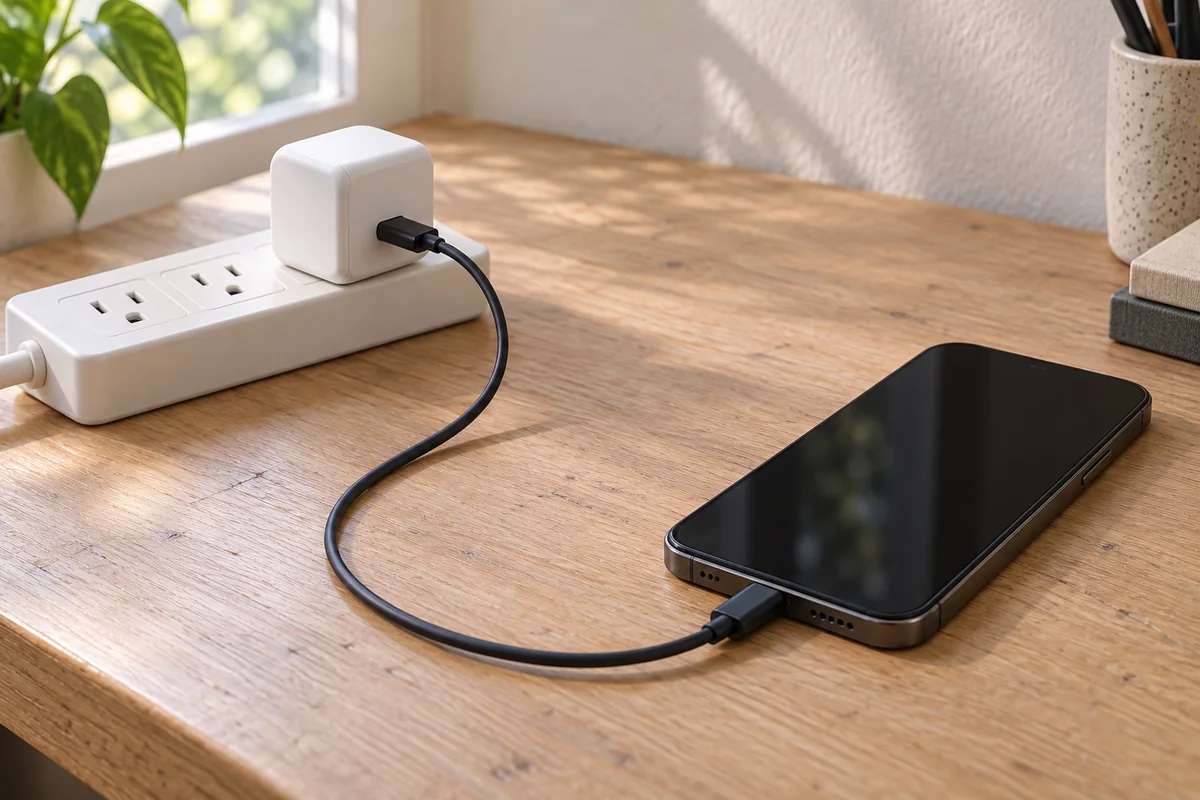
Common mistake: Assuming protection will make every hot adapter harmless. A feature name does not establish its presence or behavior in an unidentified product.
Takeaway: Follow the maker’s guidance for warmth, investigate persistent problems, and stop using damaged accessories.
When this does not apply
This thermal explanation cannot diagnose every slow-charge report or validate an individual adapter. Power allocation, protocol support and device-side behavior need their own evidence. Component notes and material ratings also cannot replace a model-specific safety report, particularly when the relevant construction or operating conditions have not been documented.
- Changed port connections: redistribution is a separate question from semiconductor losses. Record which connection changed before interpreting the event.
- Unsupported charging modes: use the PD operating-mode guide and PPS explanation to check charger/device compatibility.
- Higher-power PD arrangements: the PD EPR guide addresses the associated protocol and cable requirements; a heat-path illustration cannot verify them.
- Portable sources: the power-bank guide handles source-capacity questions outside this mains-adapter comparison.
- A particular surface-temperature verdict: the public IEC 62368-1:2023 abstract describes energy sources and safeguards, but supplies no universal charger-case number in the text reviewed. We did not read the full standard or verify a product’s certification.
- Internal construction, reliability or lifetime: no teardown, aging test or failure-rate data were supplied. The conceptual section does not identify a proprietary PCB or potting formula.
Takeaway: Use the thermal model to interpret evidence, then follow the separate guide or product report for the unresolved question.
FAQ
These answers address questions from Google People Also Ask and public charger discussions, using the primary evidence above rather than community diagnoses. They add practical limits on safety claims, measurements and first-use observations. A report about another owner’s adapter cannot identify the condition of yours or replace the maker’s documentation.
Is a GaN charger safe?
The GaN label alone cannot establish whether a particular charger is safe. Safety depends on the finished product and its documented safeguards, rather than the semiconductor name. Check the exact model’s instructions and product-safety documentation; this article verifies no individual charger’s certification.
Should I return an adapter because one online owner says it is scorching?
Not on the strength of someone else’s report alone; check your own unit and the maker’s return or service guidance. Seek service or return advice for unresolved concerns. Damage or abnormal electrical symptoms take priority over trying to reproduce another owner’s observation.
Can an infrared reading establish whether my adapter is safe?
No single surface reading supplies a complete product-safety assessment. A useful comparison needs the measurement method, location, load and surrounding conditions, plus an applicable product limit. This guide has no validated infrared procedure or universal acceptance number; use the maker’s documented method rather than a forum threshold.
Does a falling charging-power reading prove thermal throttling?
No. It establishes a change in the observed quantity, without identifying its cause. Check whether the port arrangement, device state or charging mode changed. A thermal explanation needs model-specific evidence; keep those observations in the support record instead of diagnosing protection behavior from the screen alone.
My GaN charger gets hot on its first use. Is that okay?
First-use warmth alone cannot establish that the adapter is safe or faulty. Apple documents ordinary warmth for its adapters, but that does not validate an unidentified GaN model. Follow your maker’s setup instructions and seek support for repeated shutdown or concerning symptoms; stop using a damaged accessory.
How hot is too hot for a charger?
This research establishes no universal charger-case temperature threshold. A meaningful limit needs the applicable surface, product and assessment conditions; the public IEC abstract does not provide them. Stop using a damaged accessory and seek support for persistent shutdown or concerning electrical symptoms rather than relying on a forum number.
Should I time how long I can hold a hot charger?
No. This guide uses no timed hand-holding test and has no evidence that discomfort certifies safety. Avoid prolonged hot-surface contact and follow the maker’s handling instructions. For a concern that cannot be resolved from those instructions, obtain support rather than repeating a touch experiment.
Does a cooler GaN charger make fast charging faster?
Not by itself. Charging speed depends on the appropriate charger/device modes and cable; the GaN material name does not establish compatibility. Read the documented modes and compare operation under stated conditions before connecting a thermal observation to a charging-speed claim.
Takeaway: Make the next decision from product documentation and a clear observation record, rather than an anecdotal threshold.
Related reading
Follow the guide that supplies the input missing from your comparison. General product selection, port allocation and protocol compatibility answer different questions, and each deserves its own record. Keep this article’s thermal worksheet alongside the relevant connection details when you review an adapter’s documentation or describe a problem to support.
- GaN charger guide — compare useful output, physical fit and finished-product specifications.
- Multiport power sharing — read the occupied-port arrangement and interpret connection-triggered pauses.
- USB-C PD explained — distinguish supported operating modes from power actually used.
Takeaway: Resolve the missing specification in its own guide while keeping losses and heat removal separate.
Methods and sources
This article combines public primary documents into a conditional comparison and reader worksheet. TI notes explain component losses and thermal paths; Dow supplies a material example; manufacturer guidance supplies practical actions. The compact-case explanation is identified as an inference, and no controlled consumer-adapter test or teardown was performed.
Technical source revisions and access dates appear above and in the source list. The IEA material was reviewed at summary level and IEC at public-abstract level; neither supports a numerical product ranking here. Questions were drawn from archived Google People Also Ask results and public community originals, with their wording, sources and dates retained in the editorial research record.
The site’s research methodology explains the publication’s approach. Conceptual images illustrate relationships or example setups, rather than actual-model construction or thermal results. Missing model-specific measurements and certification records remain outside the conclusions.
Last updated: October 10, 2026.
Takeaway: The contribution is a clearer comparison and evidence checklist, with product-specific measurements still required for product-specific conclusions.
How this guide was prepared
Desk research with AI assistance, using retained primary technical documents and manufacturer support guidance checked on October 10, 2026. Component and material information explains design principles; this is not a controlled comparison, teardown or thermal test of consumer chargers. The worksheets are editorial tools, and conceptual imagery must not be treated as product evidence.
Sources and further reading
- Power Loss in Switching Power Supplies: SLUAAL9 application brief, August 2022 — Texas Instruments. Accessed .
- LMG3100R017/R044 datasheet: section 8.2.2.5, March 2025 revision — Texas Instruments. Accessed .
- Thermal Considerations for Designing a GaN Power Stage: SNOAA14B, August 2020 revision — Texas Instruments. Accessed .
- LM5155/LM51551 datasheet: inductor loss equations, August 2023 revision — Texas Instruments. Accessed .
- DOWSIL TC-6011 Thermally Conductive Encapsulant: technical data sheet, Form 11-3468-01 B, 2017 — Dow. Accessed .
- If your USB-C power adapter isn't charging your Mac laptop: April 7, 2026 — Apple Support. Accessed .
- Using Apple power adapters, cables, and duckheads with Apple products: May 27, 2026 — Apple Support. Accessed .
- IEC 62368-1:2023: public abstract only — International Electrotechnical Commission. Accessed .
- Energy Efficiency Measurement of Wide Bandgap Based Power Supplies: study summary, March 18, 2024 — IEA 4E PECTA. Accessed .
- UGREEN charging-station product terminology: UK page, GaN III naming only — UGREEN. Accessed .
Found an error? See our corrections policy and research methodology.