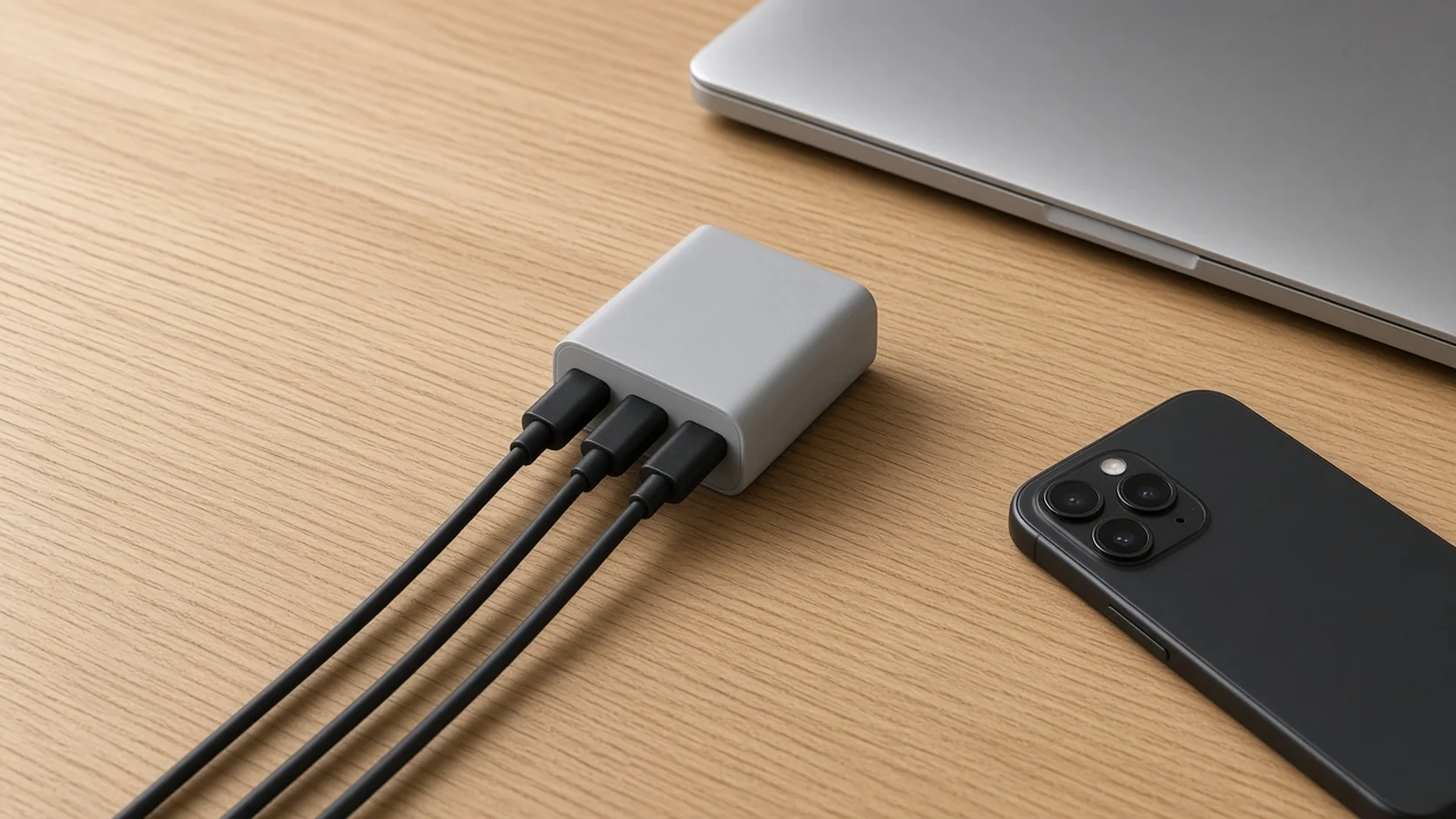
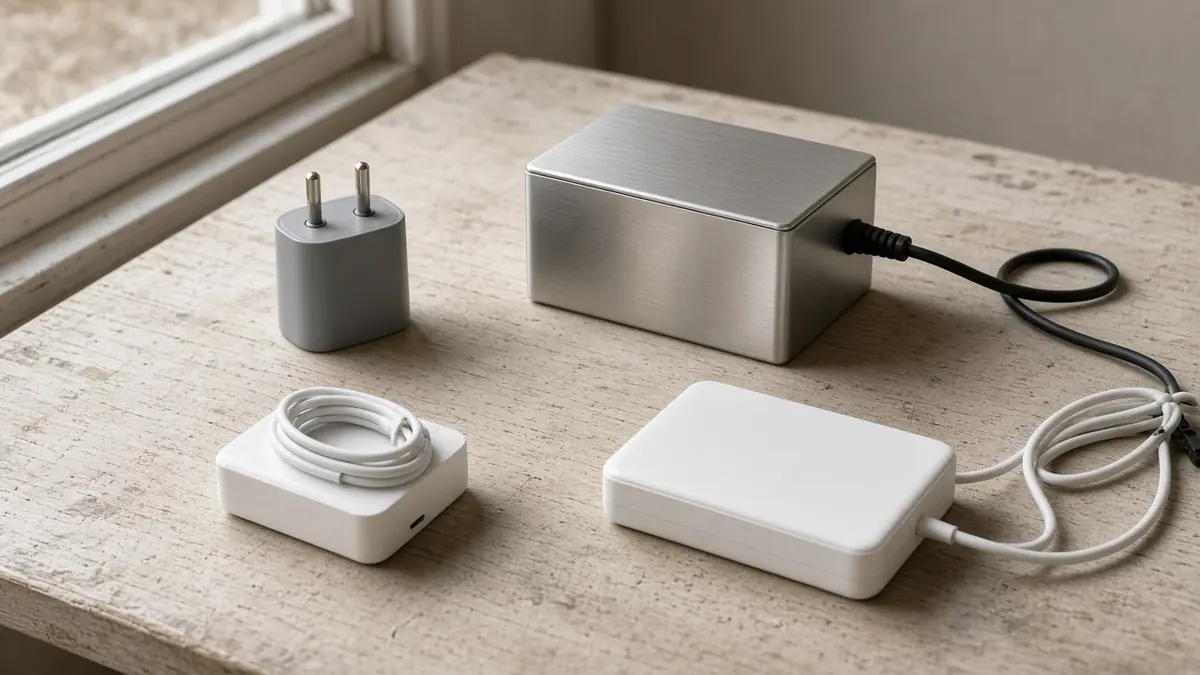
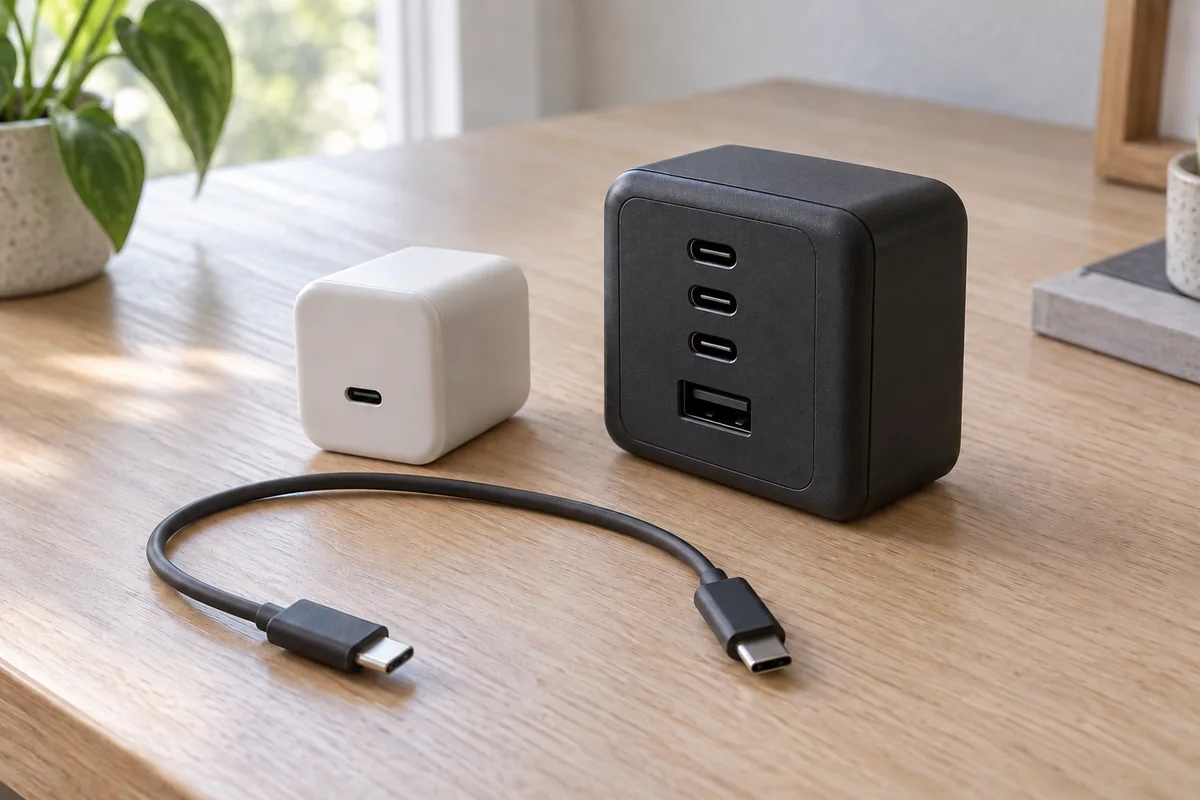
Complete GaN Fast Charger and USB Power Delivery Guide
Buying on the GaN label and headline wattage can leave your device charging slowly. Check device input, per-port PD/PPS profiles, cable rating and multi-port allocation.
Quick checklist before you buy
Scroll horizontally to see all columns if needed.
| Check | Where to find it | Why it matters |
|---|---|---|
| Power your device can accept | Device maker’s charging specification | Sets the useful wattage and mode (fixed PD or PPS) |
| Port output and profiles | Charger’s spec sheet, per port | Headline wattage is usually the total across ports |
| PPS ranges | Charger’s spec sheet | Some phones use PPS for their fastest mode |
| Multi-port allocation | The maker’s allocation table for that exact model | Splits differ from model to model |
| Cable rating | Cable packaging: 3A/60W, 5A/100W or 240W EPR | Above 3A needs an e-marked 5A cable |
| Safety certification | Listing in the certifier’s online directory | Marks alone do not show which tests were passed |
Takeaway: Start from your device’s charging specification, not from the charger’s headline wattage.
This guide covers GaN design choices, USB PD/PPS negotiation, multi-port allocation and safety evidence.
1. What GaN changes—and what to check by model
GaN is a wide-bandgap semiconductor. Texas Instruments’ public technology documentation describes faster switching, higher efficiency and greater power density than traditional silicon; those are design opportunities, not measurements of the charger you are buying.
- Switching: TI describes reduced switching losses in its GaN devices. Check the finished adapter’s documented efficiency rather than assuming every GaN charger beats every silicon design.
- Size: Higher-frequency designs can use smaller magnetics. Compare dimensions for the required output; the GaN label does not specify an adapter’s size.
- Heat: Compare temperature evidence for the exact adapter and load. Enclosure and heat paths still matter; the material label does not establish operating temperature.
GaN chargers: what to check lists the model-specific evidence to compare. These rows are a summary of public documentation, not our own testing.
Takeaway: Treat “GaN” as a design choice and compare the finished charger’s specifications.
2. Navigating Fast Charging Standards: USB-PD 3.0, PD 3.1 & PPS
A charger’s physical material only determines its internal power conversion capabilities. The power available to your phone is set by negotiation over the USB-C CC (Configuration Channel) pins, and the power actually drawn is further limited by the cable and by the device’s own charging management, temperature and battery state. USB-C Power Delivery explained walks through the negotiation:
USB Power Delivery 3.0 (Fixed Profiles)
Standard USB-PD negotiates power in fixed voltage tiers: 5V, 9V, 15V, and 20V at up to 3A or 5A (providing up to 100W). With a fixed profile such as 9V, the phone’s charging circuit has to convert that voltage down to what the battery needs, and that conversion produces heat inside the phone. How much depends on the phone’s charging design.
Programmable Power Supply (PPS)
PPS is an optional feature introduced with USB-PD 3.0, so a “PD 3.0” label does not by itself mean a charger supports PPS. It allows the smartphone to actively request voltage adjustments in microscopic 20mV increments and current in 50mA steps. By aligning the charger’s output directly to the battery’s instantaneous charging state, PPS can reduce conversion heat inside the handset, and some phone makers document PPS as the requirement for their fastest charging modes. Check your phone’s charging specification for the PPS voltage and current it needs.
USB-PD 3.1 Extended Power Range (EPR)
USB-IF announced USB PD Revision 3.1 in 2021. It extends USB PD beyond the previous 100W limit (20V over 5A-rated cables) by adding 28V, 36V and 48V fixed voltages, delivering up to 240W over full-featured USB Type-C cables that meet the 240W cable requirements. The USB PD 3.1 EPR breakdown covers this in detail.
Takeaway: Confirm the profile your device needs, including PPS where it applies, is listed for the port you will use.
3. Multi-Port Chargers: Understanding Dynamic Power Allocation
When purchasing a charger equipped with two, three, or four ports, the advertised headline wattage (e.g., “100W GaN Charger”) usually represents the total across all ports, not what each port delivers at once. How the total is split depends on the model and on which ports are in use, and makers publish an allocation table for each model. The table below is a hypothetical example of how one 100W three-port design might allocate power; it is not a standard split, and your charger’s own table is the only reliable reference:
Scroll horizontally to see all columns if needed.
| Plugged Configuration | Port 1 (USB-C) | Port 2 (USB-C) | Port 3 (USB-A) | Example Use |
|---|---|---|---|---|
| Single Device | 100W | Unused | Unused | Laptop that accepts 100W |
| Dual Device | 65W | 35W | Unused | Laptop + phone |
| Triple Device | 65W | 20W | 15W | Laptop + phone + watch |
Common mistake: Assuming every 100W charger splits power the same way. Two chargers with the same headline rating can give a second port very different output. A better way to compare product specifications shows how to line up allocation tables side by side.
The Power Renegotiation Handshake
On many multi-port chargers, plugging in a second device makes the first one pause briefly before charging resumes. This is common: the charger resets its ports and renegotiates power contracts with each device so the total stays within its rating. Whether and how long this happens depends on the model; the maker’s manual usually describes it.
Takeaway: Read the allocation table for the exact model and check the port your main device will use.
4. Selection Checklist for Buyers
Before investing in a new GaN power adapter, confirm these critical specifications:
- PPS Support: If your phone uses PPS, check that the charger’s specification sheet lists a PPS range covering the voltage and current your phone’s maker specifies. See what PPS charging is.
- Cable Rating: Delivering more than 60W (above 3A at 20V) requires a 5A-rated USB-C cable, which carries an electronic marker (e-marker); 240W needs a cable that meets the 240W EPR requirements. Cables without an e-marker are limited to 3A.
- Safety Evidence: Treat certification marks as a starting point, not proof of specific protections:
- FCC equipment authorization concerns radiofrequency devices operating without causing harmful interference and complying with the FCC’s technical rules. It is not an electrical safety certification and does not show short-circuit, over-temperature or over-current protection.
- UL, ETL and other NRTL marks mean a laboratory recognized by OSHA tested and certified the product to one or more product safety test standards. Confirm the listing for the exact model in the certifier’s online directory, because marks can be misused.
- CE marking on products sold in Europe is the maker’s declaration of conformity with applicable EU rules.
- For protections such as short-circuit, over-temperature and over-current, look for them in the maker’s specification or manual and in the safety standard the product is listed to.
Common mistake: Reading an FCC logo as evidence that a charger is electrically safe.
If you are buying chargers in quantity, the first-order risk checklist and how to evaluate a supplier cover how to verify listings and samples before a bulk order. The Charging & Power hub groups the related charger, cable and battery guides.
Takeaway: Match the charger to your device, cable and port allocation, and verify safety listings rather than trusting logos.
When this does not apply
- Proprietary fast-charging systems that use their own protocols and cables; check the phone maker’s charger requirements.
- Wireless chargers, car chargers and power banks, which add their own limits; see power banks.
- Devices that charge over USB-A or older USB standards only.
Frequently asked questions
Are all USB-C chargers the same?
No. They share a connector, but output power, supported USB PD profiles, PPS ranges, port allocation and safety listings differ between models. Compare those specifications rather than the connector or the GaN label; see GaN chargers: what to check.
Does it matter which USB-C charger I use?
Yes, for speed. With USB PD, the phone or laptop requests a power profile and the charger supplies one it supports, so a charger that lacks the profile or PPS range your device needs charges it more slowly. Use a charger with a verifiable safety listing.
Is a 60W charger too much for an iPhone?
Not with USB Power Delivery. The device negotiates the profile it can accept, and the charger does not push more power than the device requests, so a higher-rated USB PD charger simply has headroom the phone does not use.
Are cheap USB-C cables safe?
Price is not the test; the rating and build are. A cable used above 3A needs a 5A rating with an e-marker, and a cable should carry its rating clearly. Prefer cables from makers who state the rating and, where available, USB-IF certification.
Does USB-C need a special charger?
No special connector is needed, but for fast charging the charger must support the USB PD profile, and where relevant the PPS range, that your device requests, and the cable must be rated for the current. A basic USB-C charger still works, just more slowly.
Is USB-C a fast charger?
USB-C is a connector, not a charging speed. Fast charging over USB-C depends on the charger and device both supporting a higher-power USB PD profile (or a maker’s own protocol) and on a suitably rated cable.
Related reading
- USB-C Power Delivery explained — how fixed PD profiles are negotiated.
- What PPS charging is — checking the PPS range your phone needs.
- Power banks — capacity, output and travel limits.
Sources and further reading
- USB Charger (USB Power Delivery) — USB-IF. Accessed .
- Report and Order FCC 23-14: equipment authorization program — Federal Communications Commission. Accessed .
- Nationally Recognized Testing Laboratory (NRTL) Program — U.S. Occupational Safety and Health Administration. Accessed .
- Gallium nitride (GaN) technology — Texas Instruments. Accessed .
- USB Power Delivery: PPS — Renesas Electronics. Accessed .
Found an error? See our corrections policy and research methodology.