Travel Adapter or Voltage Converter? Check Each Charger
A plug adapter changes pin shape. A voltage converter changes the supply. Copy the label on each phone or laptop charger you are packing, and leave the record open when a field is blank.
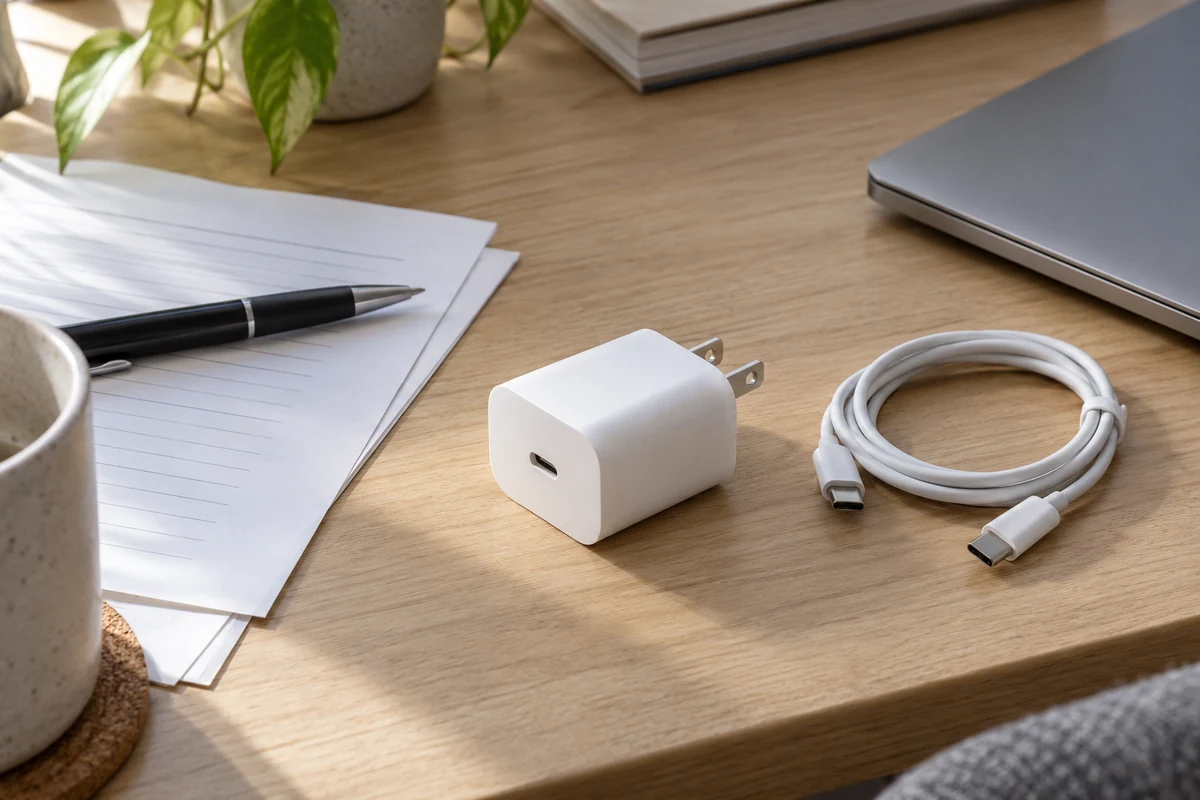
A travel adapter and a voltage converter answer different questions, and the answer is per charger. A plug adapter changes the shape that meets the socket and does not change the voltage. Before you leave the US, copy the input label on each phone and laptop power brick you will actually pack, name the socket you will use, and keep the USB-C port as a separate line. This page does not rank products, state a worldwide voltage, or size a converter.
The Charging & Power guides cover how a charger, a cable, and a phone agree on power once you are past the wall socket. This page stops at the wall: plug shape on one path, supply on the other.
What is the difference between a travel adapter and a voltage converter?
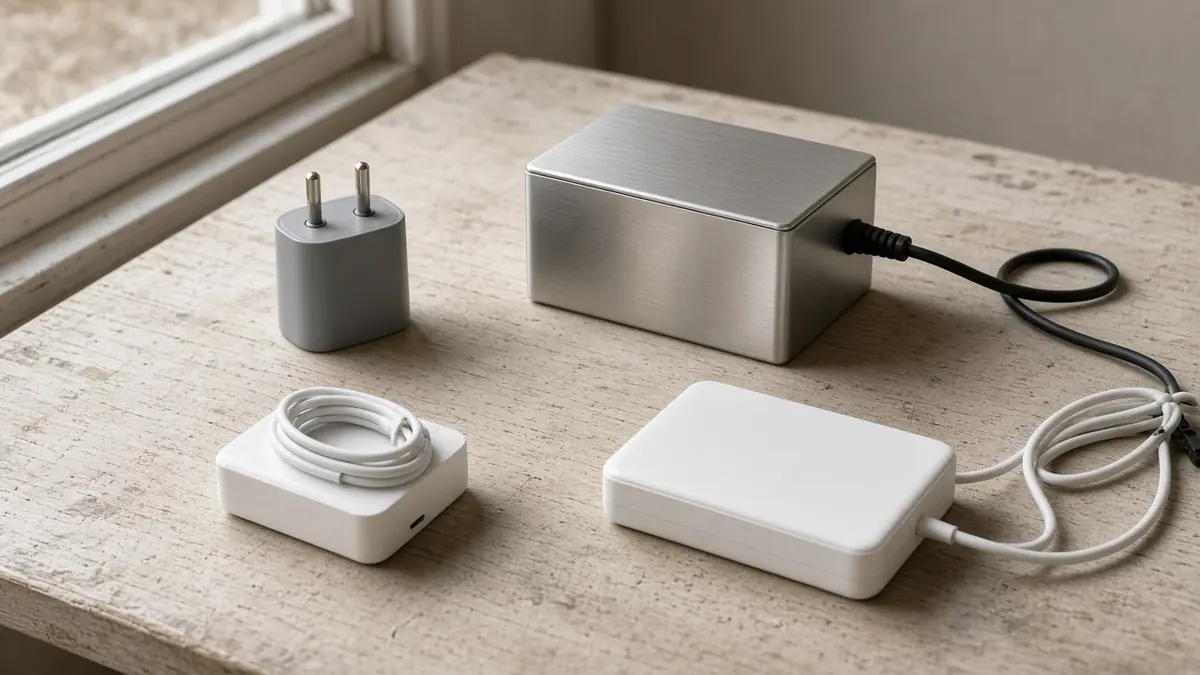
A travel adapter plug lets your existing prongs meet a different socket. A voltage converter, sometimes sold as a transformer, changes the supply that comes out of that socket. Ceptics states the split directly: an adapter adapts to new outlets, while a converter or transformer converts the voltage of the outlet.
Ceptics also writes that most common travel electronics, including cell phone chargers, tablet chargers, and laptop chargers, are typically rated for an input of 100-240V and therefore need only an adapter. Treat that as the manufacturer’s generalization. It is not a reading of the brick in your bag. The same page says a device rated for a single AC voltage, and it gives “120V only” and “220V only” as examples, needs a converter or transformer when the destination voltage is different. Those examples are label shapes, not a measurement of your phone or laptop.
Apple’s World Travel Adapter Kit is a plug-adapter example, not a voltage conversion. The page, published May 27, 2026, says you attach the correct AC plug adapter to the device’s power supply. The kit works with any Apple USB, USB-C, or MagSafe power adapter that has a removable AC wall adapter, which Apple calls a duckhead: slide the duckhead off, then attach the adapter for the country or region. The page describes plug shapes and three-character region codes. It does not say the kit changes voltage.
Common mistake: Reading “universal,” “worldwide,” or a USB-C socket on the travel plug as the input range. The input range is the INPUT line on the brick. If that line is missing, the field stays blank.
Which path is each phone or laptop on?
Keep two records, even when one travel plug seems to cover the whole kit.
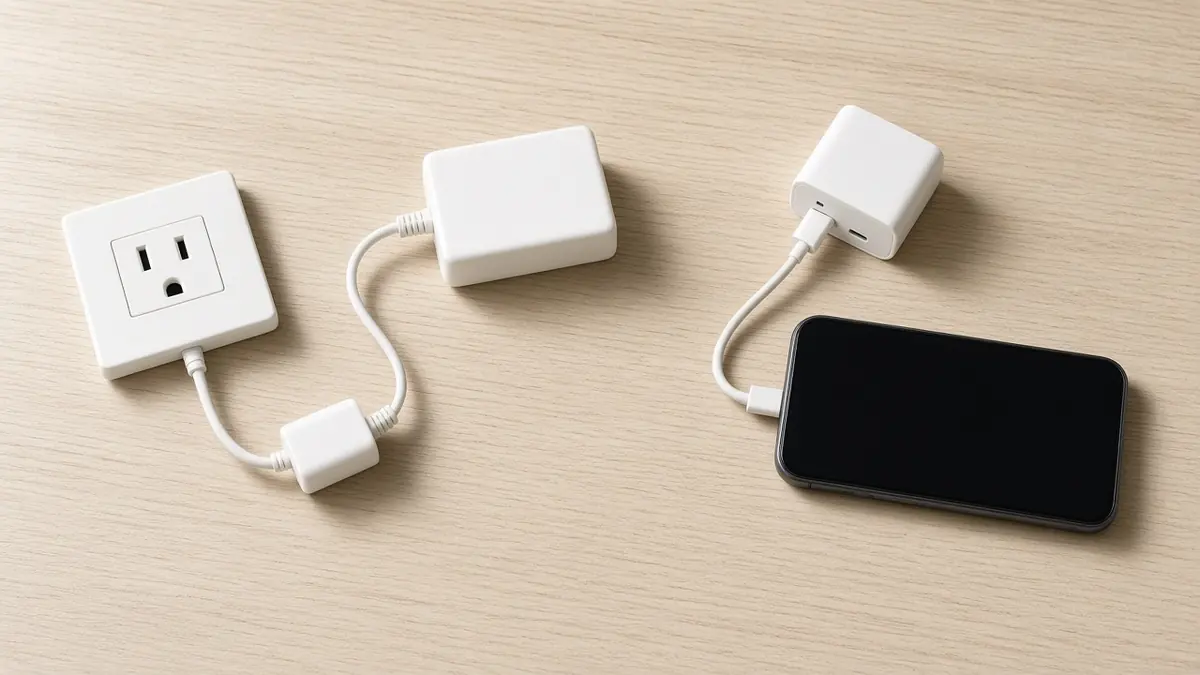
AC pass-through. The phone or laptop brick plugs into the wall, with a plug adapter only so the prongs fit. You then copy that brick’s INPUT line. Apple’s duckhead kit sits on this path for Apple power adapters that have a removable wall piece.
USB-C charging. The phone or laptop receives power from a USB-C port on some other charger or display. That charger is itself an AC device, so its own INPUT line still belongs on the AC path. The USB-C path records which port you will use and what that charger’s manual lists for the port. A USB-C hole on a travel plug, with no manual behind it, fills neither path.
Apple’s Mac power-adapter page, published May 21, 2026, says that if your Mac uses USB-C to charge, you can charge it with any USB-C power adapter or display that supports USB Power Delivery. Third-party power adapters or displays should comply with applicable international and regional regulations and safety standards. For the best charging experience, Apple says to use an adapter or display that provides at least the minimum wattage recommended for that Mac. The same page says a USB-C Mac can still charge from an adapter that provides higher or lower wattage than the recommended one. Check the wattage on the connected adapter’s label, or on a Mac under Apple menu, System Information, Power, AC Charger Information. Recommended wattages on that page are per Mac model; copy the one for the computer you have, and copy the wattage of the adapter you will plug in. Do not treat one model’s figure as the kit’s figure.
The word “converter” on an Apple accessory can mean a connector, not a voltage change. The same Mac page says an older MagSafe adapter can connect to a MagSafe 2 port through a MagSafe to MagSafe 2 Converter, and that this converter is not compatible with MagSafe 3. That is a plug-shape note. It does not tell you whether the AC brick accepts the destination supply.
If the phone will charge from the laptop rather than from its own brick, the laptop brick is the AC record. What the laptop’s port provides to the phone is a separate question for the laptop maker. Do not copy it from the wall adapter’s wattage. How a USB-C source and a device agree on power is covered in the USB Power Delivery explainer. The connector shape is not that agreement.
What do you record before you pack?
Make one copy of this record for the phone’s brick, one for the laptop’s brick, and one for any other USB-C charger whose wall plug you will use. Leave a cell blank when you cannot read it. A blank is a result.

Scroll horizontally to see all columns if needed.
| Field | What to write |
|---|---|
| Destination socket | The shape at the outlet you will use, and the place. A product name such as “travel adapter for Europe” or “travel adapter for Italy” is not this field. |
| Documented destination supply | The supply figure from a source that names that socket, and the name of the source. Leave blank if you do not have one. |
| AC input line | The INPUT text from this brick, copied as printed. |
| Earth requirement | What the manual or label says about an earth or ground connection. If it says nothing, write “not stated.” |
| Fuse note | Only if the manual mentions a fuse. This cell does not complete the earth cell. |
| Plug-adapter manual | The shape it claims, and any sentence about voltage. If it never mentions voltage, write “not stated.” |
| USB-C port | Which port, on which charger or display. |
| Port profile or wattage | The profile or wattage that manual lists for that port. |
| Outcome | Plug adapter only, voltage converter question, or unresolved. |
| Unresolved mismatch | What is still blank, conflicting, or not shown to include the destination supply. |
Earth and fuse stay apart. Nothing on the Apple or Ceptics pages used here says a fuse stands in for an earth connection, and this record does not treat one as the other.
Does a Europe or Italy adapter name answer the check?
No. A regional name on a travel adapter plug tells you, at most, a shape the seller is advertising. It does not tell you the voltage at the socket in the room, and it does not prove that shape matches the outlet you will stand in front of.
Apple’s kit page identifies seven adapters, most of them with a three-character code for countries and regions where Apple says you can use that piece. You might be able to use some adapters in more places than the label lists. Continental Europe is code EUR: slightly angled, round, thin pins. The Republic of Ireland is not on that EUR line. Apple lists it with Hong Kong, Qatar, Singapore, and the United Kingdom under code GBR: three-prong blades. Italy is not among the regions named on that page. Do not promote the EUR piece, or any “travel adapter for Italy,” into a voltage match. Write down the socket you will use.
The same Apple page adds a limit that survives a matching range. The country or region might state that its electrical power is within the supported range for the device, but you still have to consider whether the quality of that power is up to specifications. Apple says electrical spikes and brown-outs can damage electrical equipment. A completed “plug adapter only” line is not a claim that the supply is clean.
Heating appliances, including hair tools, are outside this check. So is any promise that one adapter is the best travel adapter plug. Safety marks on a third-party charger are a different record again; the UL, CE, and FCC charger-mark guide is where that question goes. This page does not assign those marks to any travel adapter.
How do you close the record for each brick?
Compare two cells you wrote yourself: the AC input line, and the documented destination supply. If either cell is empty, stop at unresolved.
Scroll horizontally to see all columns if needed.
| What the two cells show | Outcome | What you still do not have |
|---|---|---|
| The input line is a range, and the documented destination supply sits inside it | Plug adapter only, for this brick | Assurance about spikes or brown-outs; a USB-C profile |
| The input line is a single voltage, and the documented destination supply is different | Voltage converter question, for this brick | A chosen converter, a wattage rating, or a recommendation to use one |
| A cell is blank, or you cannot show that the range includes the destination | Unresolved | Permission to fill the gap from “universal,” a region name, or a USB-C socket |
Run that table once per brick. A dual-voltage laptop charger and a single-voltage phone charger in the same bag do not share an outcome.
What do you ask for when a line is blank?
Ask the company that made that charger for the manual page that states the AC input range, whether an earth connection is required, and the output listed for the USB-C port you will use. If you are using Apple’s travel kit, use the kit page to identify the plug piece, then use the Mac page for the wattage of the adapter you will attach. Phone Gadgets does not take those requests, sell adapters or converters, or quote either one.
Bring the filled record back to the Charging & Power path when the wall side is settled and the remaining question is the USB-C profile, the cable, or a certification mark.
How this guide was prepared
Desk research with AI assistance, using Apple Support pages published May 21 and May 27, 2026, and a Ceptics explainer retrieved October 11, 2026. No charger, adapter, or converter was tested. No destination voltage is supplied by this page. The worksheet is an editorial record, not a measurement or a product recommendation.
Sources and further reading
- About the Apple World Travel Adapter Kit — Apple Support. Accessed .
- Use a power adapter with your Mac — Apple Support. Accessed .
- Travel Plug Adapters vs Voltage Converters — Ceptics. Accessed .
Found an error? See our corrections policy and research methodology.