USB-C Car Chargers for Laptops: Check Input Voltage and Shared Output
Buying a car charger from a headline 100W badge can fail to power your laptop. Match the vehicle socket limit, charger DC input conditions, buck-boost port profile, shared-port row, and cable before ordering.
Buying a USB-C car charger from its total wattage badge alone can fail to power your laptop once you plug into a 12 V auxiliary socket or attach a phone at the same time. Before ordering, match your vehicle manual’s socket limit, the charger’s documented output at your actual DC input voltage, the shared-port allocation row, and the laptop’s required USB Power Delivery profile.
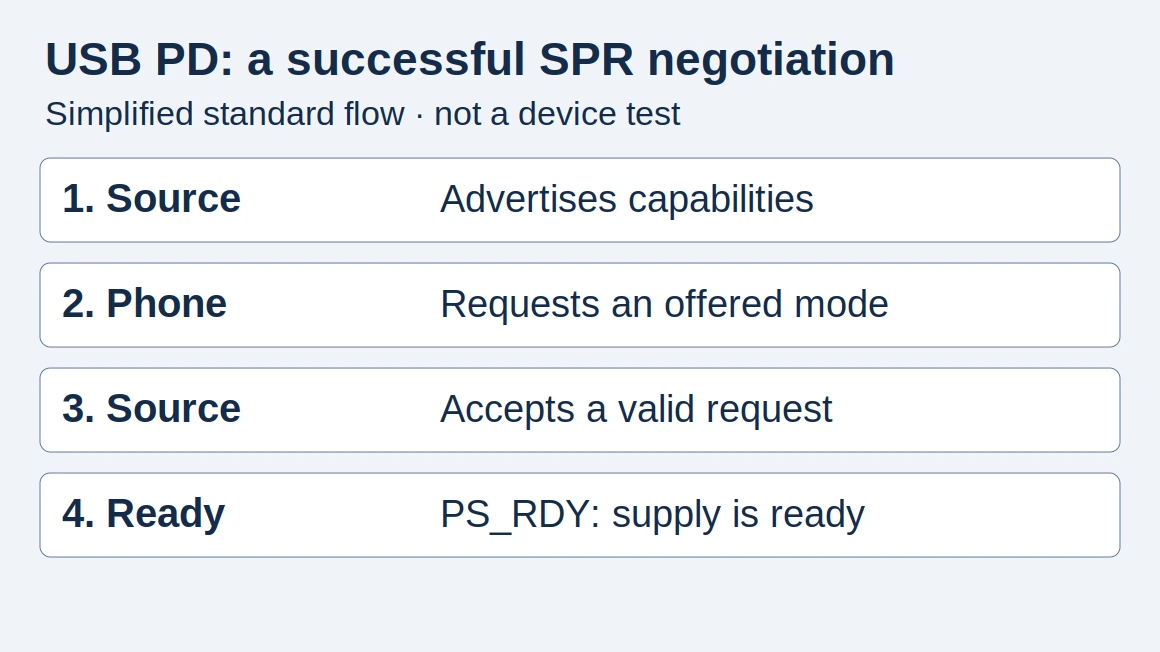
To select a USB-C car charger for a laptop, verify the complete chain from the dashboard outlet to the notebook port. Most laptops charge via USB Power Delivery at 15 V or 20 V, whereas passenger cars supply a nominal 12 V DC bus. Stepping 12 V up to 20 V requires a buck-boost conversion stage on the chosen USB-C port, and published output ceilings still depend on input voltage and port sharing. On tigerexped’s convertiger100 specification (fetched 17 October 2026), standalone USB-C output reaches 20 V / 5 A (100 W max) only when input voltage exceeds 11.8 V, and drops to 65 W max (requiring input voltage above 13.8 V) when the USB-A port is used simultaneously.
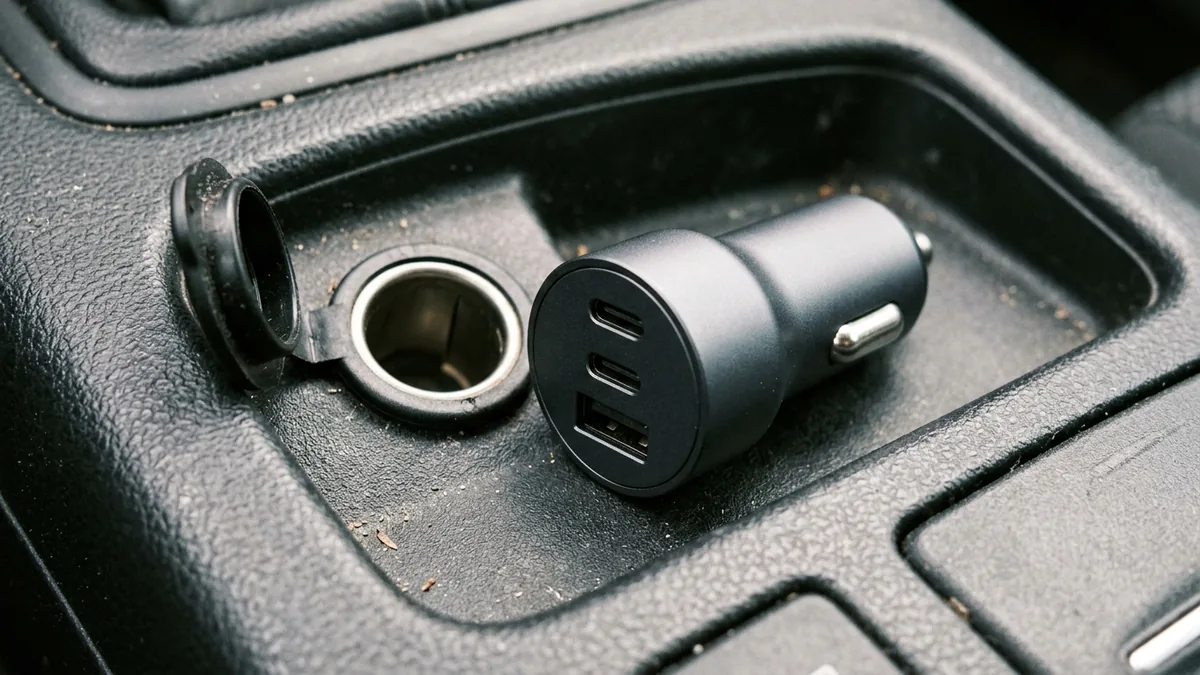
An open vehicle auxiliary power socket on a dark console beside an unbranded cylindrical car charger showing two oval USB-C ports and one rectangular USB-A port.
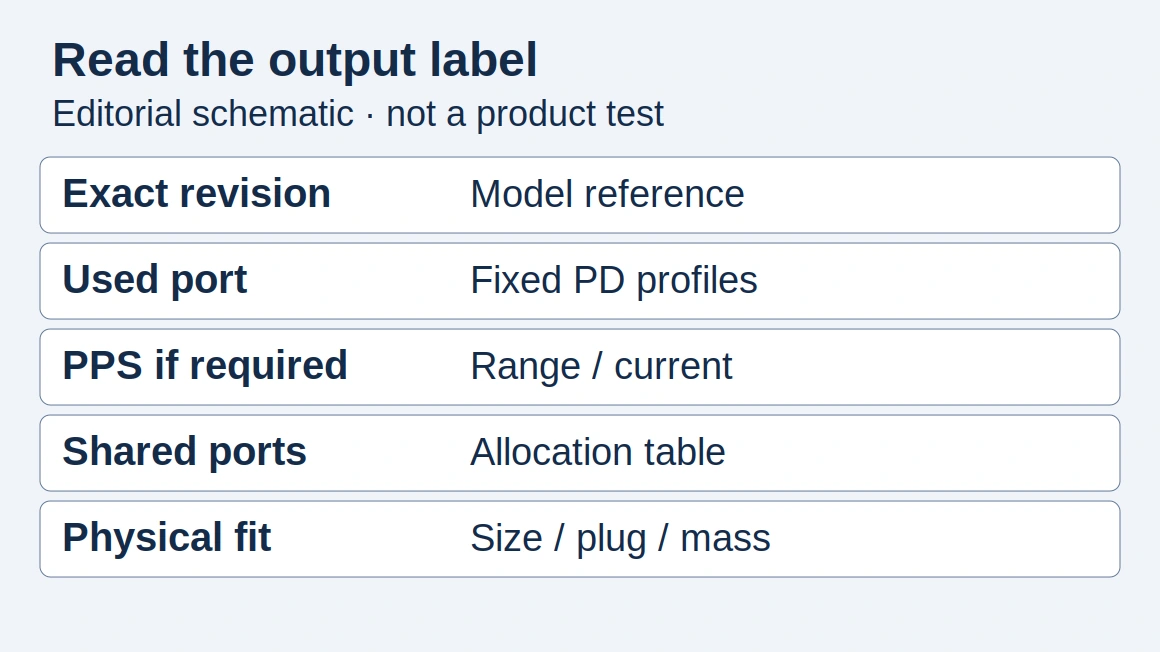
Copy this vehicle-to-load compatibility worksheet
Use one worksheet per vehicle and charger pairing. Copy values only from the vehicle owner’s manual, the charger manual or rating plate, the cable marking, and the laptop manufacturer’s specification page. Leave any unstated item blank or enter Unknown / verify on the unit.
Scroll horizontally to see all columns if needed.
| Worksheet field | Your recorded value | Evidence to check | Why it changes the decision |
|---|---|---|---|
| Vehicle socket nominal voltage (12 V or 24 V DC) | ________ | Vehicle owner’s manual or socket cap label | Determines whether 20 V laptop charging requires voltage boost from 12 V or step-down from 24 V |
| Vehicle auxiliary socket maximum power or fuse limit (W or A) | ________ | Vehicle owner’s manual and fuse box chart | Caps the input power the charger can draw without overloading the socket circuit |
| Charger model, hardware revision, and rated DC input range / current | ________ | Charger casing label and product manual | Confirms the charger accepts your vehicle system and states its maximum input current |
| Selected USB-C port standalone PDOs at your vehicle’s actual input voltage | ________ | Manufacturer per-port output table | Checks whether the chosen port offers 15 V or 20 V fixed PD at 12 V input, not just at 24 V |
Minimum input-voltage condition (Vin) for full output |
________ | Charger technical sheet (for example, Vin > 11.8 V or Vin > 13.8 V) |
Identifies whether full output requires alternator charging voltage rather than a resting battery |
| Simultaneous-use output row with phone or second device attached | ________ | Multi-port allocation table in the charger manual | Shows whether adding a phone reduces the laptop port from 100 W to 65 W or 45 W |
| Laptop model and minimum recommended USB-C PD wattage / voltage | ________ | Laptop support documentation (such as Apple Support 109509) | Sets the target wattage and voltage profile the charger port must sustain |
| USB-C to USB-C cable current and wattage rating (3 A / 60 W vs. 5 A / 100 W e-marked) | ________ | Cable certification label or product datasheet | A 20 V / 5 A (100 W) SPR contract requires a 5 A e-marked cable |
| Unresolved unknowns to verify before purchase | ________ | Missing manual rows, unstated 12 V derating, or unlabelled cable | Prevents assuming a headline wattage applies to your vehicle and port combination |
Takeaway: Keep the vehicle socket rating, the charger’s input-dependent port table, and the laptop’s required PD profile on separate lines so a headline wattage never hides a bottleneck.
Why does a 12 V car socket need a buck-boost converter to deliver 20 V for a laptop?
A standard passenger-car auxiliary outlet supplies nominal 12 V DC, while most USB-C laptops negotiate 15 V or 20 V over USB Power Delivery. A buck-only DC/DC regulator can only step voltage down below the input supply, so it cannot generate 15 V or 20 V from a 12 V socket. Delivering 20 V from a 12 V system—while also stepping a 24 V truck system down to 5 V, 9 V, 15 V, or 20 V—requires a buck-boost converter stage.
Manufacturer and semiconductor documentation fetched on 17 October 2026 illustrates how this stage works and what differs between ports:
- Built-in 12 V / 24 V buck-boost socket example: On tigerexped’s product specification for the
convertiger100(manufactured by texdev GmbH, SKU VAR35970, fetched 17 October 2026), the manufacturer notes that modern laptops operate at up to 20 V, which a conventional 12 V onboard system cannot supply directly. Its integrated buck-boost converter steps a 12 V DC input (within a rated10–30 V DCinput window) up to20 V / 5 A (100 W)on the USB-C port without using an AC inverter. - Automotive semiconductor controller examples: Texas Instruments’ product page for the
TPS25772-Q1(fetched 17 October 2026) describes an automotive dual-port USB Type-C PD controller with an integrated 4-switch buck-boost regulator operating across a5.5 V to 18 Vinput range (40 Vmaximum) and generating a programmable3.3 V to 21 Voutput (0 A to 3 A, up to65 W) compliant with USB PD Rev 3.2 and PPS. For higher current, Texas Instruments’TPS55288-Q1datasheet summary (fetched 17 October 2026) specifies a36-V, 16-Aautomotive buck-boost converter accepting2.7 V to 36 Vinput and delivering0.8 V to 22 Vprogrammable output (21.26 Vmax in its parametric table) with an output current limit programmable up to6.35 A. - Dual-topology multi-port car charger example: Not every port on a multi-port car charger shares the same regulator topology. In ChargerLAB’s 2 December 2025 teardown of the
CUKTECH 10 100W Car Charger with Retractable Cable (Model CC903P)(fetched 17 October 2026), ChargerLAB reports that the unit accepts a12–24 V, 9.5 Ainput and uses two distinct regulation circuits: the built-in retractable USB-C cable uses aPowlicon PL5501synchronous buck-boost controller with fourPY PW055N04ESLMOSFETs to offer fixed PDOs of5 V/3 A, 9 V/3 A, 12 V/3 A, 15 V/3 A, and 20 V/3.25 A(65 Wfixed PD, plus up to90 WXiaomi Surge Fast Charge), whereas the separate USB-C and USB-A ports share aSouthChip SC8110synchronous buck converter and list only5 V/3 A, 9 V/3 A, and 5–11 V/3 A(up to33 W, with no15 Vor20 Vfixed PDO).
Common mistake: Assuming that any USB-C port on a “100W” or “167.5W” car charger can charge a 20 V laptop. If the secondary USB-C port uses a buck-only circuit or is capped at 9 V / 12 V, plugging the laptop into that port will either fail to charge or run at a low fallback profile.
Takeaway: Verify that the exact port you assign to your laptop lists a 15 V or 20 V PDO when powered from a 12 V DC input.
How do input voltage thresholds and multi-port sharing change the watts your laptop receives?
Even when a USB-C car charger includes a buck-boost stage on its primary port, its maximum output is conditional on both the vehicle’s actual DC voltage and which other ports are occupied. Reading only the storefront title hides both limits.
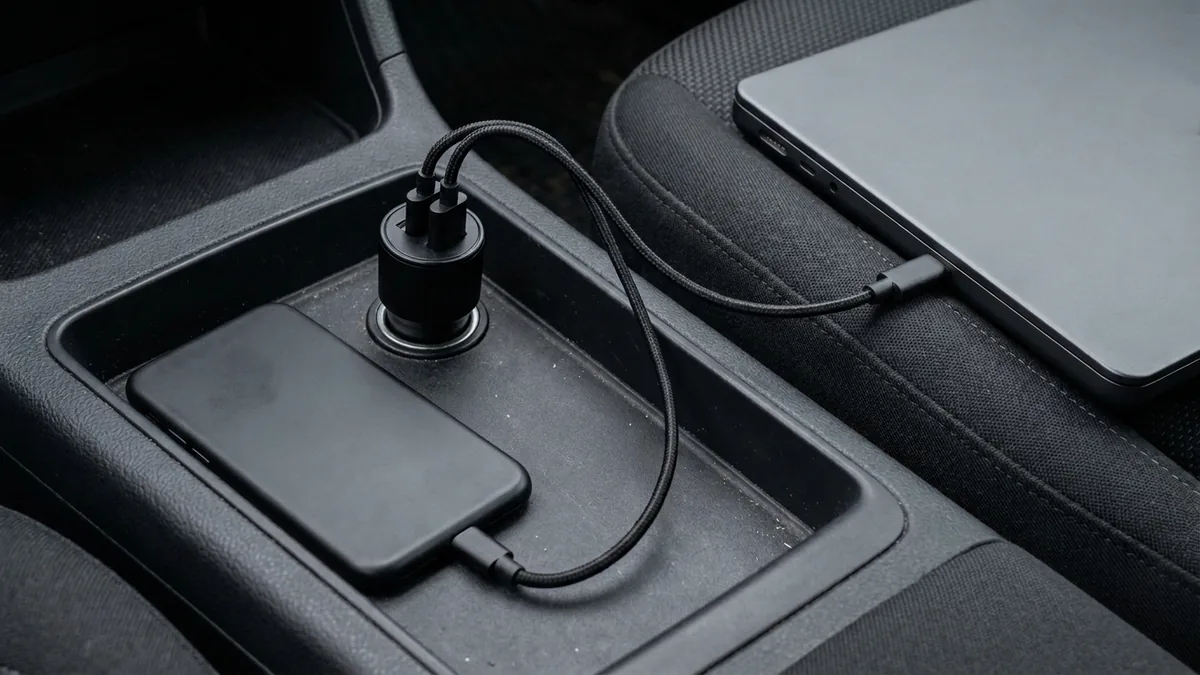
An unbranded matte-black car charger plugged into a vehicle 12V console socket with two braided USB-C cables connected simultaneously to a closed dark-gray laptop on the passenger seat and a face-down black smartphone.
Compare how three public product documents (all fetched on 17 October 2026) state or omit these conditions:
Scroll horizontally to see all columns if needed.
| Documented product & source | Rated DC input | Standalone primary USB-C output | Secondary port standalone outputs | Documented simultaneous (shared) output | What remains blank on the fetched page |
|---|---|---|---|---|---|
tigerexped convertiger100 (texdev GmbH, SKU VAR35970, product spec fetched 17 Oct 2026) |
12 V / 24 V DC (10–30 V) |
USB-C: 5 V/5 A, 9 V/5 A, 12 V/5 A, 15 V/5 A, 20 V/5 A (100 W max, condition: Vin > 11.8 V); PD 3.0, QC 2.0/3.0, PPS 5–20 V |
USB-A: 5 V/3 A, 9 V/3 A, 12 V/3 A (36 W max, condition: Vin > 13.8 V); QC 3.0 |
USB-C + USB-A: USB-C drops to 65 W max, USB-A up to 36 W max (condition: Vin > 13.8 V) |
Exact conversion efficiency and behavior between 10.0 V and 11.8 V |
CUKTECH 10 CC903P (ChargerLAB teardown published 2 Dec 2025, fetched 17 Oct 2026) |
12–24 V, 9.5 A |
Retractable USB-C cable: 5/9/12/15 V 3 A, 20 V 3.25 A (65 W fixed PD), 5–11 V 5 A PPS, 5–20 V 4.5 A (up to 90 W Xiaomi Surge); verified by ChargerLAB at both 14 V and 24 V DC input |
USB-C port: 5 V/3 A, 9 V/3 A, 5–11 V/3 A (up to 33 W)USB-A port: 5 V/3 A, 9 V/2 A, 5–11 V/3 A (up to 33 W) |
Two-port splits: 80 W + 20 W or 65 W + 33 WAll three outputs: 100 W total |
Minimum Vin threshold below 14 V and exact per-port PDO list during three-port use |
Anker Nano Car Charger A2737 (Anker US storefront fetched 17 Oct 2026) |
Not printed in fetched storefront copy | USB-C1: advertised up to 100 W | USB-C2: advertised up to 45 W; third port not itemized in fetched storefront copy | Advertised 167.5 W Max across three ports (Triple-Port 167.5W Max) |
Rated DC input current, USB-A port rating, and 12 V vs. 24 V port-sharing table (must be read from the unit manual) |
Two operational checks stand out from these documents:
- Input-voltage thresholds (
Vinconditions): On theconvertiger100, 100 W standalone USB-C output requiresVin > 11.8 V, while simultaneous 65 W USB-C + 36 W USB-A operation requiresVin > 13.8 V. In a 12 V vehicle, a voltage above 13.8 V typically corresponds to an active charging system (alternator or DC/DC charger running) rather than a resting battery or a long, thin wire run with heavy voltage drop. - Headline total versus single-port and shared-port ceilings: On the
CUKTECH 10 CC903P, “100W” is the three-port combined total; standard fixed USB PD on its primary retractable cable peaks at20 V / 3.25 A (65 W). On theconvertiger100, plugging a phone into the USB-A port reduces the USB-C laptop port ceiling from 100 W to 65 W. For how multiport chargers renegotiate and briefly pause output when a second cable is attached, see our multiport charger power-sharing guide.
Qualified DC input-to-output power-balance illustration (hypothetical arithmetic, not a test)
Before plugging a high-wattage car charger into a vehicle outlet, check whether the vehicle socket’s fuse and wattage limit can support the charger’s input draw. Because DC/DC conversion is not 100% efficient, input watts from the vehicle socket always exceed output watts delivered to the USB-C load:
- Input Power (W) =
USB Output Power (W) ÷ Conversion Efficiency - Input Current (A) =
Input Power (W) ÷ Socket Voltage (V)
The table below shows illustrative arithmetic only—not a measurement of any charger or vehicle:
Scroll horizontally to see all columns if needed.
| Assumed condition (hypothetical) | Assumed USB output | Assumed socket voltage at charger input | Assumed conversion efficiency (illustrative only) | Calculated DC input power | Calculated DC input current | How to use this check |
|---|---|---|---|---|---|---|
| Case 1: 65 W laptop on 12 V socket | 65 W | 12.0 V | 0.90 (assumed) | 72.2 W | 6.02 A | Compare 72.2 W and 6.02 A against your vehicle manual’s socket limit |
| Case 2: 100 W laptop on 12 V socket | 100 W | 12.0 V | 0.90 (assumed) | 111.1 W | 9.26 A | Compare against the vehicle socket limit and the charger’s rated input current |
| Case 3: 130 W shared load on sagging 11.5 V socket | 130 W | 11.5 V | 0.88 (assumed) | 147.7 W | 12.85 A | Exceeds a 120 W auxiliary socket limit; reduce load or use a lower-power port arrangement |
| Case 4: 100 W laptop on 24 V truck socket | 100 W | 24.0 V | 0.90 (assumed) | 111.1 W | 4.63 A | Doubling socket voltage halves input current for the same output power |
Do not use 0.90 or 0.88 as a specification for a real product, and never replace a vehicle fuse with a higher-rated fuse. Instead, read the maximum input current printed on the charger’s rating label (for example, 9.5 A on the CUKTECH CC903P in ChargerLAB’s report) and verify that both the input current and input wattage sit safely inside your vehicle owner’s manual rating for that exact auxiliary outlet.
Match your laptop’s USB-C PD profile and cable before blaming the socket
A car charger that delivers 65 W or 100 W still has to match what your laptop and cable accept.
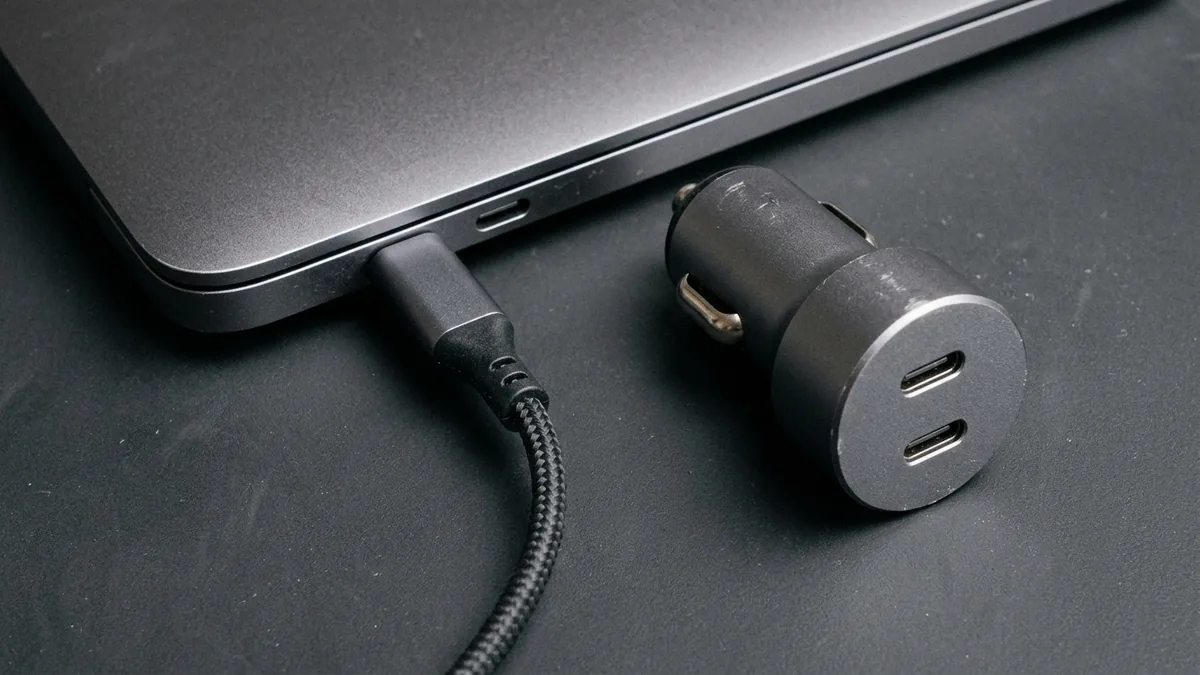
The brushed-aluminum side edge of a closed unbranded laptop showing two oval USB-C ports with one braided USB-C cable plugged in, beside an unbranded cylindrical car charger on a gray workbench mat.
- Check the laptop’s recommended adapter wattage by model: Apple Support’s guide Use a power adapter with your Mac (published 21 May 2026, fetched 17 October 2026) states that any USB-C Mac can charge from a compliant USB Power Delivery adapter, and recommends using an adapter that provides at least the minimum wattage recommended for that specific Mac. Apple’s published model-group recommendations span a wide range:
- MacBook Neo:
20 WUSB-C power adapter - MacBook Air (2022 or later):
30 W(13-inch only),35 WDual USB-C,67 W, or70 W(plus the40 WDynamic Power Adapter with60 W Max) - MacBook Air (2018 through 2021):
30 Wor40 WDynamic Power Adapter with60 W Max - 13-inch MacBook Pro (2016 or later):
61 W - 14-inch MacBook Pro (2021 or later):
67 W,70 W, or96 W - 15-inch MacBook Pro (2016 or later):
87 W - 16-inch MacBook Pro (2019):
96 W - 16-inch MacBook Pro (2021 or later):
140 WApple notes that a USB-C Mac can still charge from an adapter with lower wattage than recommended, though charging performance differs. On macOS, you can verify the wattage the computer actually recognizes from the car charger by holding the Option key, choosing Apple menu > System Information > Power, and reading the wattage under AC Charger Information.
- MacBook Neo:
- Check the 100 W SPR vs. 140 W+ EPR boundary: USB-IF’s USB Power Delivery overview (fetched 17 October 2026) explains that Standard Power Range (SPR) USB PD is capped at
100 Wusing20 Vand a5 A-rated USB Type-C cable, whereas USB PD Revision 3.1 (announced in 2021) reaches140 W,180 W, and240 Wby introducing fixed voltages of28 V,36 V, and48 Vover240 Wfull-featured cables. A car charger whose primary port stops at20 V / 5 A (100 W)cannot supply a28 V / 5 A (140 W)Extended Power Range contract; for those higher-voltage requirements, see our USB PD 3.1 140W and 240W EPR breakdown. - Verify the 5 A e-marked cable: Both USB-IF and tigerexped’s
convertiger100documentation specify that20 V / 5 A (100 W)requires a5 A / 100 We-marked USB-C to USB-C cable. With a standard3 Acable, a 20 V PD contract is limited to60 W. Tigerexped also warns that overly long or thin cables introduce voltage drop and that magnetic adapters or fixed-voltage trigger cables can interfere with normal USB-PD negotiation.
Takeaway: Confirm your laptop’s required wattage, verify a 5 A e-marked cable for any 65 W–100 W (20 V) setup, and check the recognized wattage in the laptop’s system power information.
What this guide does not establish
To keep your purchase check accurate, separate documented input/output matching from claims this page does not make:
- No universal 12 V / 24 V vehicle compatibility: Auxiliary socket fuse ratings, wiring gauges, and whether a socket remains live when the ignition is off vary by vehicle make, model, and trim. Read your vehicle owner’s manual.
- No engine-off battery runtime or low-voltage cutoff guarantee: Unless a charger documents an explicit low-voltage disconnect threshold and you verify it for your battery type, do not rely on a plug-in car charger to protect a starter battery from discharging while parked.
- No vehicle wiring or fuse modifications: Tigerexped’s cable cross-section table (
2.5 mm²at 4 m and4 mm²at 7 m for 12 V systems;1.5 mm²at 4 m and2.5 mm²at 7 m for 24 V systems) applies to hardwiring its built-in camper socket—not to modifying factory passenger-car cigarette-lighter wiring. - No hands-on teardown or ripple measurements by Phone Gadgets: Component identifications for the
CUKTECH 10 CC903Pcome from ChargerLAB’s 2 December 2025 teardown. If you are auditing laboratory test files or safety marks from a vendor, use our USB-C charger ripple report checklist, our UL, CE, and FCC charger certification guide, and our GaN charger evaluation guide.
FAQ
Can I charge a laptop with a 12V car charger?
Yes, if the car charger’s selected USB-C port uses a buck-boost converter to step the vehicle’s 12 V DC supply up to the 15 V or 20 V USB Power Delivery profile your laptop accepts, and the charger’s input draw stays within your vehicle socket’s fuse and wattage rating.
Why does my 100W USB-C car charger only give 65W to my laptop?
Three documented causes explain a 65 W ceiling: the charger’s “100W” title is a multi-port total while the single port peaks at 65 W (as on the CUKTECH CC903P), a second device is plugged in and triggers a shared-port reduction (as on the convertiger100), or you are using a 3 A USB-C cable instead of a 5 A e-marked cable.
Does a 100W car charger deliver 100W on both 12V and 24V sockets?
Not automatically. Some chargers maintain their 20 V rating across 12 V and 24 V inputs, while others require a minimum input voltage (such as Vin > 11.8 V standalone or Vin > 13.8 V during dual-port use on the convertiger100) or restrict 20 V / 5 A output to 24 V sockets. Check the manual’s 12 V input line before buying.
How can I check the wattage my MacBook is getting from a car charger?
On macOS, plug the laptop into the car charger, hold down the Option key, and open Apple menu > System Information > Power. Look under AC Charger Information to see the wattage recognized by the Mac, as documented by Apple Support on 21 May 2026.
How this guide was prepared
Desk research with AI assistance, compiled from seven primary documents fetched on 17 October 2026: tigerexped's convertiger100 specification (texdev GmbH), Texas Instruments' TPS25772-Q1 and TPS55288-Q1 product pages, ChargerLAB's 2 December 2025 teardown of the CUKTECH 10 CC903P car charger, Anker's A2737 US product page, Apple Support's 21 May 2026 Mac power-adapter guide, and USB-IF's USB Power Delivery overview. No vehicle socket, car charger, or laptop was tested by Phone Gadgets. Numerical power balances are labelled arithmetic examples derived from stated inputs, not measured efficiency results.
Sources and further reading
- USB-C / USB-A Buck-Boost Charger "convertiger100" (SKU VAR35970) — tigerexped / texdev GmbH. Accessed .
- Use a power adapter with your Mac — Apple Support. Accessed .
- USB Charger (USB Power Delivery) — USB-IF. Accessed .
- TPS25772-Q1: Automotive dual-port USB Type-C PD controller with buck-boost regulator — Texas Instruments. Accessed .
- TPS55288-Q1: 36-V, 16-A buck-boost converter with I2C control — Texas Instruments. Accessed .
- Anker Nano Car Charger (167.5W, 3 Ports) - Model A2737 — Anker US. Accessed .
- Teardown of CUKTECH 10 100W Car Charger with Retractable Cable (CC903P) — ChargerLAB. Accessed .
Found an error? See our corrections policy and research methodology.