Qi2 Wireless Charger: Magnetic Power Profile Guide
Magnetic attachment alone does not establish Qi2 certification. Check the exact charger and phone, then separate the advertised power level from sustained charging.
A magnetic puck that fits can still leave you waiting longer than expected. Choose a Qi2 wireless charger by its Magnetic Power Profile, verified certification and documented phone pairing, then budget for the complete charging session.
Qi2 uses magnetic alignment to position the phone and charger, according to the Wireless Power Consortium (WPC). Its original charging level was 15 W; WPC also identifies the later Qi2 25W version. For a purchase decision, verify the exact model and supported version, the phone’s charging specification, and the required adapter. A magnetic ring or a large wattage on a listing is insufficient evidence of the complete pairing. Treat sustained charging time as a separate question that depends on the connected setup and operating conditions. WPC’s Qi2 overview is the primary reference for those power levels.
What does Magnetic Power Profile mean?
The Magnetic Power Profile (MPP) is the magnetic profile associated with Qi2 in WPC’s Qi v2.0 launch explanation. WPC says it builds on MagSafe technology contributed by Apple. That same announcement distinguishes an enhanced Extended Power Profile (EPP) without magnets, carrying Qi branding. Consequently, a reference to “Qi v2.0” alone needs the profile identified. WPC’s profile explanation establishes this distinction.
Scroll horizontally to see all columns if needed.
| Listing or profile | What the evidence establishes | Dominant Failure Mode & Prevention |
|---|---|---|
| Qi2 / MPP | A magnetic profile; match the exact product to its certification record | Mistaking attachment for certification → check model identity in WPC’s database |
| Qi v2.0 enhanced EPP | WPC’s launch description specifies a nonmagnetic profile with Qi branding | Assuming the version number implies magnets → identify the profile |
| “Magnetic” or “MagSafe compatible” alone | A marketing description requiring further verification | Buying for an assumed charging mode → obtain the exact phone and charger specifications |
WPC says certification includes safety and interoperability testing. Use its certified-product database to match the brand, model and profile; a similar-looking product is not an exact match. Retain the record with the seller’s model description.
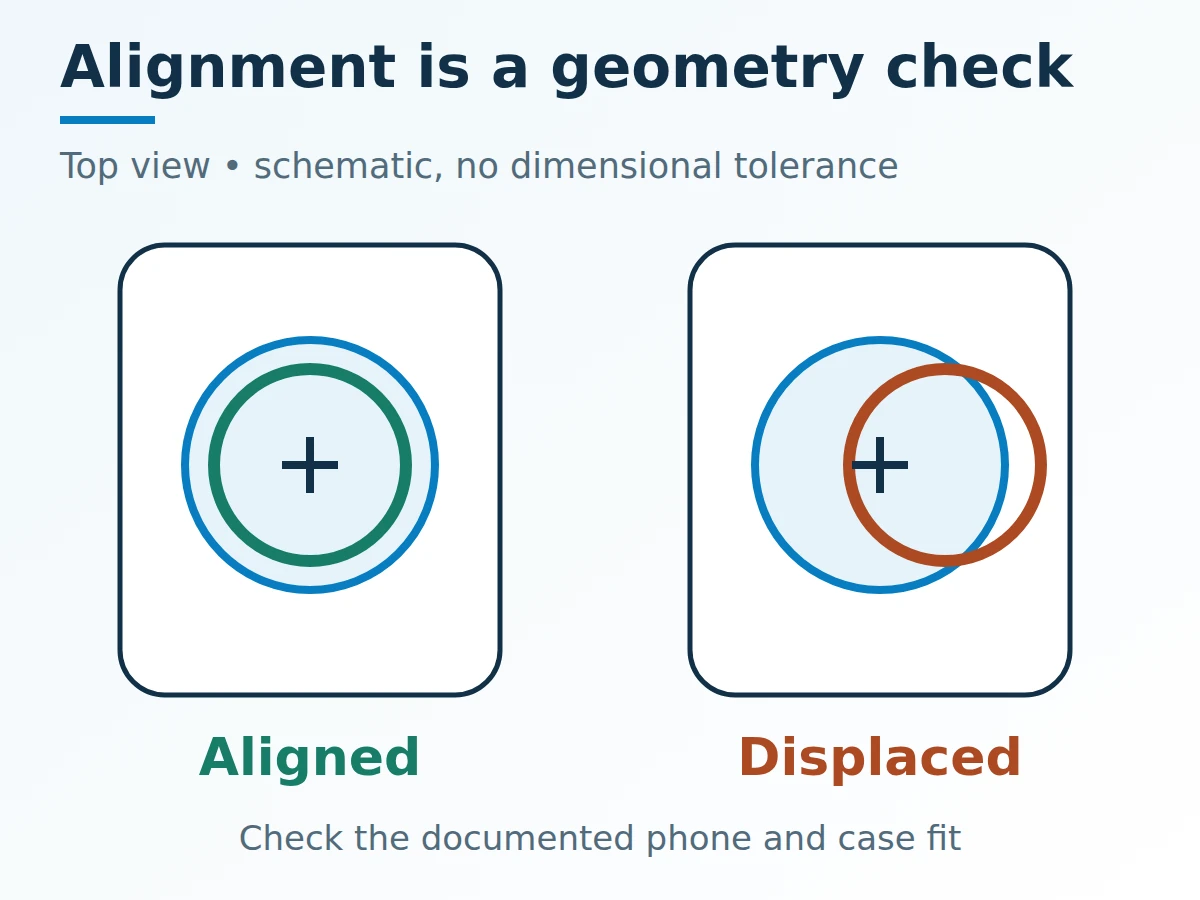
Magnetic positioning addresses alignment. The schematic supplies no permissible offset or spacing dimension.
Check the phone, case and power supply together
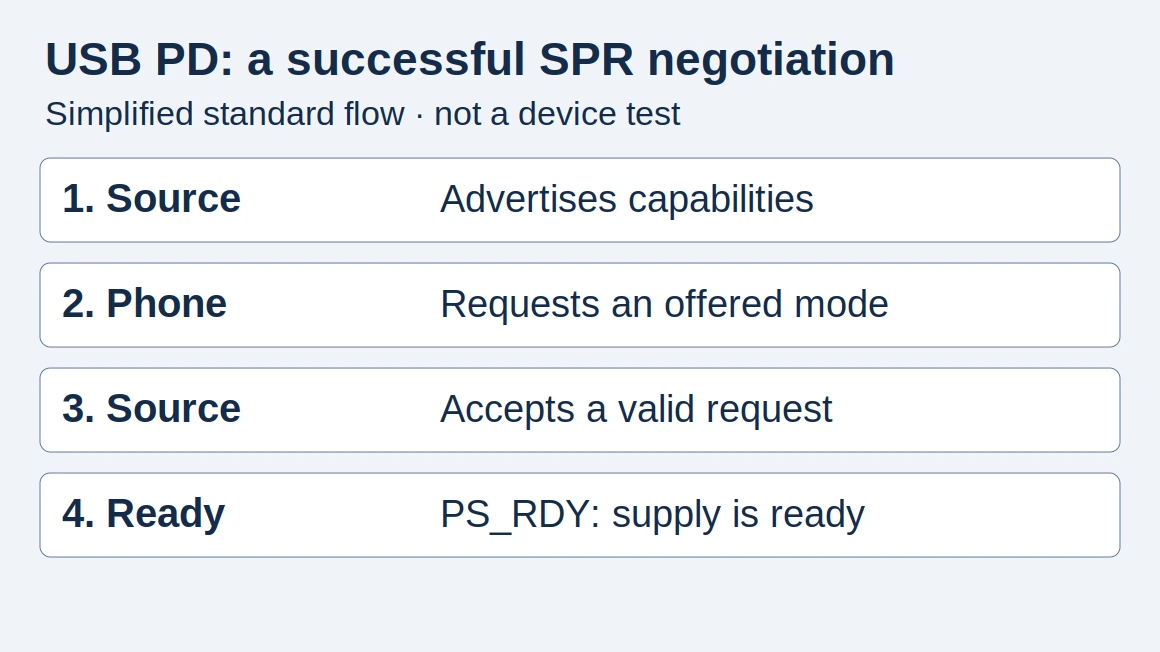
A useful buying record identifies every part between the outlet and phone. Read the phone maker’s compatibility guidance and the charger’s instructions for the exact case and adapter combination. Do not infer the supported charging mode from the phone’s physical attachment.
Record the charger’s required input, whether the adapter is included, the cable arrangement and the phone’s supported wireless charging mode. Where the instructions require USB Power Delivery, use the USB-C PD explanation to interpret the adapter’s documented output. A USB-C socket alone does not describe the available power profiles.
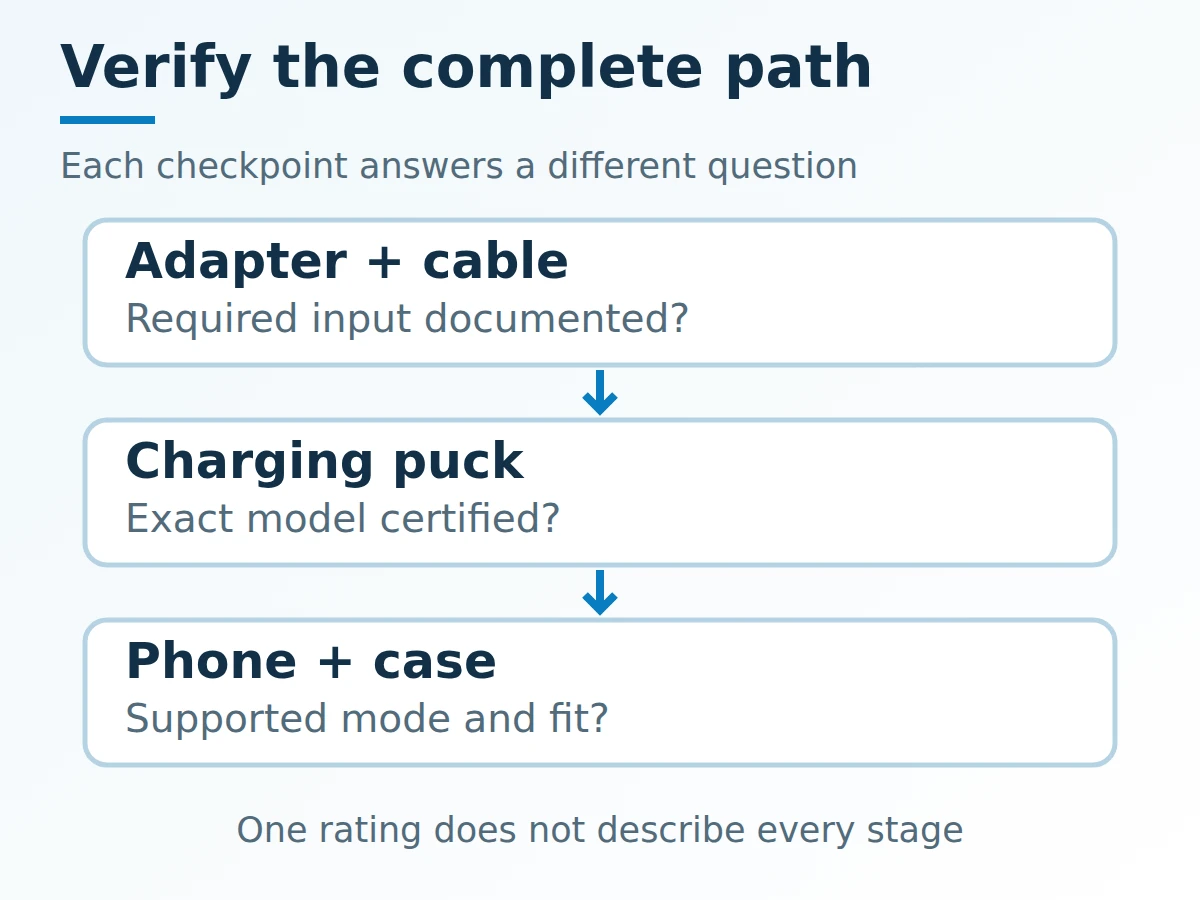
Checkpoints belong to the whole setup. An adapter rating cannot substitute for the phone’s charging specification.
Before comparing models, confirm that the case permits the documented fit and that the charging surface sits as intended. If one setup repeatedly disconnects, record the case and placement before attributing the interruption to the charging standard. Avoid turning a fit observation into an electrical certification claim.
Use an ambient-temperature threshold correctly
Rule of thumb for an iPhone setup: if ambient temperature exceeds 35°C or is below 0°C, move the comparison into Apple’s specified operating range before judging charging performance. Apple’s temperature guidance gives that ambient range and explains that charging can slow or stop when the device becomes too warm internally.
The ambient range describes the air around the device. It does not specify a charger-surface limit, an internal sensor trip point or guaranteed full-speed operation within the range. Record direct sunlight, screen activity and any charging-hold message alongside temperature. For another phone brand, use that manufacturer’s operating conditions rather than transferring Apple’s limits.
Compare power levels, then record time
The ratio between documented power levels compares the standards’ stated levels. It cannot establish a particular phone’s average charging power or session duration. WPC lists the original 15 W Qi2 level and the later Qi2 25W version.
Formula: listed power-level ratio = later Qi2 power level (W) ÷ original Qi2 power level (W).
Worked line: 25 W ÷ 15 W ≈ 1.67. This dimensionless ratio compares the two listed levels; it is neither a conversion-efficiency figure nor a promise of 1.67 times the charging speed for your phone.
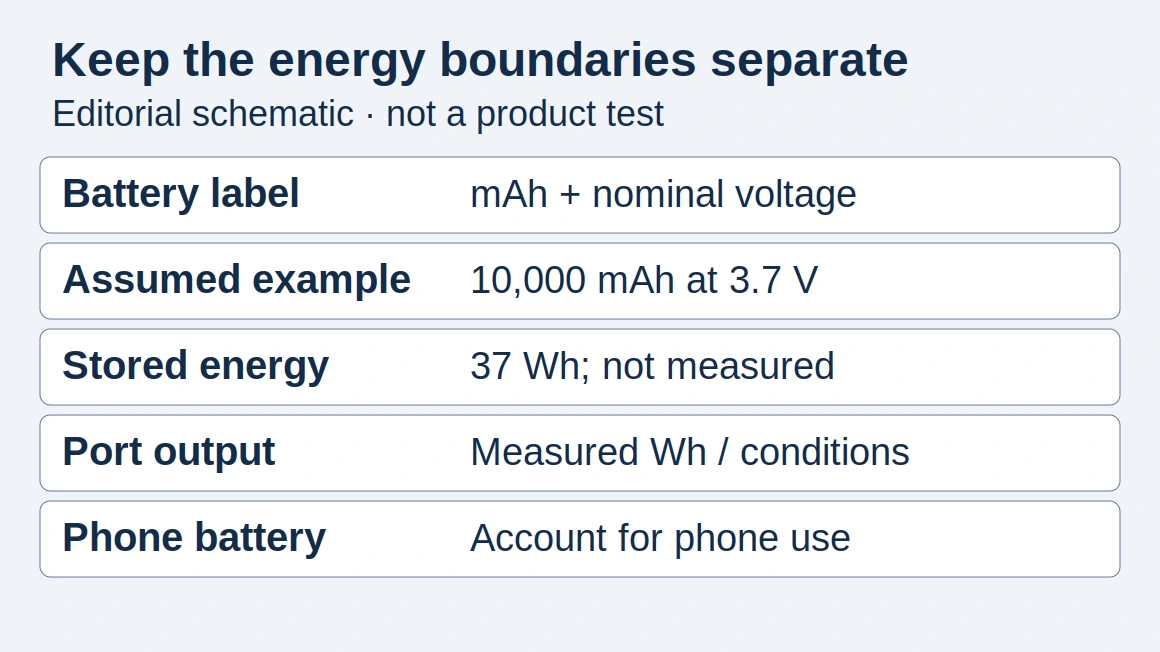
To calculate battery-filling time, the energy and power must describe the same boundary: active time (h) = battery energy added (Wh) ÷ average net battery-charging power (W). The listed wireless power level does not supply that net battery-power measurement. If an average already includes pauses, dividing by it gives elapsed time; do not add those pauses a second time. Phone battery percentage alone does not provide a calibrated Wh measurement.
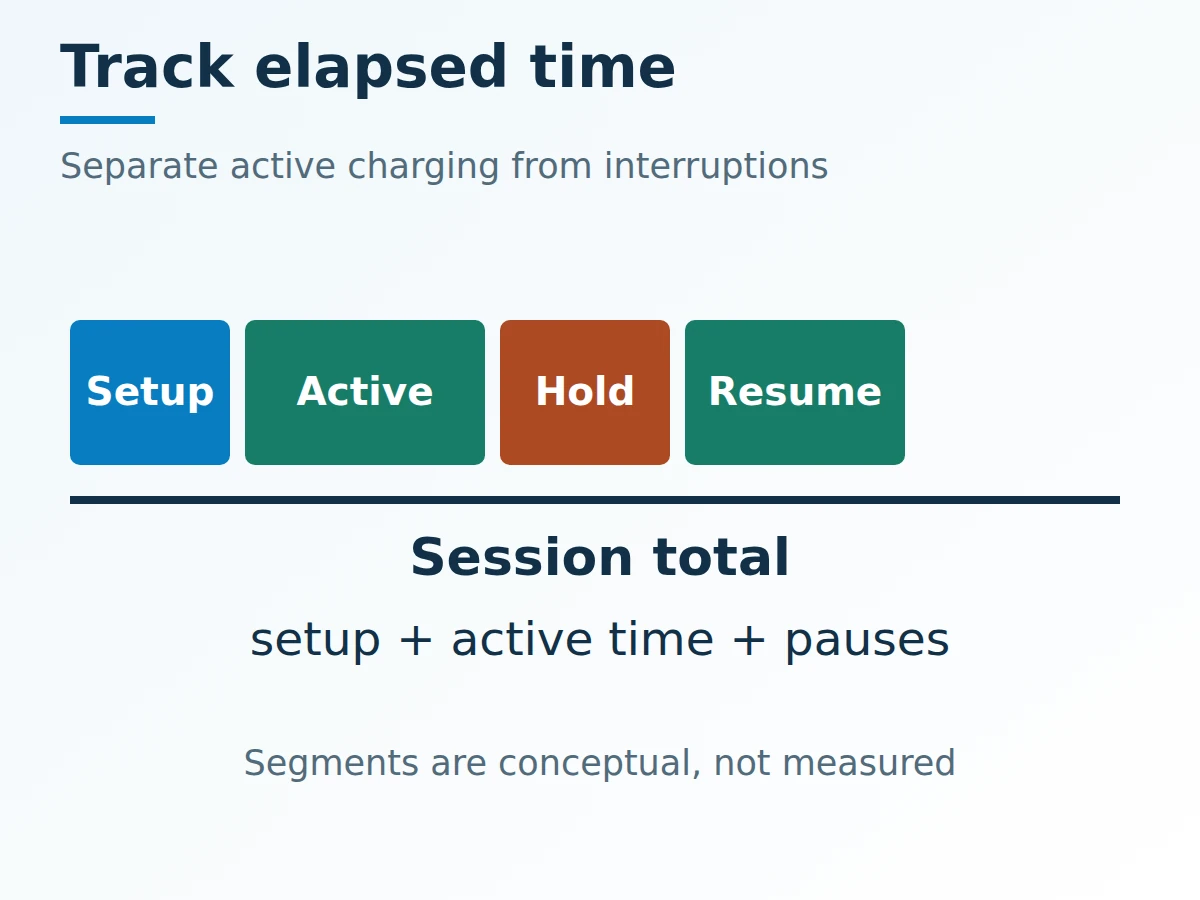
Keep active charging and interruption time distinct before calculating the session total.
Keep a session-time ledger
The practical cost includes setup and interruption time. Compare the same phone, starting and ending charge states, screen activity and environment; retain the original observations rather than converting every pause into a power estimate.
Scroll horizontally to see all columns if needed.
| Time or energy entry | What to record | How it affects the decision |
|---|---|---|
| Setup time | Time to connect, place and confirm charging | Reveals daily handling overhead |
| Active charging | Duration and stated energy boundary, if measurable | Supports an average-power calculation only with energy evidence |
| Pauses | Start/end times, charging message and conditions | Explains extra elapsed time |
| Session total | Setup + active time + pauses, without overlapping entries | Matches the time actually needed |
| Portable alternative | Documented stored Wh, output conditions and recharge time | Use the power-bank capacity guide for an energy comparison |
Choose the arrangement that fits your time window and has verifiable compatibility evidence. Return to the charging and power setup checklist when comparing the adapter, cable and portable backup as one kit.
Method and sources
This guide uses WPC’s public profile and certification explanations and Apple’s operating-condition guidance, accessed October 19, 2026. The calculation is an explicit planning example; no product-specific sustained-power or efficiency figure is inferred. The diagrams show relationships rather than measured tolerances or performance curves. Updated October 2026.
How this guide was prepared
Desk research using the linked primary sources, with AI assistance. Diagrams explain technical relationships; numerical examples use stated assumptions and do not report product measurements.
Sources and further reading
- Qi Wireless Charging and Qi2 — Wireless Power Consortium. Accessed .
- Qi v2.0 profiles and certification launch — Wireless Power Consortium. Accessed .
- If your iPhone or iPad gets too hot or too cold — Apple. Accessed .
Found an error? See our corrections policy and research methodology.