Blacklisted IMEI Status Check: GSMA Lost/Stolen Database Fields, Financial Hold & Audit Receipt
Check the named list, preserve the exact result, resolve reported claims and keep the evidence with your purchase record.

For a blacklisted IMEI status check, start with the exact result and the list it names. A green status means the device IMEI is not currently flagged on the GSMA Block List. A billing-related carrier block may remain with that carrier without appearing on the GSMA Block List.
Keep the lost/stolen result, financial claim and carrier response in separate fields. Use the checklist below to assemble your own purchase-check receipt, and return to our smartphone buying guides for the wider handset decision.
How should you read the lost/stolen result?
The red result is labelled YES - flagged on GSMA Block List. Device History displays the reason, such as lost or stolen.
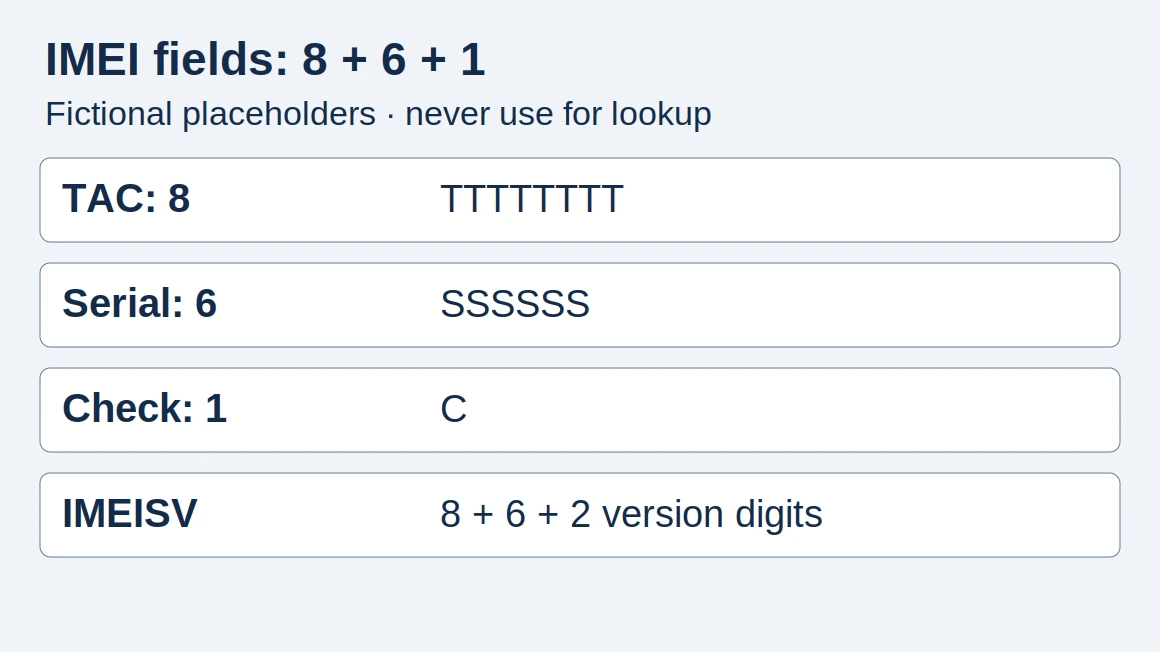
Copy the returned status and reason exactly. For a flagged result, pause acceptance and request clarification before proceeding. For identifier basics, use the IMEI guide.
A mismatch between reported device details and the physical device could indicate counterfeit or tampered identity.

Which database fields should you look for?
Not all Block List fields are available to every contributor or user. Record the fields actually returned; mark anything absent as “not supplied”.
| Field to inspect | What the Block List can capture | What to record |
|---|---|---|
| Identifier | The Block List can capture the mobile device identifier. | Match the queried identifier to your handset record. |
| Entry date | The Block List can capture the date of its entry. | Keep the displayed entry date separate from your check time. |
| Country and contributor | The Block List can capture the country and contributor responsible for an entry. | Retain permitted details in the private purchase file. |
| Device details | The Block List can capture device make and model detail associated with the IMEI. | Compare returned make and model with the physical device. |
| Reason | The Block List can capture a reason code. | Preserve the supplied reason wording or code. |
| History | The Block List can capture entry history. | Keep the available history with the result. |
If a contributor has not reported an IMEI, the Block Lists contain no data relating to it. The Block Lists do not hold device-owner names or telephone numbers.
What does a financial hold mean?
The General List lets contributors flag IMEIs subject to ownership or financial claims. Ownership or financial claims can concern devices in transit, in inventory or leased.
General List information is published through Device Check and is not downloadable.
Ask which list the result refers to. Keep an ownership or financial claim under its own heading, and copy the reported reason without changing its wording.
A carrier may block a device because of billing issues with its owner. Other carriers may or may not allow the billing-blocked device on their networks.
Contact the seller to have a financial or ownership claim dealt with and removed before purchasing.

Keep carrier unlock requirements separate
AT&T unlock requirements include a device paid in full at purchase or paid off through an installment plan. AT&T unlock requirements include no report of loss, theft or fraud.
For T-Mobile unlock eligibility, the device must not be reported as lost, stolen or blocked.
For a device financed or leased through T-Mobile, all payments must be satisfied and the device must be paid in full.
Save the relevant carrier response alongside the status check. Continue with carrier unlock and regional firmware checks for that part of the purchase.
When should you check again?
Device status may change after a check. Owners may take time to report a lost or stolen device.
Uploading status after a lost, stolen or found report can take up to twenty-four (24) hours, and sometimes longer.
Run a fresh check close to acceptance when working from an older seller report. Save your check time separately from the entry date, and preserve a supplied timezone exactly. After a reported correction, request an updated result before closing the purchase record.
What should your audit receipt contain?
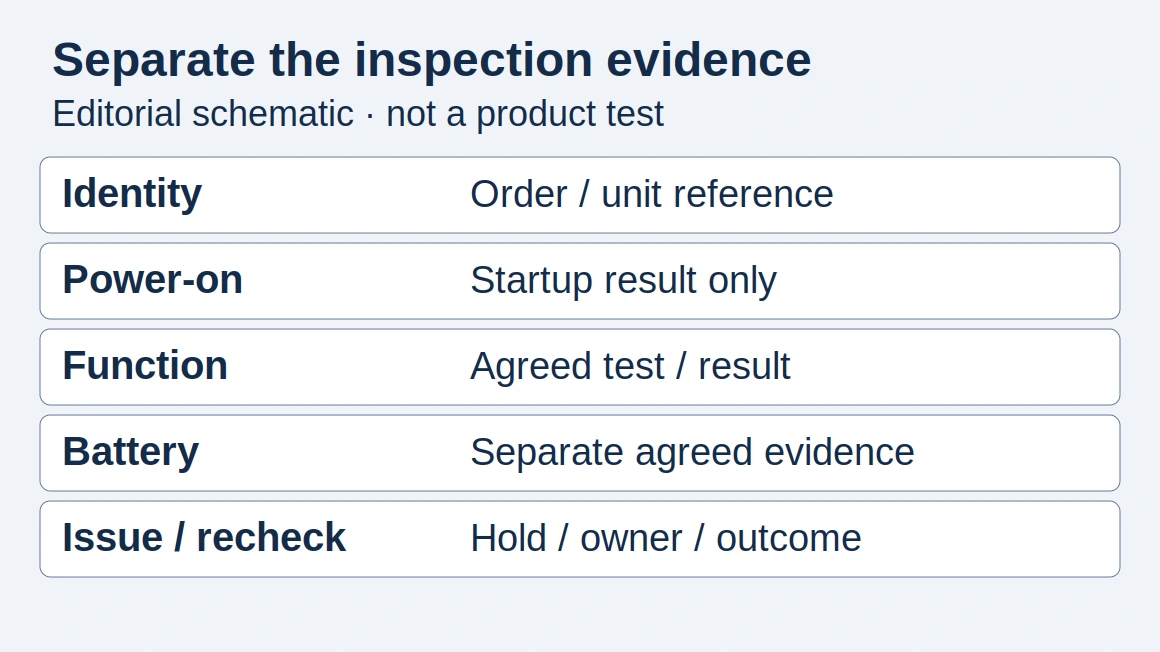
Build a private purchase-check record using the checklist below. Attach the original returned result and keep your own decision notes alongside it.
| Receipt item | Fill in or attach |
|---|---|
| Handset and purchase reference | Queried identifier; physical handset reference; seller or order reference |
| Check provenance | Service name; list queried; original result or permitted export |
| Timing | Your check time; displayed entry date; timezone if supplied |
| List results | Block List status; General List status if supplied; exact reason and available history |
| Carrier follow-up | Carrier response; payment or unlock evidence requested for this purchase |
| Resolution and decision | Seller correspondence; follow-up result; your acceptance or hold decision |
Read history fields in context
The example Device Check history includes a Date field. The example Device Check history includes a List field. The example Device Check history includes an Action field. The example Device Check history includes a Reason field.
The example Device Check history includes an Organisation Name field. The example Device Check history includes a Country field.
The example Device Check history includes a B List Status field. The example Device Check history includes a G List Status field.
Financial encumbrance appears as a General-list reason in the example history.
Use those labels to read a returned history. Copy each available event as shown; keep your check timestamp in its own receipt field.
Block List Services users are prohibited from disclosing contributor names to the general public.

Who should handle an incorrect flag?
Consumers disputing status should contact their wireless provider to verify the account and recent device network activity. Commercial and government users disputing Block List status should contact the organisation that flagged the device.
Send the relevant handset reference and returned result through the appropriate private channel. Keep the response with your receipt and revisit any unresolved discrepancy before acceptance. For a wider incoming-inspection checklist, continue to mobile phone quality control.
Sources and further reading
- Device Check FAQs — GSMA. Accessed .
- Device Check Terms of Use — GSMA. Accessed .
- Block List Services Description — GSMA. Accessed .
- Updates and enhancements to Device Registry — GSMA. Accessed .
- Device Check — GSMA. Accessed .
- Unlock an AT&T device — AT&T. Accessed .
- Device Unlock Policy — T-Mobile. Accessed .
- How new device status attributes will further support best in class device verification techniques — GSMA. Accessed .
Found an error? See our corrections policy and research methodology.