Carrier Unlocked Phones vs Regional Firmware: SIM Lock Status, Modem Bands & VoLTE Provisioning
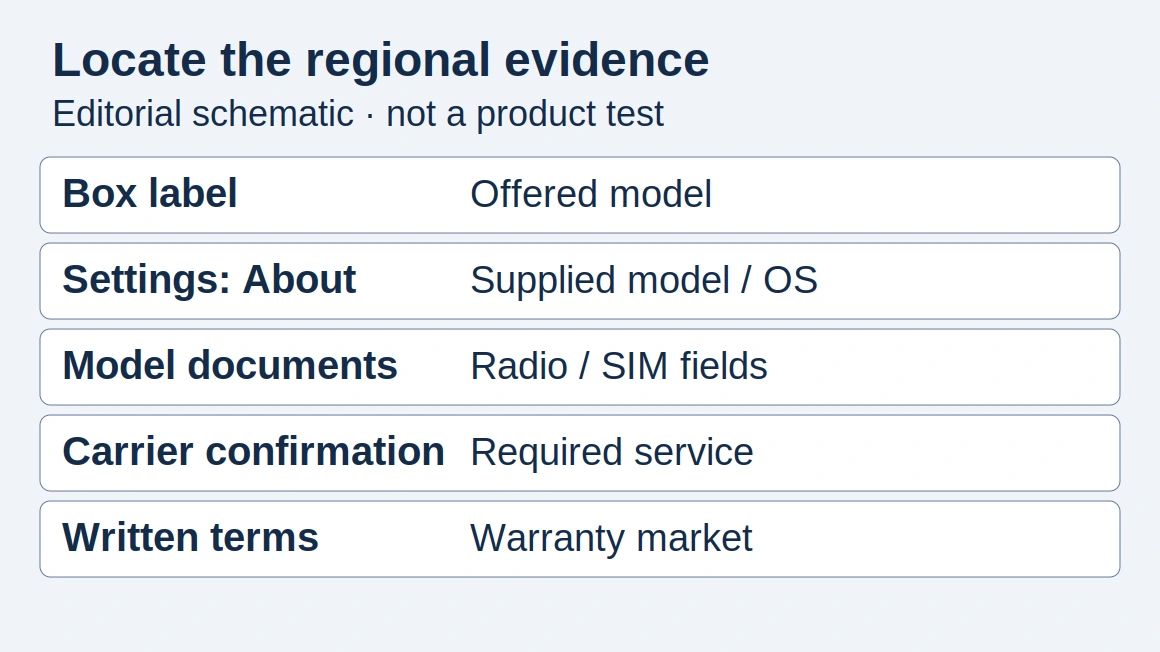
Use separate checks for carrier lock status, regional model specifications and service setup. Keep the handset evidence together before accepting a purchase.
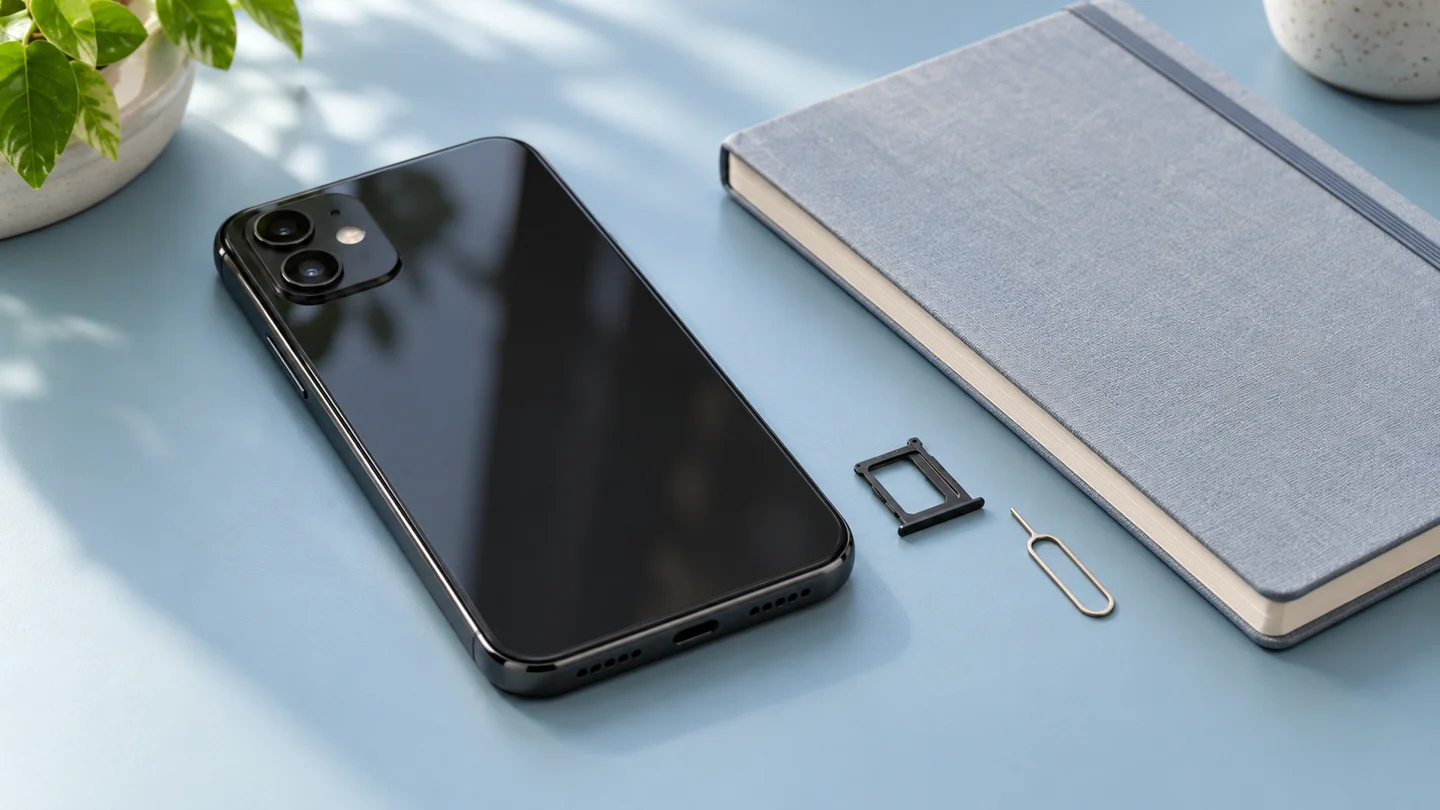
When comparing carrier unlocked phones with regional firmware variants, check lock status, the exact model’s radio specifications and the intended carrier’s service setup separately.
T-Mobile uses SIM unlock, network unlock and carrier unlock as names for using a device on another provider’s network.
For a purchase decision, collect the evidence below before choosing a handset. Start with our smartphone buying checks if you are still comparing listings.
What should you check before buying?
| Check | Evidence to request | Next action |
|---|---|---|
| Carrier lock | The handset’s lock-status screen and outgoing carrier’s unlock confirmation | Resolve an outstanding lock with that carrier. |
| Regional model and modem bands | The complete model identifier and its manufacturer specification | Compare that variant’s listed frequencies with the destination network. |
| Carrier configuration and voice service | The provider software version and destination-carrier eligibility result | Complete the supported setup, then check calls and data on the intended line. |
For T-Mobile bring-your-own-device use, the device must be unlocked.
The device must also support the frequencies used by T-Mobile.
T-Mobile additionally directs users to check support for VoLTE and Extended Range LTE.
Treat each row as a separate item in your purchase record. Ask the seller for the exact handset details, then run the destination carrier’s check yourself.
How do you verify carrier unlock status?
Unlocking an iPhone means it can be used with different carriers.
On an iPhone, open Settings → General → About: “No SIM restrictions” next to Carrier Lock means the iPhone is unlocked.
Only the current carrier can unlock an iPhone.
Save the lock-status evidence with the handset’s model details. For an Android purchase, ask for the original carrier’s unlock instructions and confirmation for that device.
Which regional model and bands should you compare?
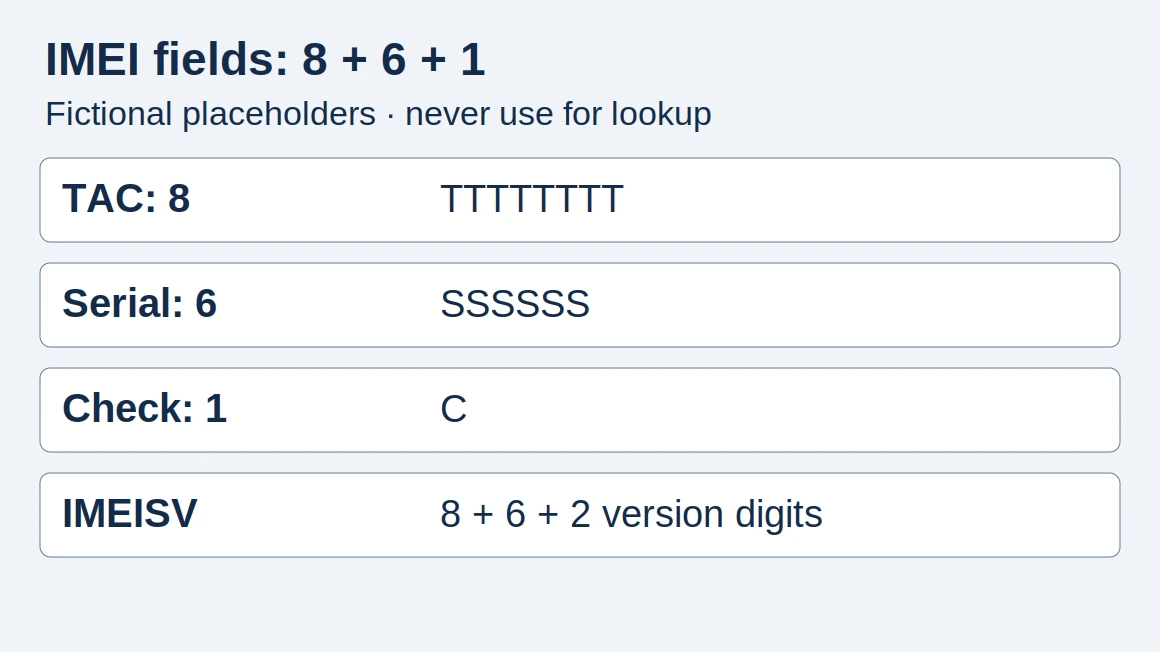
Use the complete model identifier when opening the manufacturer’s radio specifications. Compare entries at the model level, and keep the market label alongside the identifier.
Google lists Pixel 9 model G2YBB for the US with 5G mmWave + Sub 6GHz.
Google lists Pixel 9 model G1B60 for JP with 5G Sub 6GHz.
Google lists Pixel 9 model GUR25 for the rest of world with 5G Sub 6GHz.
For these entries, copy the specification attached to the model you are considering. Then check that device with the intended carrier.
T-Mobile’s IMEI Compatibility checker uses the entered IMEI to determine bring-your-own-device eligibility.
On T-Mobile, partial compatibility can result in reduced coverage and slower data speeds compared with full compatibility.
Save the checker result before making the purchase decision. For broader regional buying questions, continue with the global-version phone guide.
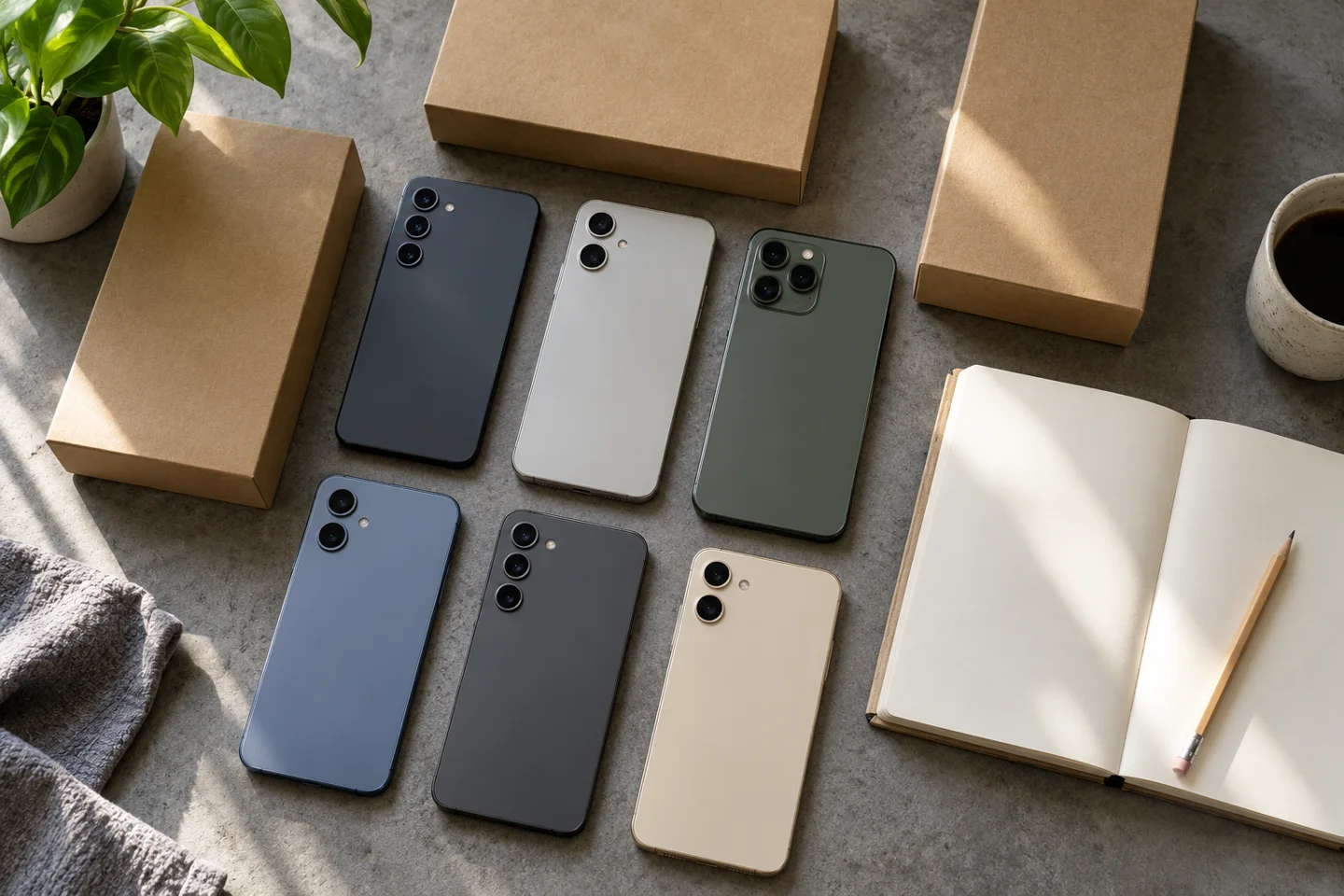
Can switching carriers change Galaxy software settings?
In Samsung’s supported Galaxy carrier-switching workflow, network configuration, carrier features, branding and system apps change based on the inserted SIM or the carrier linked to the eSIM.
In that supported Galaxy workflow, the phone adapts to the new carrier without a factory reset.
The outgoing carrier must unlock the phone for Samsung’s carrier-switching BYOD experience to activate.
Samsung’s BYOD customization is not supported when Device Owner mode is activated.
Before relying on this workflow, check its applicability to the handset you plan to buy. Keep the device’s software identity in the same record as its lock status.
On Galaxy phones covered by Samsung’s instructions, Settings → About phone → Software information → Service provider software version displays the sale code, network code and carrier ID.
For a regional-firmware listing, request that screen from the seller. Record the displayed values without substituting a similar-looking handset’s details.
Where do VoLTE configuration and provisioning fit?
Android’s carrier configuration architecture allows a properly signed carrier app to supply VoLTE/IMS configurations.
The carrier app must be signed with a certificate matching a signature on the SIM.
Android loads carrier configuration when the SIM is loaded at boot or hot swap.
Android also loads carrier configuration when the carrier app is updated.
Keep service activation on your checklist alongside the software record.
Carriers with IMS entitlement servers can use Android’s IMS service entitlement feature for service provisioning.
The service entitlement verification step covers activation of Voice-over-LTE (VoLTE).
The Galaxy SIM card status screen described by Samsung includes IMS registration status.
Record that status when investigating a voice-service problem. Also write down the carrier, installed software and the actual result of an ordinary voice call. Keep your observations separate from the published specifications.

What should iPhone buyers check after a carrier change?
Setting up a new SIM or eSIM on an iPhone may require downloading settings for the new carrier.
Carrier settings updates can add support for features such as 5G or Wi-Fi Calling.
On an iPhone, the carrier settings version appears next to Carrier in Settings → General → About.
Include the installed carrier settings version in your handover record. Complete the carrier’s supported setup before checking the services you intend to use.
Before you accept the phone
Use this checklist for your own checks or a seller demonstration:
- Record the complete model identifier, intended country and carrier.
- Save the handset’s lock-status evidence.
- Match the model to its manufacturer radio specification.
- Run the destination carrier’s compatibility check and retain the result.
- Record provider software or carrier settings and complete the supported setup.
- Check ordinary voice calls, mobile data and the messaging services you need; record each result.
For T-Mobile setup, internet and picture-messaging settings need updating to work on its network.
Some devices may update these settings automatically; otherwise T-Mobile directs users to its data and APN settings.
If a check remains unresolved, complete that item before accepting the handset. Keep the evidence together for later troubleshooting, and use our IMEI guide for the related identity checks.
How this guide was prepared
Compare manufacturer specifications and carrier setup guidance by exact model, market and documented workflow. Use the checklist to record your own verification.
Sources and further reading
- T-Mobile device unlock — T-Mobile. Accessed .
- Bring your own device (BYOD) guide — T-Mobile. Accessed .
- How to unlock your iPhone for use with a different carrier — Apple. Accessed .
- Pixel phone hardware tech specs — Google. Accessed .
- Move your Galaxy phone to a different service carrier — Samsung US. Accessed .
- Carrier configuration — Android Open Source Project. Accessed .
- IMS service entitlement — Android Open Source Project. Accessed .
- Manually update carrier settings on your iPhone or iPad — Apple. Accessed .
Found an error? See our corrections policy and research methodology.